
NEWS

Original 1978 Apple Computer Retail Sign With Iconic Rainbow Logo Being Auctioned Off

03/24/2020

3253

An original Apple Computer Inc. sign created around 1978 with Apple's well-known rainbow logo is set to be auctioned off later this week.
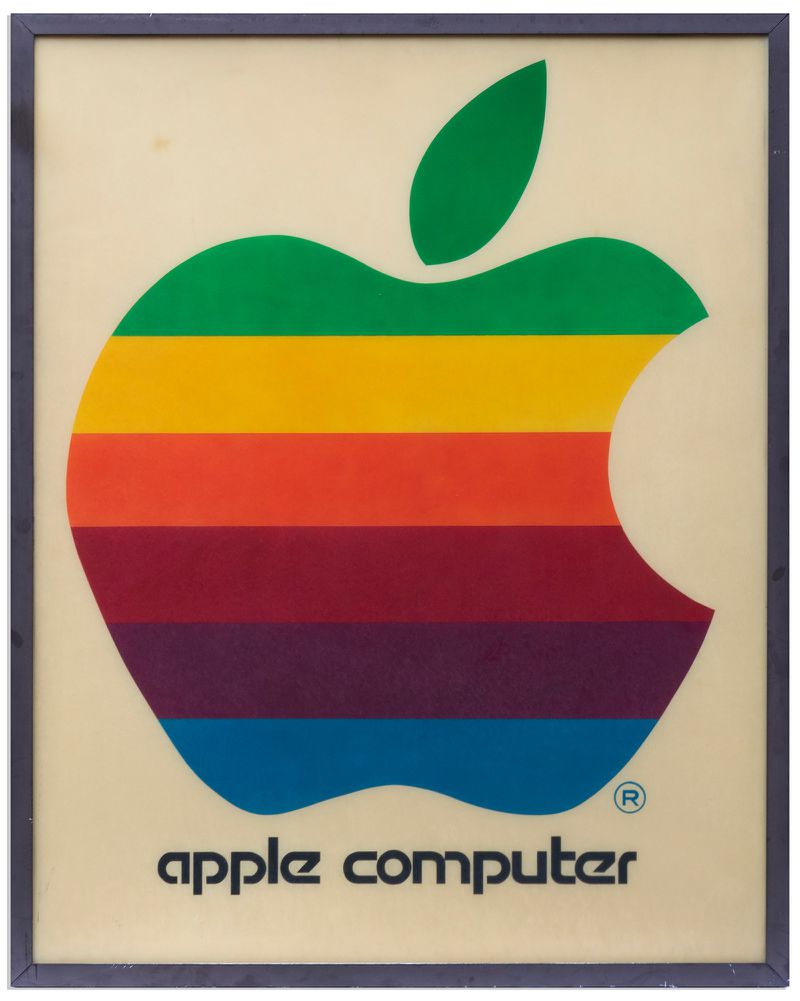
Original 1978 Apple Computer Retail Sign With Iconic Rainbow Logo Being Auctioned Off
Measuring in at four feet by five feet, the sign is said to be one of the earliest Apple retail signs and was displayed by an Apple authorized reseller who first learned about Apple after attending a 1976 computer conference.


The sign is yellowed and the description says there are "a few surface marks," but overall, the rainbow colors are said to be bright and in good condition. The sign will be auctioned by Nate D. Sanders Auctions on March 26, and the starting price is $20,000.


Source: Macrumors

Windows
Mac OS
iOS
Linux
3uTools
Win 64-bit For this device
V9.0 2025-11-11
Download
Win 32-bit For this device
V9.0 2025-11-11
Download
3uTools
Intel Chip How to Identify Chip Type
V9.0 2025-12-02
Download
Apple Chip
V9.0 2025-12-02
Download
How to Identify Chip Type
1.  Click the Apple icon in the top-left corner of the screen and select About This Mac.
2.  Check the Processor or Chip field to determine if it is "Intel" or "Apple".
Please use the 3uTools PC client to install the iOS client:
1、 Install either the Windows or Mac version of 3uTools on your computer
2、 Open the PC client and connect your device to the computer via USB cable
3、 After the connection is successful, wait for the computer to automatically install the mobile app for the device, or locate “Install Mobile App” on the computer and manually click to install.
3uTools
deb file
V3.01 2025-11-20
Download
rpm file
V3.01 2025-11-20
Download
Windows
Windows
iOS
iOS
Android
Android
TV
TV
3uAirPlayer
Win 64-bit For this device
V6.0.2 2025-11-19
Download
Win 32-bit For this device
V6.0.2 2025-11-19
Download
iOS Device Mirroring (No App Required)
1、 Install 3uAirPlayer on the Windows PC
2、 Open Control Center and select Screen Mirroring
3、 From the list, choose your PC to start mirroring
4、 Or connect your iOS device to the PC via USB to begin mirroring
Scan to get "3uAirPlayer" App
3uAirPlayer TV V1.0.18
2025-11-28
TV System Requirements: Android 7.0 or later
Download the TV installation package, copy it to a USB drive, insert it into your TV or set-top box, then select the file from the home screen to install.




