 NEWS
NEWS
Epic Says Apple no Longer Plans to Disable 'Sign in With Apple'
 09/11/2020
 3615
3615
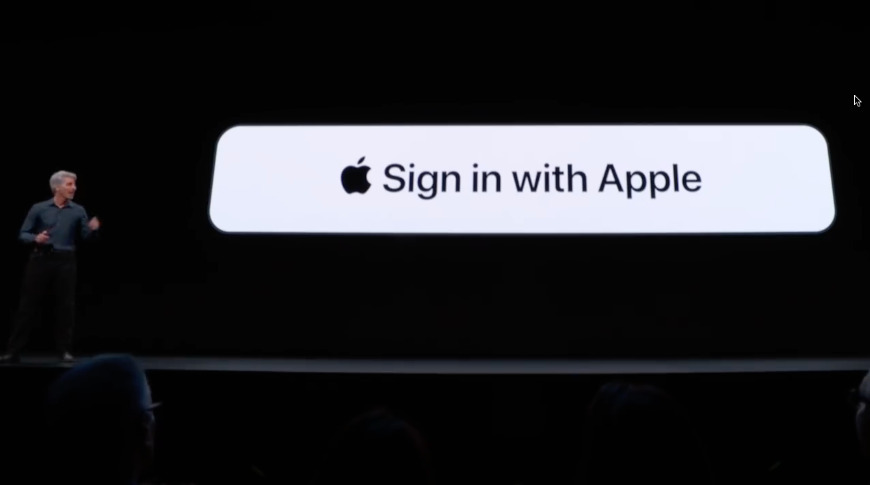
Apple has reportedly provided an "indefinite extension" to Epic Games' access to the "Sign in with Apple" feature.
The update comes a day after Epic Games tweeted that Apple was disabling their users' access to the quick sign-in feature. Apple closed Epic Games' developer account on Aug. 28.
In a tweet on Thursday, the Fortnite Status profile told users that Apple had "reversed course" and would not terminate "Sign in with Apple" support by Sept. 11.
UPDATE: Apple previously stated they would terminate "Sign In with Apple" support for Epic Games accounts after Sept 11, 2020, but today provided an indefinite extension. We still recommend you prepare your accounts now for "Sign In with Apple" removal. https://t.co/T0Rq0tfrR7— Fortnite Status (@FortniteStatus) September 10, 2020
The Twitter account still recommends that Epic Games users "prepare" their accounts for the removal of the feature.
It isn't clear if Apple decided to back off on the threat of terminating "Sign in with Apple," or if the closure of Epic's developer account led to some sort of automated cancellation notice. There appears to be discrepancies in Epic's claims, however.
In a statement to The Verge, Apple said it was not actively seeking to disable "Sign in with Apple" compatibility with Epic Games. The comment suggests at least one party is distorting or misrepresenting the facts.
The update is only the latest chapter in the legal saga between Apple and Epic Games. It kicked off when Epic baited Apple into removing "Fortnite" from the App Store, filed an antitrust lawsuit against the company, and unsuccessfully attempted to restore the game in court.
Source: Appleinsider









