
NEWS

TSMC Expected to Begin Volume Production of 5nm-Based A14 Chips in April Ahead of iPhone 12 Models

03/12/2020

3241

TSMC will begin volume production of 5nm-based A14 chips for iPhone 12 models in April, according to industry sources cited by DigiTimes. A-series chip production usually begins around April-May, so the process appears to be on schedule.
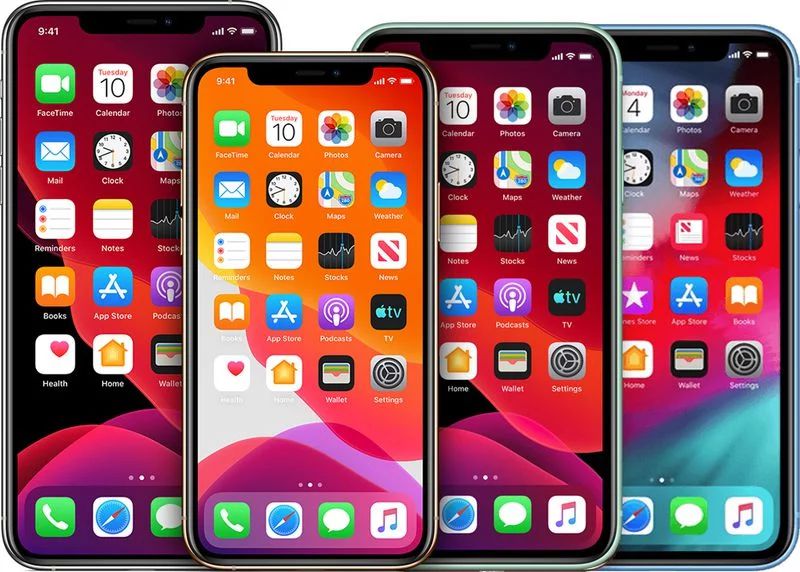

TSMC Expected to Begin Volume Production of 5nm-Based A14 Chips in April Ahead of iPhone 12 Models


TSMC has been Apple's exclusive supplier of A-series chips since 2016, and its chips have gradually become smaller as it continues to refine its manufacturing process, benefitting performance, battery life, and thermal management on iPhones.


  • A10 chip: 16nm

  • A11 chip: 10nm

  • A12 chip: 7nm

  • A13 chip: 7nm+

  • A14 chip: 5nm expected

Last year, TSMC announced a $25 billion investment in its new 5nm node technology in a bid to remain Apple's exclusive supplier of processors.


Apple plans to introduce four high-end iPhone 12 models with 5G support in the fall, including one 5.4-inch model, two 6.1-inch models, and one 6.7-inch model, according to analyst Ming-Chi Kuo. A new lower-end iPhone is also widely rumored to launch in the first half of 2020, but it is expected to have an A13 chip.


Source: Macrumors

Windows
Mac OS
iOS
Linux
3uTools
Win 64-bit For this device
V9.0 2025-11-11
Download
Win 32-bit For this device
V9.0 2025-11-11
Download
3uTools
Intel Chip How to Identify Chip Type
V9.0 2025-12-02
Download
Apple Chip
V9.0 2025-12-02
Download
How to Identify Chip Type
1.  Click the Apple icon in the top-left corner of the screen and select About This Mac.
2.  Check the Processor or Chip field to determine if it is "Intel" or "Apple".
Please use the 3uTools PC client to install the iOS client:
1、 Install either the Windows or Mac version of 3uTools on your computer
2、 Open the PC client and connect your device to the computer via USB cable
3、 After the connection is successful, wait for the computer to automatically install the mobile app for the device, or locate “Install Mobile App” on the computer and manually click to install.
3uTools
deb file
V3.01 2025-11-20
Download
rpm file
V3.01 2025-11-20
Download
Windows
Windows
iOS
iOS
Android
Android
TV
TV
3uAirPlayer
Win 64-bit For this device
V6.0.2 2025-11-19
Download
Win 32-bit For this device
V6.0.2 2025-11-19
Download
iOS Device Mirroring (No App Required)
1、 Install 3uAirPlayer on the Windows PC
2、 Open Control Center and select Screen Mirroring
3、 From the list, choose your PC to start mirroring
4、 Or connect your iOS device to the PC via USB to begin mirroring
Scan to get "3uAirPlayer" App
3uAirPlayer TV V1.0.18
2025-11-28
TV System Requirements: Android 7.0 or later
Download the TV installation package, copy it to a USB drive, insert it into your TV or set-top box, then select the file from the home screen to install.




