 NEWS
NEWS
Mac Pro Orders Delayed Until March in Some Markets
 02/13/2020
 2659
2659
Last week, we reported that many custom iMac, iMac Pro, and MacBook Pro configurations are facing longer-than-usual delivery estimates on Apple's online store in the United States.
The reason for the delays is unconfirmed, but it could be related to the Wuhan coronavirus outbreak in China that has forced many of Apple's suppliers to temporarily close their factories and suspend production. While some factories are beginning to resume operations, initial production appears to be limited.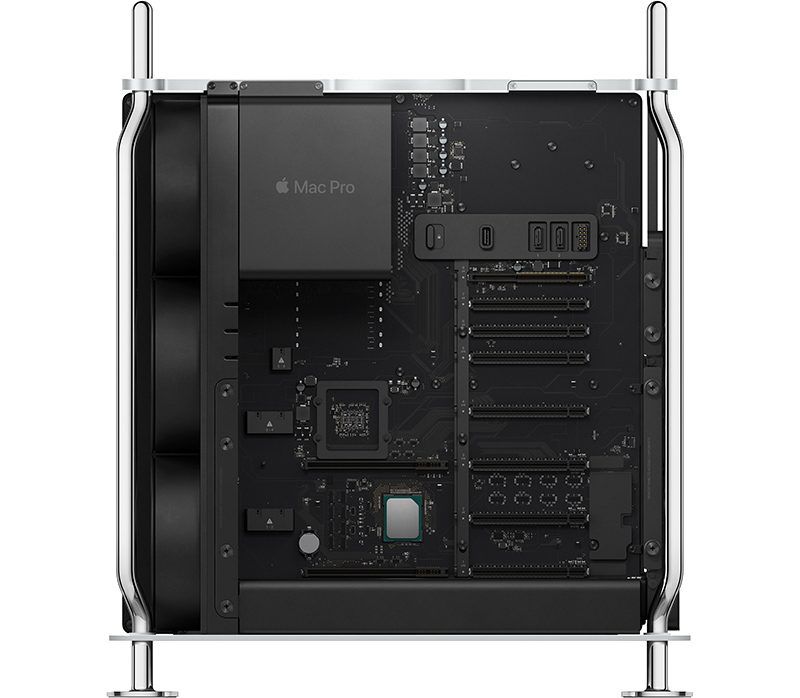
In any case, the delay has extended to the new Mac Pro. In many European countries, for example, the base model without any customizations is currently estimated for delivery on March 10. While the new Mac Pro is assembled in the United States for orders placed in the Americas, European orders are assembled in China.
The new Mac Pro also has a February 24-26 delivery estimate in the United States, despite being assembled in Texas, possibly because some components are still sourced from temporarily-closed suppliers in China.
The coronavirus outbreak is a fluid situation, so it remains unclear what its impact might be on upcoming Apple products. Last month, analyst Ming-Chi Kuo outlined his expectations for several new Apple products in the first half of 2020, including refreshed MacBook Pro/Air models, refreshed iPad Pro models with a triple-lens rear camera system, Tile-like item tracking tags, high-end wireless headphones, a small wireless charging mat, and a new lower-cost 4.7-inch iPhone.
Source: Cult of Mac









