 NEWS
NEWS
Apple Stores in China Won't Reopen as Planned on February 10 Due to Coronavirus Concerns
 02/10/2020
 2362
2362
Apple in early February closed all of its corporate offices, stores, and contact centers in China due to the coronavirus outbreak that originated in Wuhan, and at the time, the closures were expected to last through February 9.
Apple's Head of People, Deirdre O'Brien, this morning sent out an email (via MacGeneration) to Apple employees as some prepare to transition back to work while others wait longer for word on when they can return.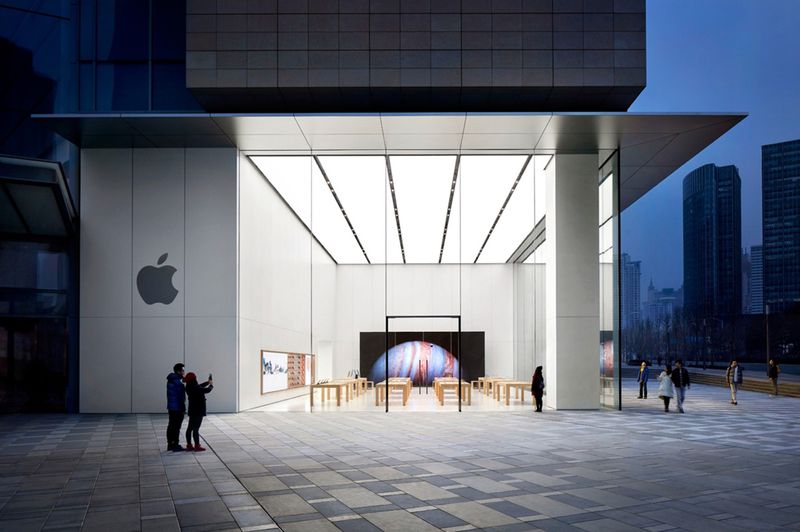
According to O'Brien, Apple is working to reopen Apple's corporate offices and contact centers next week, and is "actively working" to reopen retail stores at a date that "will be determined next week." Health protocols, local restrictions around public spaces, and additional cleaning have factored in to Apple's decision to delay store reopening. O'Brien's full letter to employees is below.
Apple plans to provide retail teams with updates on store opening dates as retail locations begin to reopen over the coming weeks, but it continues to be unclear when the first stores will be back in running order.
The coronavirus has been declared a global public health emergency by the World Health Organization. More than 31,000 people have been infected with the virus, primarily in China, and it has caused over 600 deaths.
To prevent further spread of the virus, China has initiated travel bans and many businesses in China are taking precautions. Many of Apple's manufacturing partners are in China and are preparing for employees to return to work after the Chinese New Year holiday, but production on Apple devices and components is expected to be slow due to travel bans and quarantine procedures, which could impact supplies of Apple products.
Source: Macrumors









