 NEWS
NEWS
Sketchy Report Claims not one but two ‘iPhone 9’ Models This Year
 01/03/2020
 2594
2594
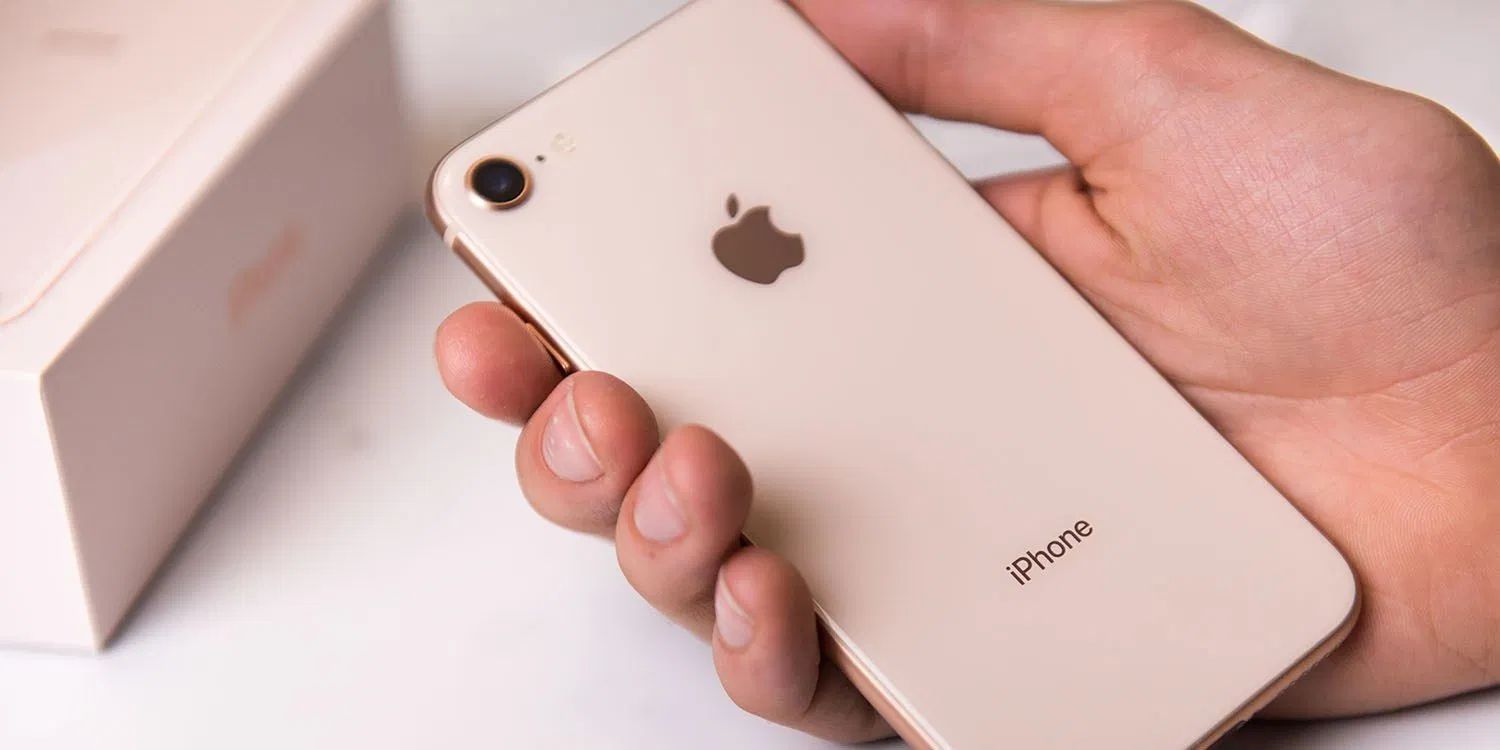
A Digitimes report claims that Apple is working on not just one but two different models of its replacement for the iPhone SE, which may be branded the iPhone 9.
While the iPhone SE 2 label has been widely used as shorthand for the replacement entry-level iPhone expected to be launched this year, we’re not expecting it to look anything like the slab-sided compact iPhone SE. Instead, we’re expecting it to essentially be an iPhone 8 with updated internals – and one recent report suggested it might be called the iPhone 9…
Apple is likely to launch as many as six iPhone devices in 2020 – four OLED models and two LCD ones, according to sources at Taiwan’s handset supply chain.
Today’s report cites supply-chain sources, but the only specific evidence offered is a claim that Chipbond Technology has received orders for two different LCD devices. Chipbound makes display driver chips for LCD screens.
This seems an extremely thin basis for anything as radical as two distinct models. More likely, Apple is sourcing the screens from different suppliers with slightly different driver chips required for each, or the company plans a minor upgrade later in the year – but not anything dramatic enough to be considered a different model. It is, however, possible that it relates to a rumored Plus model in 2021.
The iPhone SE had served two different markets for Apple. First, a budget option for those who really wanted an iPhone but couldn’t afford one of the more expensive models. Second, an option for those who like the pocketability of the compact phone, and preferred the classic design.
Apple has seemingly decided the market for an ultra-compact phone is too small, while reports suggest that this year’s flagships will return to the flat-sided design not seen in a top-tier iPhone since the iPhone 5s back in 2013.
Apple analyst Ming-Chi Kuo has suggested that the iPhone 9 (as I’ll call it for now) will combine the iPhone 8 form-factor with similar internals to the iPhone 11.
Kuo says the iPhone SE 2 will come in 64 GB and 128 GB storage configurations with three color options: silver, space gray, and red. He also predicts that the starting price for the new cheaper iPhone will be $399.
Whilst the overall design of the phone will mimic the iPhone 8, it will come with the latest A13 chip and 3 GB RAM. This means it will have the same processor as the just-launched iPhone 11 and iPhone 11 Pro, albeit with 1 GB less RAM.
Unsurprisingly, the iPhone SE 2 will also not carry forward the 3D Touch functionality. This will be one of the major regressions compared to the iPhone 8 technical specifications, although it shouldn’t be too much of a shock as Apple also removed the feature from its flagship 2019 phones.
Source: 9to5mac









