NEWS

New York Doctor Sues Apple Over Irregular Heartbeat Detection

12/30/2019

2726

New York Doctor Sues Apple Over Irregular Heartbeat Detection


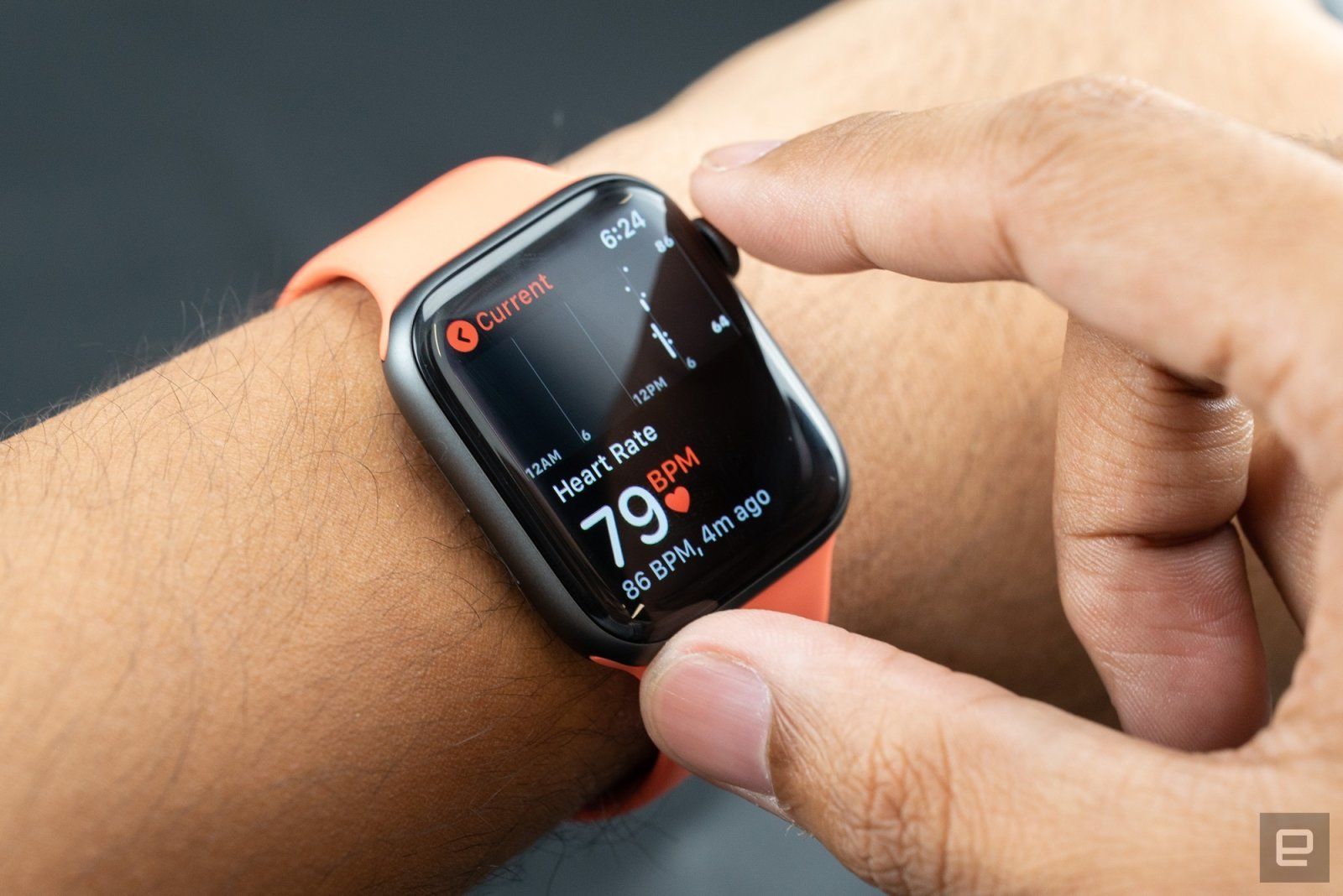
The heart monitoring technology inside the Apple Watch may be useful for scientific studies and even saving lives, but one doctor believes it's also straight-up theft. New York University cardiologist Dr. Joseph Wiesel has sued Apple over allegations the Watch violates a patented method for detecting atrial fibrillation. Wiesel claimed that he shared details of the patent with Apple in September 2017, but that the company "refused to negotiate in good faith" and left him no choice but to file a lawsuit.


The doctor hopes to block Apple from using the atrial fibrillation detection method without paying royalties. We've asked Apple for comment, although it doesn't typically comment on lawsuits.


Apple is no stranger to patent lawsuits, although those frequently come from trolls that either didn't develop a given piece of technology or have no intention of putting it into a real product. This is different -- Wiesel is clearly the inventor. Still, he may face a challenging court battle. He'll have to show that Apple's technique is highly similar, and not just vaguely familiar-looking.


Source: Engadget

Windows
Mac OS
iOS
Linux
3uTools
Win 64-bit For this device
V9.0 2025-11-11
Download
Win 32-bit For this device
V9.0 2025-11-11
Download
3uTools
Intel Chip How to Identify Chip Type
V9.0 2025-12-02
Download
Apple Chip
V9.0 2025-12-02
Download
How to Identify Chip Type
1.  Click the Apple icon in the top-left corner of the screen and select About This Mac.
2.  Check the Processor or Chip field to determine if it is "Intel" or "Apple".
Please use the 3uTools PC client to install the iOS client:
1、 Install either the Windows or Mac version of 3uTools on your computer
2、 Open the PC client and connect your device to the computer via USB cable
3、 After the connection is successful, wait for the computer to automatically install the mobile app for the device, or locate “Install Mobile App” on the computer and manually click to install.
3uTools
deb file
V3.01 2025-11-20
Download
rpm file
V3.01 2025-11-20
Download
Windows
Windows
iOS
iOS
Android
Android
TV
TV
3uAirPlayer
Win 64-bit For this device
V6.0.2 2025-11-19
Download
Win 32-bit For this device
V6.0.2 2025-11-19
Download
iOS Device Mirroring (No App Required)
1、 Install 3uAirPlayer on the Windows PC
2、 Open Control Center and select Screen Mirroring
3、 From the list, choose your PC to start mirroring
4、 Or connect your iOS device to the PC via USB to begin mirroring
Scan to get "3uAirPlayer" App
3uAirPlayer TV V1.0.18
2025-11-28
TV System Requirements: Android 7.0 or later
Download the TV installation package, copy it to a USB drive, insert it into your TV or set-top box, then select the file from the home screen to install.