NEWS

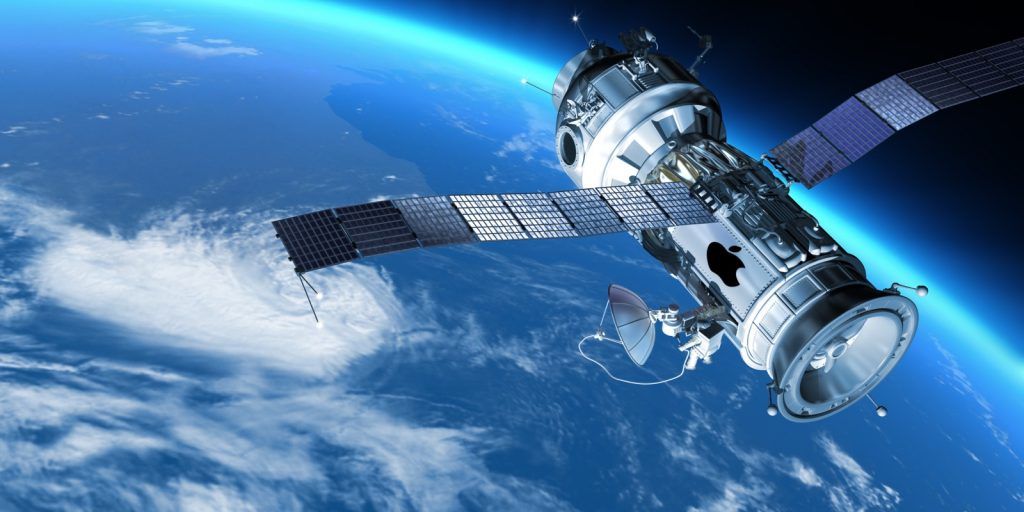
Secret Apple Team is Working on Developing Satellite Technology

12/23/2019

2889

Secret Apple Team is Working on Developing Satellite Technology


It is not clear whether Apple would use existing satellite constellations or develop its own. If successful, Apple might be able to bypass wireless carriers and send data directly to devices.


It is understood that the project has the backing of CEO Tim Cook. The team is led by Michael Trela and John Fenwick. Mr. Trela and Mr. Fenwick previously led Google’s work on satellites and spacecraft. They left the firm in 2017. They have been looking into how feasible it is for Apple to develop satellite technology since joining a year-and-a-half ago. Mr. Trela and Mr. Fenwick report to an executive in charge of iPhone engineering, a subordinate to Dan Riccio, senior vice president of hardware engineering.


Apple has been hiring new engineers for the team. This includes wireless industry engineer Matt Ettus, who is helping to lead the team. Furthermore, Ashley Moore Williams and Daniel Ellis have joined the team. Ms. Williams worked for the Aerospace Corporation for a number of years. Mr. Ellis joined from Netflix where he oversaw the streaming service’s Content Delivery Network.


Source: Macobserver

Windows
Mac OS
iOS
Linux
3uTools
Win 64-bit For this device
V9.0 2025-11-11
Download
Win 32-bit For this device
V9.0 2025-11-11
Download
3uTools
Intel Chip How to Identify Chip Type
V9.0 2025-12-02
Download
Apple Chip
V9.0 2025-12-02
Download
How to Identify Chip Type
1.  Click the Apple icon in the top-left corner of the screen and select About This Mac.
2.  Check the Processor or Chip field to determine if it is "Intel" or "Apple".
Please use the 3uTools PC client to install the iOS client:
1、 Install either the Windows or Mac version of 3uTools on your computer
2、 Open the PC client and connect your device to the computer via USB cable
3、 After the connection is successful, wait for the computer to automatically install the mobile app for the device, or locate “Install Mobile App” on the computer and manually click to install.
3uTools
deb file
V3.01 2025-11-20
Download
rpm file
V3.01 2025-11-20
Download
Windows
Windows
iOS
iOS
Android
Android
TV
TV
3uAirPlayer
Win 64-bit For this device
V6.0.2 2025-11-19
Download
Win 32-bit For this device
V6.0.2 2025-11-19
Download
iOS Device Mirroring (No App Required)
1、 Install 3uAirPlayer on the Windows PC
2、 Open Control Center and select Screen Mirroring
3、 From the list, choose your PC to start mirroring
4、 Or connect your iOS device to the PC via USB to begin mirroring
Scan to get "3uAirPlayer" App
3uAirPlayer TV V1.0.18
2025-11-28
TV System Requirements: Android 7.0 or later
Download the TV installation package, copy it to a USB drive, insert it into your TV or set-top box, then select the file from the home screen to install.