 NEWS
NEWS
Apple's First CES Appearance in 28 years is all About Privacy
 12/10/2019
 2383
2383
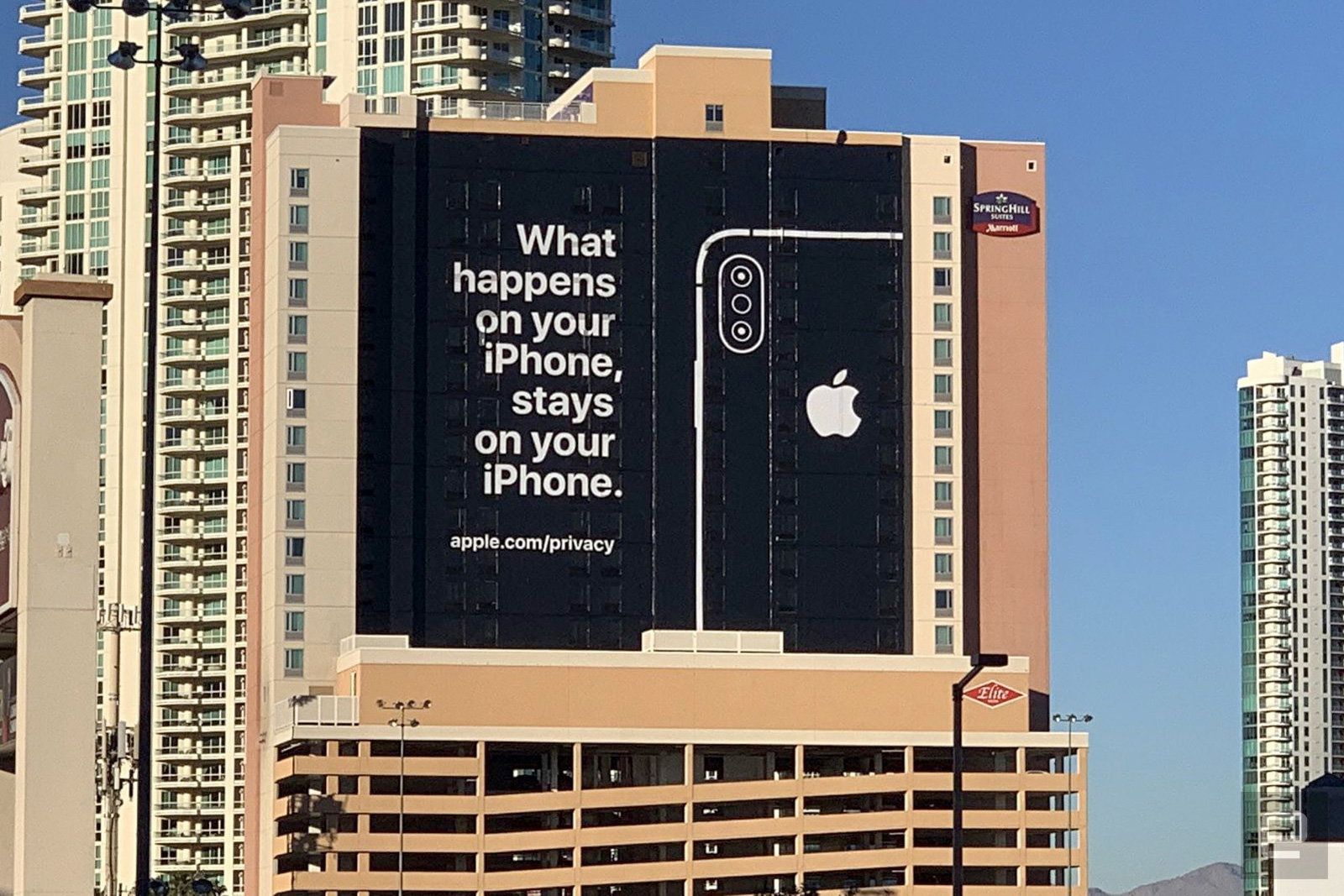
Apple hasn't had an official presence at CES since the Newton's debut in 1992, but it's about to come back... in a very modest way. The company's Senior Director of Global Privacy, Jane Horvath, is due to speak at a roundtable where she and her peers will share their beliefs on what customers want for privacy protections. There won't be an announcement, a keynote or a booth, then -- this is really about articulating views to industry and the press.
In addition to Apple, you can also expect execs from Facebook and Procter & Gamble as well as FTC Commissioner Rebecca Slaughter.
Apple has had an unofficial effect on CES in the 28 years since its last formal appearance. The more Apple-centric Macworld Expo frequently took place in a similar time frame, and it occasionally upstaged everything at CES -- it's no secret that the iPhone unveiling stole much of CES' thunder in January 2007. There have long been reports of Apple staff roaming the show floor to scout the competition, and Apple not-so-subtly trolled rivalsat CES 2019 with an ad that made its privacy position clear. Throw in the many, many companies bringing Apple-oriented accessories to the event and the company has been hard to escape.
Still, this is a notable step. It's unlikely that Apple will return to announcing products at CES when the company is well-known for wanting control over when and how it conducts launches. This does, however, indicate that Apple is more willing to engage with the rest of the industry, if just to get its message across.
Source: Engadget









