 NEWS
NEWS
Hands-On With Apple's New 16-Inch MacBook Pro
 11/18/2019
 3698
3698
With Apple's new 16-inch MacBook Pro now in stores, we were able to pick one up this morning to take a look at it and provide MacRumors readers with our first impressions on the new machine.
Read on below and watch our video to see our overview and our initial thoughts on the new MacBook Pro.
When you glance at the new 16-inch MacBook Pro, it's difficult to tell it apart from the 15-inch MacBook Pro, because the design is the same general design that Apple has been using for the MacBook Pro for years now.
Apple bumped up the thickness and the weight of the new MacBook Pro, though, and there's a lot of heft here. It feels more dense when toting it around, and the extra weight and size is somewhat noticeable. 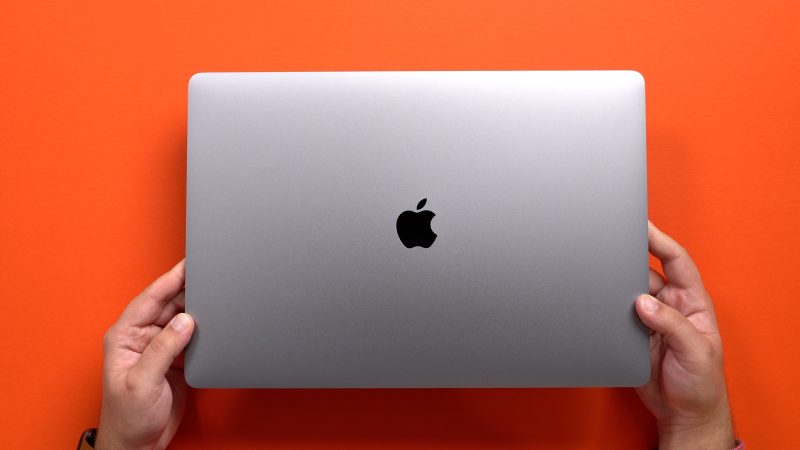
The most notable change to the MacBook Pro is the larger 16-inch display with its slimmed down bezels. The new model has a resolution of 3072 x 1920 at 226 pixels per inch, which is an improvement over the 15-inch MacBook Pro. In use, the updated display appears to be somewhat sharper and more vibrant than before, but it's not a huge difference from the 15-inch display and it's probably not the sole reason someone should upgrade. 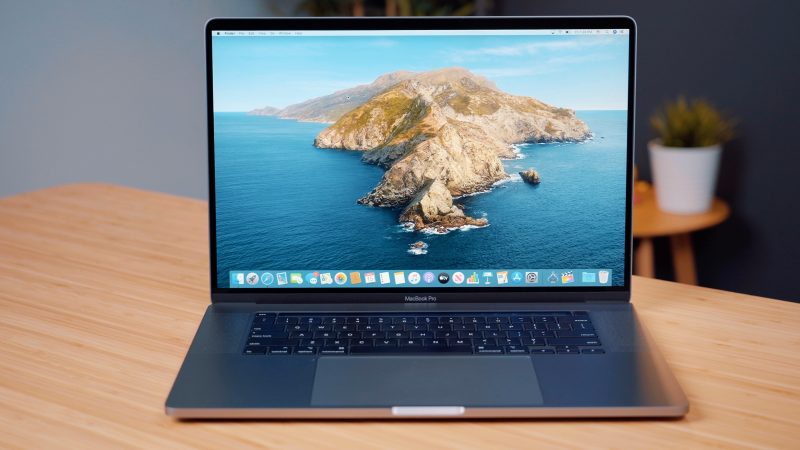
Beyond the display, there are quite a few attractive new features that set the 16-inch machine apart from its predecessors. A new "Magic Keyboard" has been added that does away with the butterfly mechanism and returns to a scissor-style mechanism that's meant to be more reliable and not prone to failure due to crumbs and small particulates.
We liked the feel of the butterfly keyboard in general, and the Magic Keyboard isn't too far off from that feel. There's minimal key travel, but a solid amount of feedback that provides a pleasant typing experience. 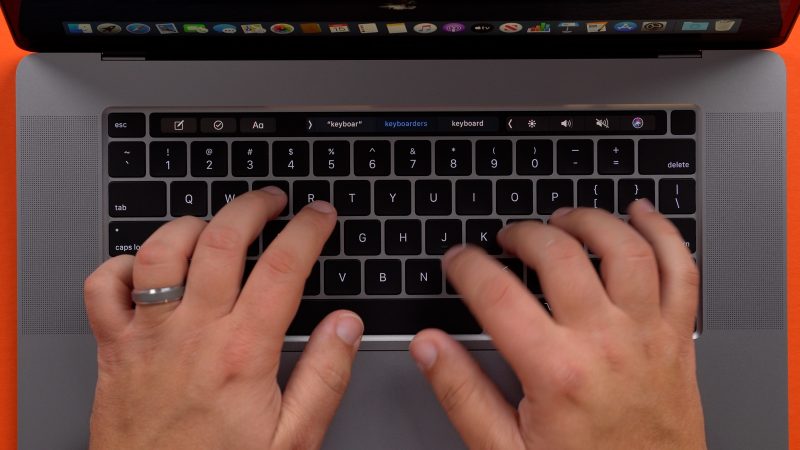
Apple added a physical Escape key to the 16-inch MacBook Pro, an upgrade over the virtual Escape key built into the Touch Bar in previous Macs. Apple's Phil Schiller recently said that not having a physical Escape key was one of the top MacBook Pro complaints, and it's nice that Apple has addressed this issue.
Arrow keys have also been returned to an inverted "T" design, which will also be a welcome change, and the Touch ID button is now a separate button to match the aesthetic of a separate Escape key. Aside from these changes, the Touch Bar is the same. There are also no changes to the Trackpad.
There's a new six-speaker sound system and a three-array microphone setup that we used to record the entirety of our YouTube video. The sound system is impressive for a notebook machine. The speakers are super loud, but sound quality is also noticeably improved. The audio is robust with great clarity and just the right amount of bass. 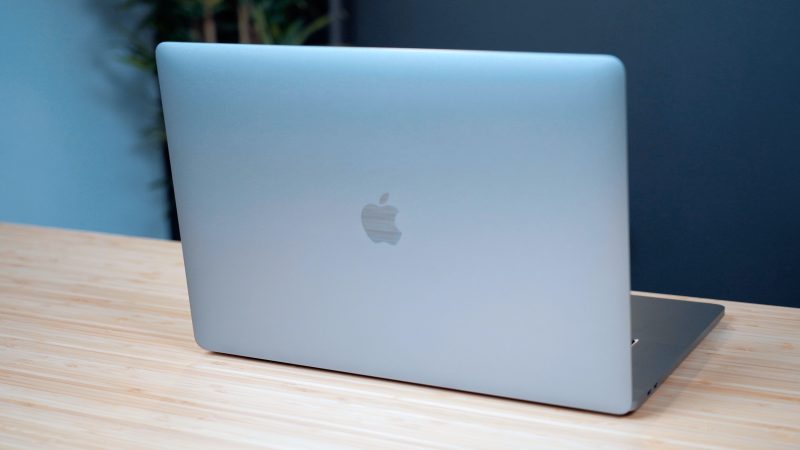
Battery life in the new MacBook Pro is up an hour compared to the 15-inch model, though we haven't been able to test that out yet. It's using the same Intel processors that were included in the 15-inch models released in May, but the new machine supports up to 64GB of RAM and 8TB of storage, which will appeal to pro users.
What do you think of the 16-inch MacBook Pro? Are you upgrading? Let us know in the comments.
Source: Macrumors










