 NEWS
NEWS
Apple Says Trump Tariffs Will Reduce Its Economic Contributions and Global Competitiveness
 06/21/2019
 2577
2577
Amid trade tensions between the United States and China, Apple this week sent a letter to United States Trade Representative Robert Lighthizer. In the letter, Apple says that proposed tariffs would hit all of its major products, including the iPhone, iPad, and Mac.
The letter specifically focuses on a proposal that would see the United States impose tariffs up to 25 percent on products imported from China.
The letter is dated June 17th and addressed to Lighthizer. Apple says that the proposed tariff list would affect the iPhone, iPad, Mac, AirPods, and Apple TV, as well as parts and batteries used to repair products in the United States. Accessories such as keyboards and displays would also be affected, Apple says.
Apple outlines some of its economic contributions to the United States, touting its 2018 announcement of a $350 billion investment in the United States. The company also touts that it is responsible for over 2 million jobs across all 50 states.
Whether or not Apple would absorb the cost of such tariffs directly is unclear, but the wording of the letter seems to imply that it would. A report yesterday said that Apple had asked its manufacturing partners to investigate the cost associated with moving some of its production outside of China.
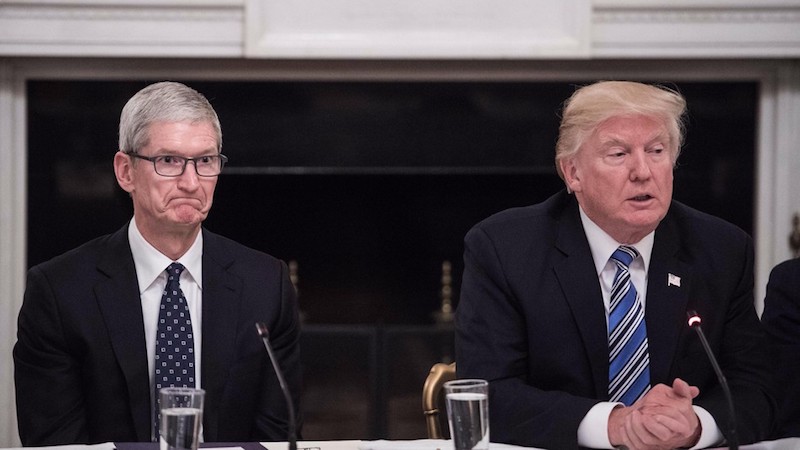
Last week, it was reported that Tim Cook met with President Trump to talk trade, U.S. investment, immigration, and privacy. Other details of the meeting remain unclear.
Source: 9to5mac










