 NEWS
NEWS
Apple Reportedly Considering Moving Up to 30% of Production Out of China to Diversify Supply Chain
 06/20/2019
 2551
2551
With the U.S.-China trade war seemingly showing no signs of slowing down, a new report claims that Apple is getting serious about diversifying its supply chain in an effort to reduce its reliance on Chinese manufacturing.
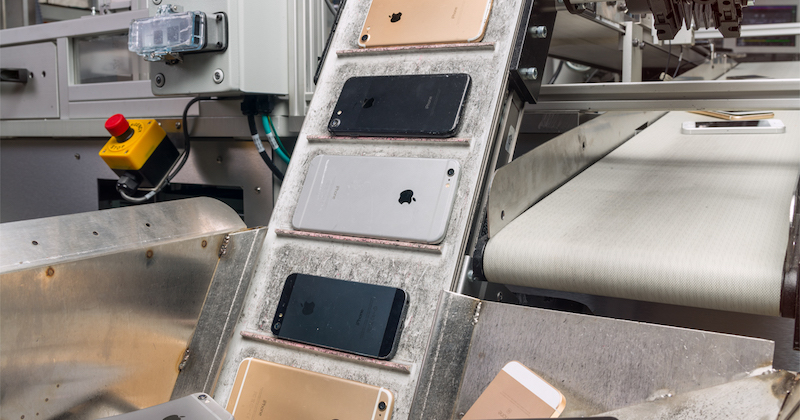
Specifically, Apple has asked several of its major suppliers to evaluate the cost implications of shifting 15 to 30 percent of their production capacity from China to Southeast Asia countries as it prepares for a "fundamental restructuring of its supply chain," according to the Nikkei Asian Review.
The countries being considered for diversification include Mexico, India, Vietnam, Indonesia, and Malaysia, with India and Vietnam among the favorites for iPhone assembly, according to the report. Apple supplier Wistron already assembles a limited quantity of iPhones in India.
As part of the efforts, Apple reportedly has a so-called "capital expense studies team" tasked with negotiating with suppliers and governments.
While these plans are said to have been triggered by the trade war, the report claims that Apple has decided the risks of relying so heavily on manufacturing in China are "too great and even rising" even if the trade war is eventually resolved.
Apple currently relies on Chinese and Taiwanese companies for the vast majority of its manufacturing needs, so diversifying its supply chain would obviously take time. The report cites a source who believes it would take at least 18 months for production to begin in new locations.
Source: Macrumors










