 NEWS
NEWS
All Best Buy Stores Can Now Repair Your Apple Devices
 06/20/2019
 2887
2887
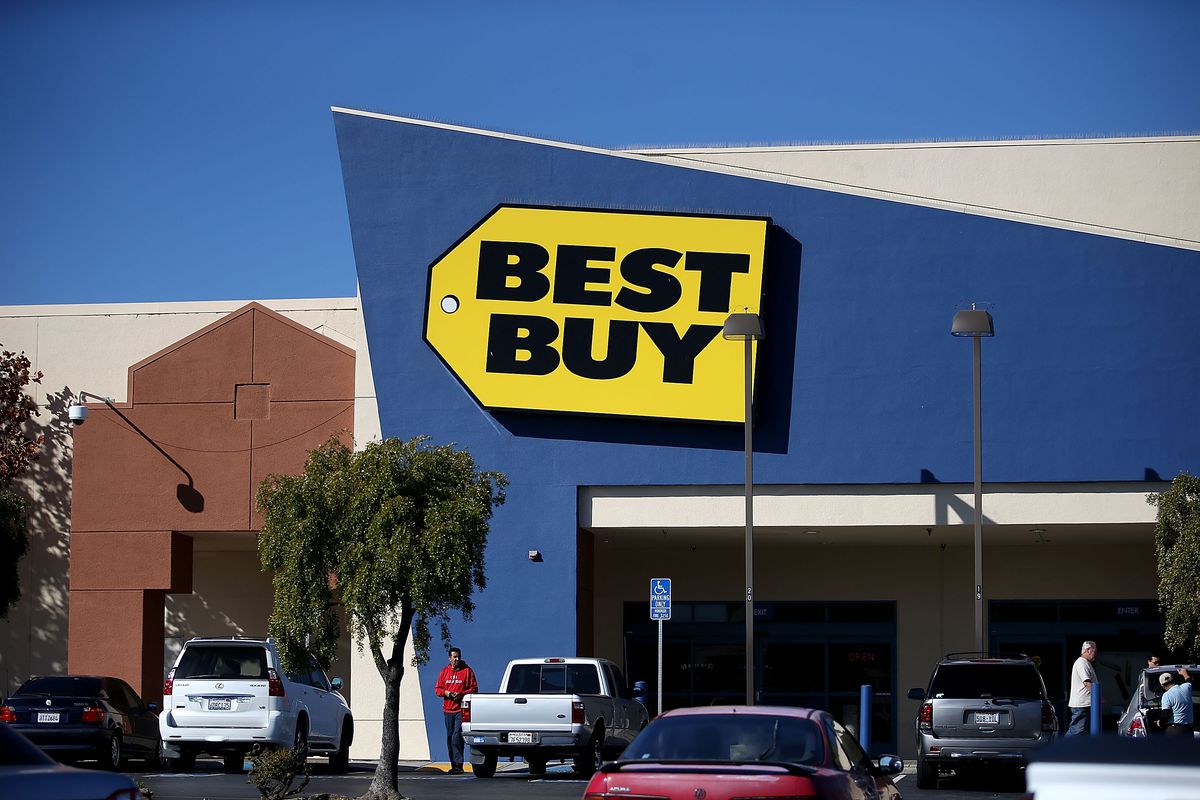
This morning, Apple announced that Best Buy now offers authorized repairs on its products at each and every one of the retailer’s stores. This gives consumers an important alternative to visiting their nearest Apple store — if there even is one — for service on an iPhone or Mac. Repairs are done with genuine Apple parts and are fully backed by the company, just as if Apple had done the work itself.
Best Buy has offered Apple repairs at many locations for some time now, but the completed expansion brings that number up to nearly 1,000 stores. “Best Buy’s Geek Squad has nearly 7,600 newly Apple-certified technicians ready to make same-day iPhone repairs or to service other Apple products,” Apple said in a press release. There are Best Buy stores in neighbourhoods that might not have an Apple presence, so this is a nice option to have at the ready. Most Best Buy locations have Apple showcase sections with the company’s iOS devices, MacBooks, HomePod, and other products.
At its own stores, Apple has recently been pushing to speed up keyboard repairs for its MacBook, MacBook Air, and MacBook Pro laptops, promising a next-day turnaround in many cases. It’s unclear whether Best Buy has also begun replacing the third-generation butterfly keyboard with 2019’s revamped version.
For its same-day iPhone screen replacements, Best Buy recommends that customers make an appointment and drop off their device before 6 PM local time. Assuming the necessary parts are in stock, you’ll get your phone back that day or can just browse around the store while you wait for the repair to be completed.
Source: theverge










