 NEWS
NEWS
Apple Listed Non-Apple Apps That Worth Trying
 05/30/2019
 2617
2617
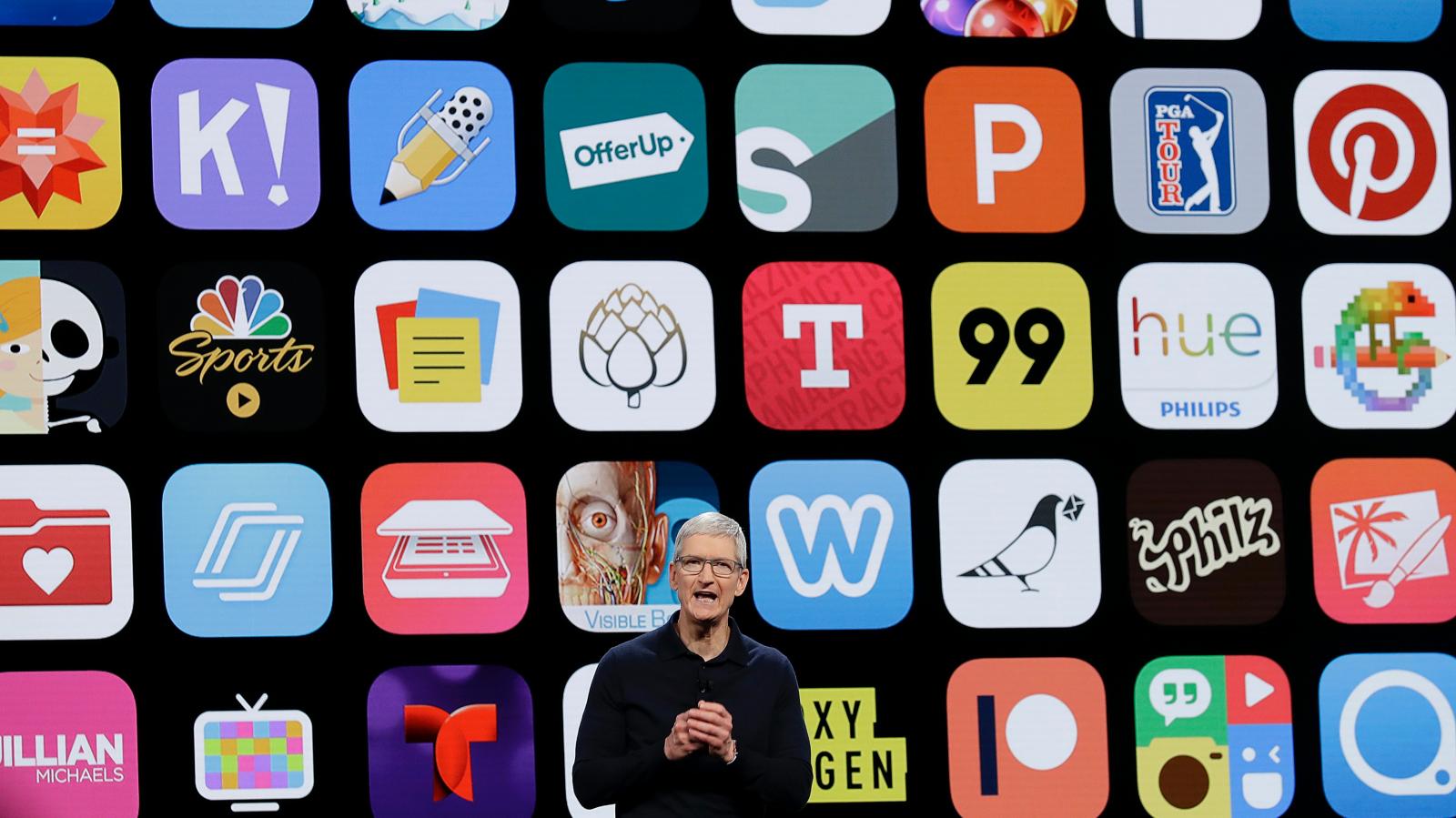
For as long as Apple has had a mobile App Store, the company has faced challenges over whether that store constitutes a monopoly.
The longstanding Apple v. Pepper class-action lawsuit alleges that Apple is able to overcharge developers for listing apps on its App Store. (Those developers in turn pass the cost onto customers.) Earlier this month, the US Supreme Court allowed the case to proceed, if the consumers who brought the case win, Apple could be forced to change the way it runs its App Store, or pay out large fines to customers.
In response to the lawsuit, and an EU investigation into the App Store, Apple today published a webpage meant to defend its app policies. The site says there are now 20 million developers in the Apple developer program, and claims those developers have earned $120 billion in revenue since the App Store was launched in 2008.
Presumably, in an attempt to portray itself as a benevolent overlord, Apple goes on to list various apps that users can download in lieu Apple’s own. But as The Verge points out, the company fails to mention that none of these third-party apps is included on iPhone by default. Many users will stick with apps provided by Apple because it’s easier. But access to third-party apps is far from the central issue. Apple charges developers a roughly 30% service fee to list on its App Store, decides which apps are accepted and rejected from that store, and chooses the apps it wants to feature prominently.
Still, Apple’s list is quite handy if you’re a fan of the company’s hardware but less enamored with its software. Whether you’re in the market for cloud storage, a new mail app, a new podcast player, or a map app that actually works, the App Store has options.
Source: QUARTZ











