 NEWS
NEWS
This is How Incredible iOS 13 Might Look on the iPhone 11
 05/28/2019
 2671
2671
The biggest and most hotly anticipated news of 2019 for Apple fans is obviously the upcoming release of the iPhone 11, iPhone 11 Max, and iPhone 11R, or whatever Apple ends up naming its next-generation iPhone lineup. Apple is rumored to be using the same iPhone design that it introduced on the iPhone X in 2017 and then recycled on the iPhone XS and iPhone XS Max last year, making this the second time Apple has reused the same hardware design for three consecutive years.
The triple-lens camera that will make its way to the iPhone 11 and iPhone 11 Max has leaked extensively, and we’ve also read rumors about a new frosted glass back as well as features like wireless power sharing and more.
The iPhone 11 series should end up being a fairly big update despite falling behind the times a bit where design is concerned, and Apple fans who upgrade will be buzzing about the new models for months.
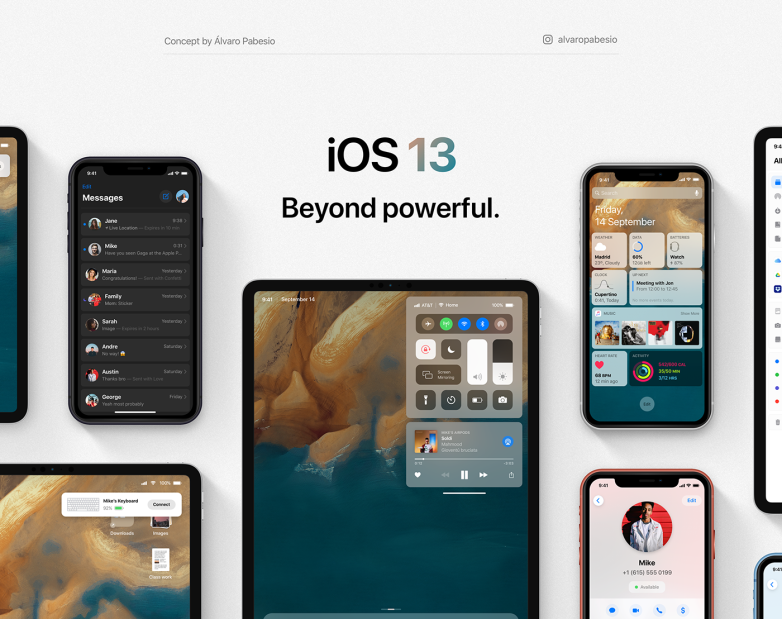
Graphic designer Álvaro Pabesio took to his Behance page recently and published a series of iOS 13 concept renders based on all the rumors we’ve seen and heard recently. The result is positively stunning, and there’s a good chance that much of what we see in Pabesio’s mockups will end up being pretty close to iOS 13’s actual design.
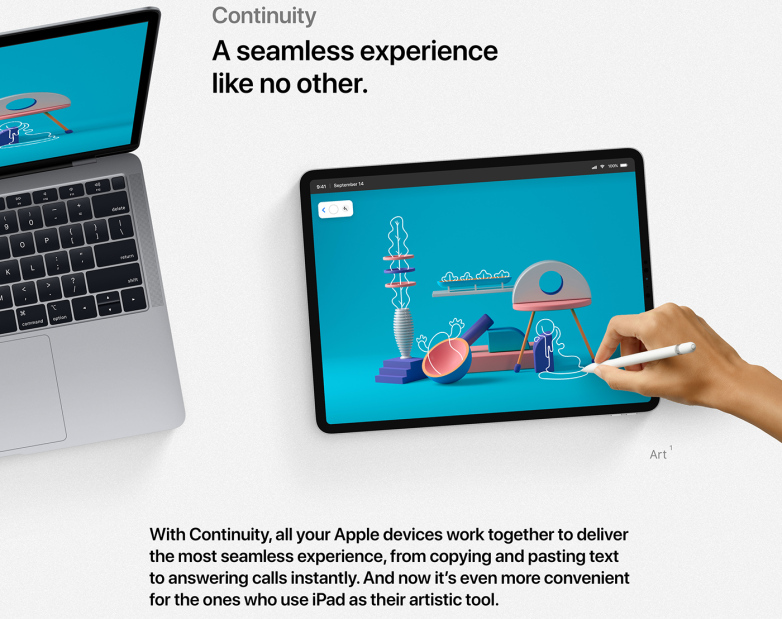
Pabesio focused on four main areas in his iOS 13 concept renders: new iPad features, new Continuity features, Dark Mode, and new apps.
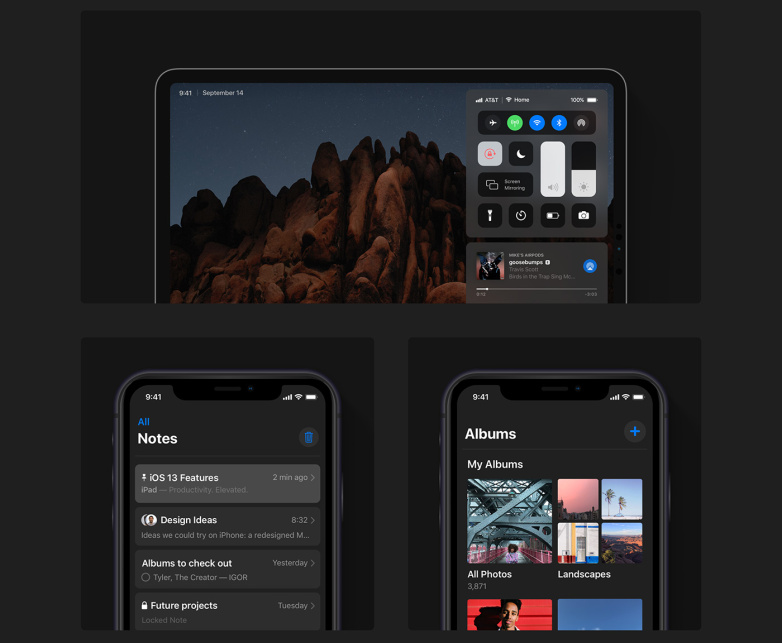
Of course, the big news is Dark Mode, which is something iPhone and iPad users have been eagerly awaiting for years. Now that nearly all of Apple’s iPhone models feature OLED displays that would greatly benefit from a dark mode feature, Apple is rumored to finally be ready to roll it out in iOS 13.
Source: bgr











