
NEWS

Apple Releasing Second iOS 12.4 Developer Beta Today

05/21/2019

2396

We’re less than one week out since Apple introduced the first iOS 12.4 developer beta for testing, and Apple appears to be ready to release iOS 12.4 beta 2. We also expect iOS 12.4 public beta 2 to be released today.
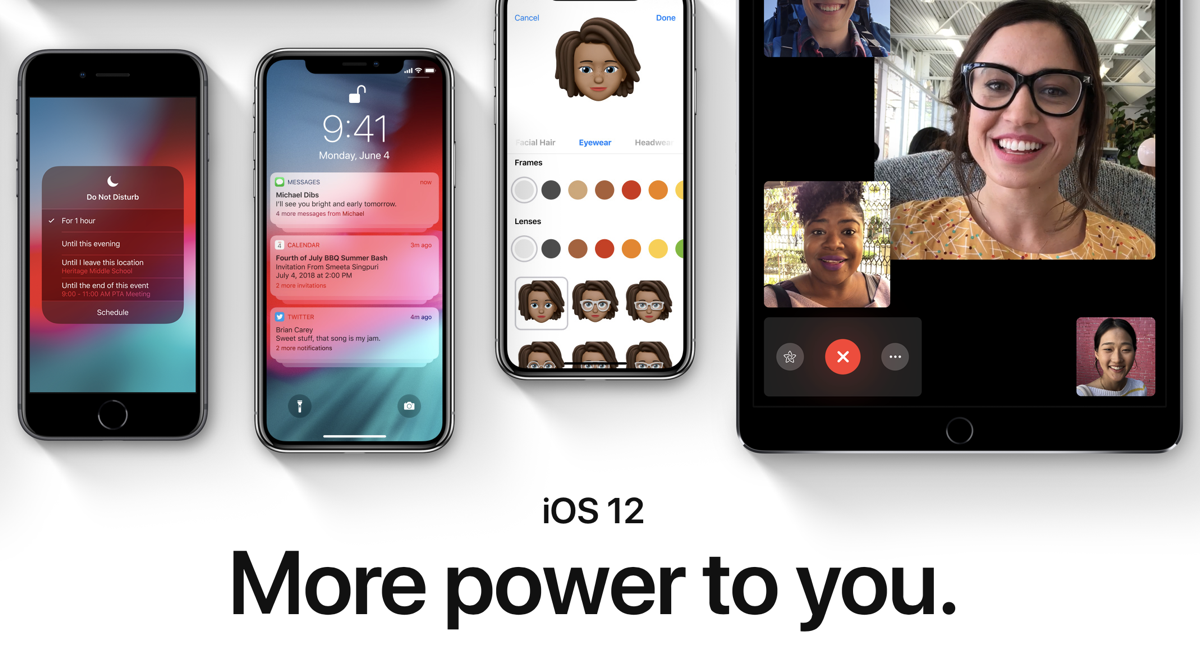

Apple Releasing Second iOS 12.4 Developer Beta Today


iOS 12.4 beta doesn’t yet include any visible changes for users, but there are some under-the-hood changes to prepare iPhones and iPads for Apple Card, the new credit card coming from Apple later this summer. We’re also told that Apple employees are using the beta version to test Apple Card already.


iOS 12.4 is likely the first software release that will support Apple Card inside the Wallet app. Apple Card was first announced on March 25th ahead of a summer launch in the United States.


We’ll update our coverage if any specific changes are discovered in iOS 12.4 beta.


Apple also released iOS 12.3 for all customers this month. The release includes the all-new Apple TV app with the new Apple TV Channels feature for subscribing directly to video services. iOS 12.3 also supports AirPlay 2 to smart TVs that work with the Apple feature.


Apple’s major developer conference kicks off in exactly two weeks on June 3rd in San Jose where Apple will unveil iOS 13, watchOS 6, and macOS 10.15, and much more. That means we’ll likely see major new developer betas on that same day before iOS 12.4 is out of beta.


Source: 9to5mac


Windows
Mac OS
iOS
Linux
3uTools
Win 64-bit For this device
V9.0 2025-11-11
Download
Win 32-bit For this device
V9.0 2025-11-11
Download
3uTools
Intel Chip How to Identify Chip Type
V9.0 2025-12-02
Download
Apple Silicon
V9.0 2025-12-02
Download
How to Identify Chip Type
1.  Click the Apple icon in the top-left corner of the screen and select About This Mac.
2.  Check the Processor or Chip field to determine if it is "Intel" or "Apple".
Please use the 3uTools PC client to install the iOS client:
1、 Install either the Windows or Mac version of 3uTools on your computer
2、 Open the PC client and connect your device to the computer via USB cable
3、 After the connection is successful, wait for the computer to automatically install the mobile app for the device, or locate “Install Mobile App” on the computer and manually click to install.
3uTools
deb file
V3.01 2025-11-20
Download
rpm file
V3.01 2025-11-20
Download
Windows
Windows
iOS
iOS
Android
Android
TV
TV
3uAirPlayer
Win 64-bit For this device
V6.0.2 2025-11-19
Download
Win 32-bit For this device
V6.0.2 2025-11-19
Download
iOS Device Mirroring (No App Required)
1、 Install 3uAirPlayer on the Windows PC
2、 Open Control Center and select Screen Mirroring
3、 From the list, choose your PC to start mirroring
4、 Or connect your iOS device to the PC via USB to begin mirroring
Scan to get "3uAirPlayer" App
3uAirPlayer TV V1.0.18
2025-11-28
TV System Requirements: Android 7.0 or later
Download the TV installation package, copy it to a USB drive, insert it into your TV or set-top box, then select the file from the home screen to install.




