
NEWS

Kuo: iPhone XR Demand Stronger Than iPhone 8 Cycle

10/12/2018

3685

Ming-Chi Kuo has today released a report that is good news for Apple. The first week of October is a national holiday in China. Kuo is reporting that most domestic phone manufacturers saw sales fall year-over-year during Golden Week. Kuo blamed insufficient innovation and believes that some proportion of consumers are leaning on older iPhone models or awaiting the upcoming iPhone XR launch on October 26.
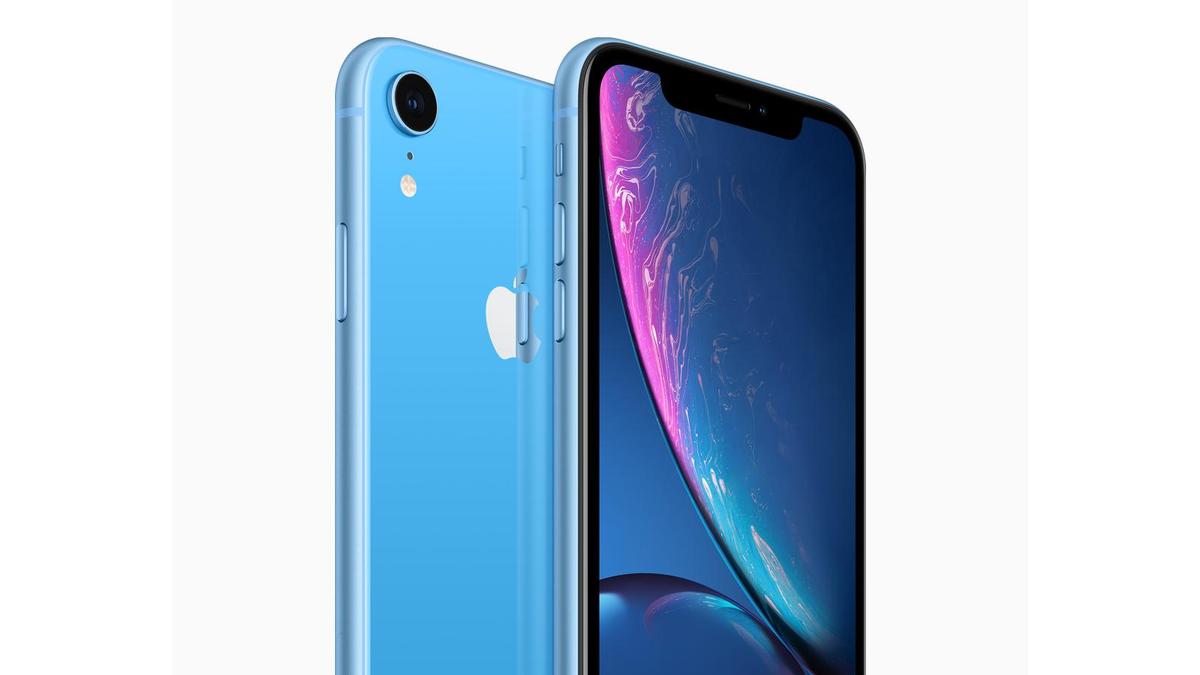

Kuo: iPhone XR Demand Stronger Than iPhone 8 Cycle


Kuo says that he estimates iPhone XR replacement demand in China to be higher than last year’s cycle with the iPhone 8.


In terms of the Chinese domestic offerings, only Huawei saw an increase in shipments. Sales from competitors like Vivo, Oppo, and Xiaomi were disappointing. Overall, shipments from major Chinese brands fell 10% according to Kuo’s report.


Kuo expects iPhone XR to beat sales of iPhone 8 and iPhone 8 Plus over its lifetime.


The iPhone XR goes up for preorder on October 19 with first units delivering October 26. As well as a more modern screen design, the iPhone XR is almost set up for success in China with better pricing than iPhone 8 Plus, dual-SIM support and several color options.


It’s unclear how well the iPhone XS and iPhone XS Max are performing in China. One report yesterday described sales as ‘disappointing’. Apple reports financial results on November 1st, which will include a week of iPhone XS sales. Apple won’t report its first quarter including iPhone XR sales until January.


Source: 9to5mac

Windows
Mac OS
iOS
Linux
3uTools
Win 64-bit For this device
V9.0 2025-11-11
Download
Win 32-bit For this device
V9.0 2025-11-11
Download
3uTools
Intel Chip How to Identify Chip Type
V9.0 2025-12-02
Download
Apple Chip
V9.0 2025-12-02
Download
How to Identify Chip Type
1.  Click the Apple icon in the top-left corner of the screen and select About This Mac.
2.  Check the Processor or Chip field to determine if it is "Intel" or "Apple".
Please use the 3uTools PC client to install the iOS client:
1、 Install either the Windows or Mac version of 3uTools on your computer
2、 Open the PC client and connect your device to the computer via USB cable
3、 After the connection is successful, wait for the computer to automatically install the mobile app for the device, or locate “Install Mobile App” on the computer and manually click to install.
3uTools
deb file
V3.01 2025-11-20
Download
rpm file
V3.01 2025-11-20
Download
Windows
Windows
iOS
iOS
Android
Android
TV
TV
3uAirPlayer
Win 64-bit For this device
V6.0.2 2025-11-19
Download
Win 32-bit For this device
V6.0.2 2025-11-19
Download
iOS Device Mirroring (No App Required)
1、 Install 3uAirPlayer on the Windows PC
2、 Open Control Center and select Screen Mirroring
3、 From the list, choose your PC to start mirroring
4、 Or connect your iOS device to the PC via USB to begin mirroring
Scan to get "3uAirPlayer" App
3uAirPlayer TV V1.0.18
2025-11-28
TV System Requirements: Android 7.0 or later
Download the TV installation package, copy it to a USB drive, insert it into your TV or set-top box, then select the file from the home screen to install.




