
NEWS

Apple Announces Colorful New 6.1-inch iPhone XR

09/12/2018

3605

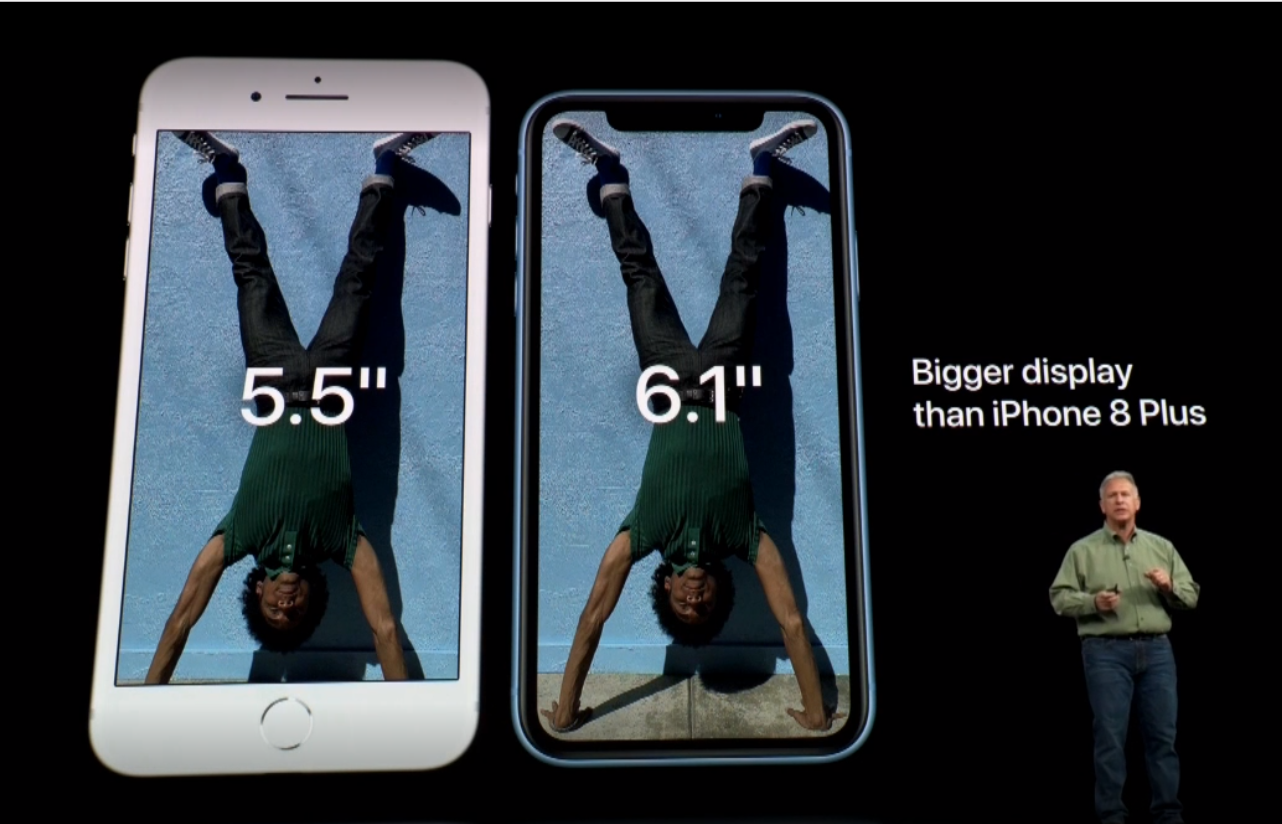
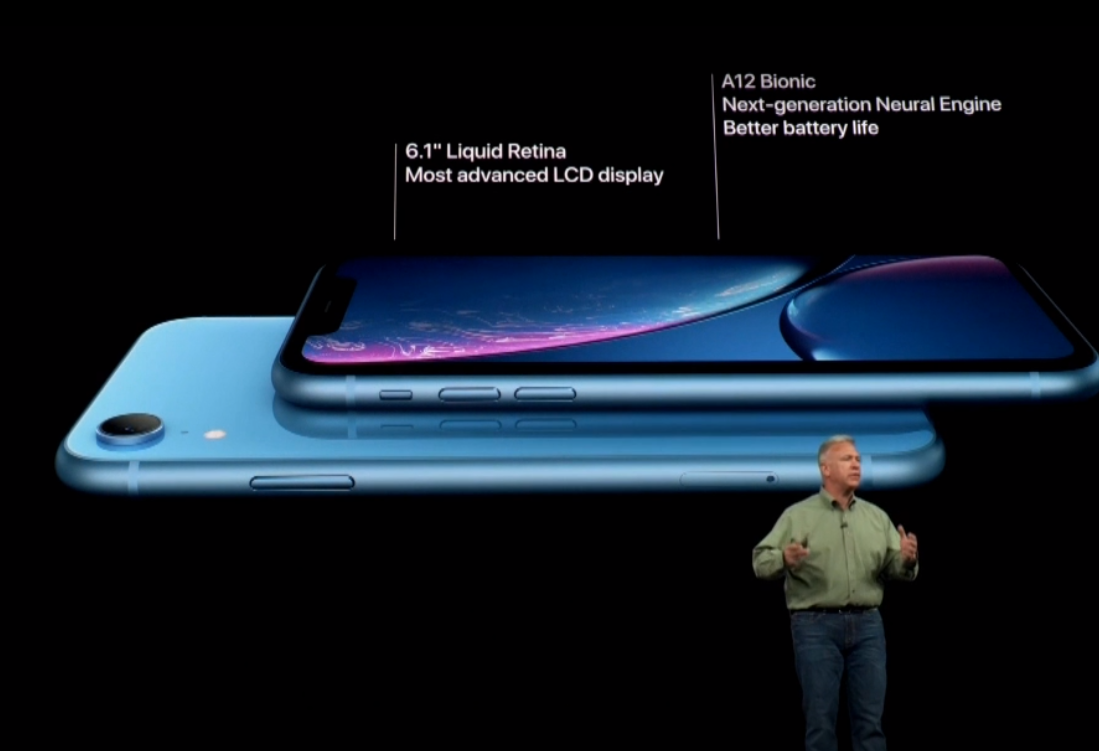
Apple announces colorful new 6.1-inch iPhone XR with full-screen Liquid Retina Display and Face ID. At the Steve Jobs Theater on Wednesday, Apple debuted the new iPhone XR that includes a full-screen LCD display, Face ID, and is available in six colors.

Apple Announces Colorful New 6.1-inch iPhone XR


iPhone Xr


The all-new handset acts as the successor to the iPhone 8 and 8 Plus, falling just below the iPhone Xs and Xs in price and specs.


Almost as if a callback to the never-updated iPhone 5C, the iPhone XR comes in several new colors, aside from the usual grey and white. Blue, coral, yellow, and a (PRODUCT)Red model join the lineup.

Apple Announces Colorful New 6.1-inch iPhone XR


Technical details


On the face, iPhone XR features an LCD panel instead of the OLED display found on Apple's upper-tiered phones. It measures in at 6.1-inches. It lacks 3D Touch, but adds "Haptic Touch" as a compromise, similar to that of the MacBook glass trackpad. The displays also support tap to wake, wide color gamut, and True Tone.


With support for Face ID, this signals the end of Touch ID and the Home button, as has been rumored.


The new device replaces the iPhone 8 and 8 Plus in Apple's lineup, falling below the iPhone Xs and Xs Max.


Source: appleinsider

Windows
Mac OS
iOS
Linux
3uTools
Win 64-bit For this device
V9.0 2025-11-11
Download
Win 32-bit For this device
V9.0 2025-11-11
Download
3uTools
Intel Chip How to Identify Chip Type
V9.0 2025-12-02
Download
Apple Chip
V9.0 2025-12-02
Download
How to Identify Chip Type
1.  Click the Apple icon in the top-left corner of the screen and select About This Mac.
2.  Check the Processor or Chip field to determine if it is "Intel" or "Apple".
Please use the 3uTools PC client to install the iOS client:
1、 Install either the Windows or Mac version of 3uTools on your computer
2、 Open the PC client and connect your device to the computer via USB cable
3、 After the connection is successful, wait for the computer to automatically install the mobile app for the device, or locate “Install Mobile App” on the computer and manually click to install.
3uTools
deb file
V3.01 2025-11-20
Download
rpm file
V3.01 2025-11-20
Download
Windows
Windows
iOS
iOS
Android
Android
TV
TV
3uAirPlayer
Win 64-bit For this device
V6.0.2 2025-11-19
Download
Win 32-bit For this device
V6.0.2 2025-11-19
Download
iOS Device Mirroring (No App Required)
1、 Install 3uAirPlayer on the Windows PC
2、 Open Control Center and select Screen Mirroring
3、 From the list, choose your PC to start mirroring
4、 Or connect your iOS device to the PC via USB to begin mirroring
Scan to get "3uAirPlayer" App
3uAirPlayer TV V1.0.18
2025-11-28
TV System Requirements: Android 7.0 or later
Download the TV installation package, copy it to a USB drive, insert it into your TV or set-top box, then select the file from the home screen to install.




