 NEWS
NEWS
New Data Suggests iPhone 6s & 7 are Still the Most Common iPhones in use
 09/12/2018
 4153
4153
Ahead of Apple’s unveiling of the 2018 iPhones on Wednesday, analytics company Mixpanel is out today with a closer look at the different iPhones currently in-use by consumers. The data shows that the iPhone 7 is the most common iPhone in use, with the iPhone 6s in a close second.
Mixpanel says it has analyzed “11,211,484,245 iPhone events” over the last four years, providing a detailed look at iPhone and iOS adoption and usage rates among consumers.
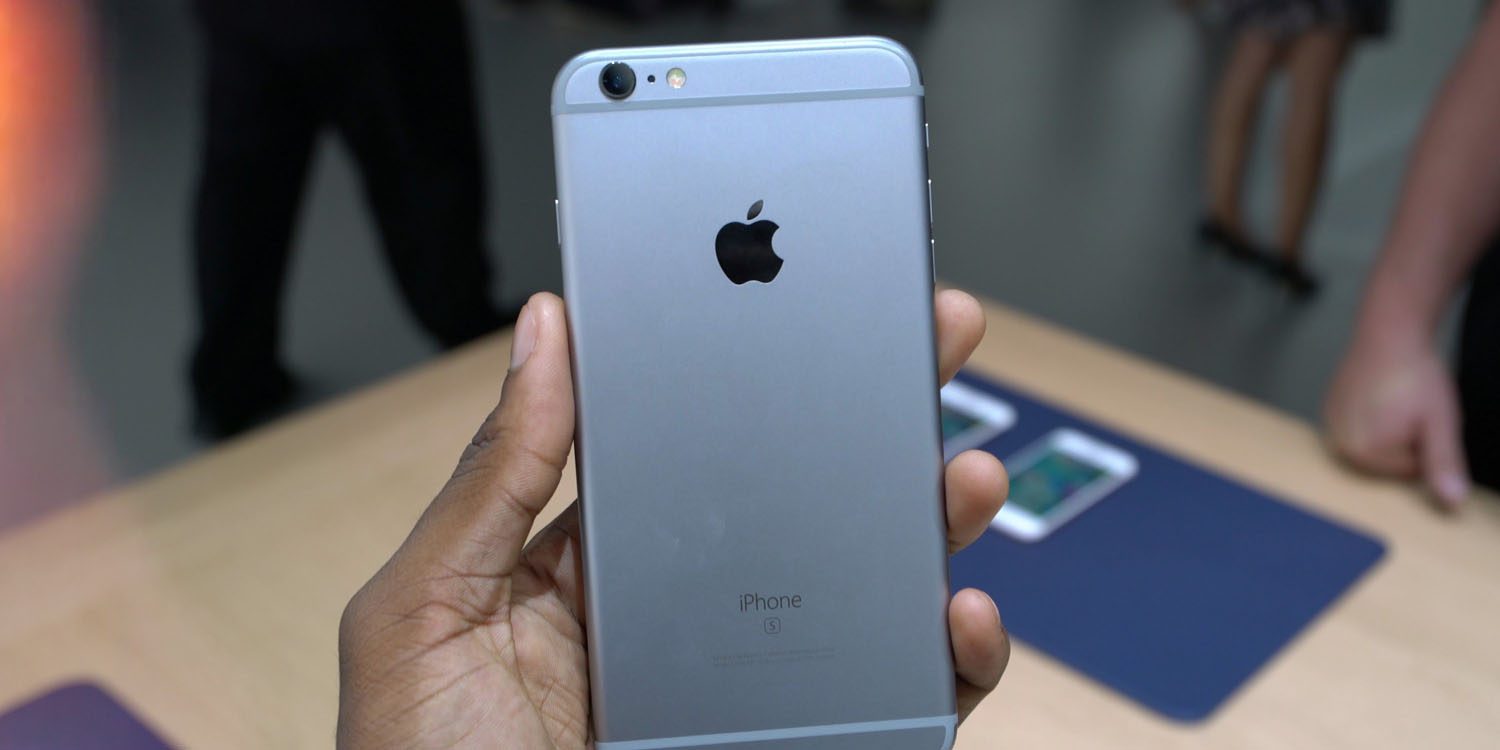
In terms of hardware, the iPhone 7 is the most used iPhone currently on the market, accounting for 17.34 percent of iPhones. The iPhone 6s is the second most popular model at 13.01 percent, followed by the iPhone 7 Plus at 12.06 percent.
Perhaps what’s most interesting, however, is that the iPhone X is next on the list, with 12.06 percent of iPhone marketshare. This is notable given the device has been available for less than a year, while the other leading devices are all several years old.
Here is the full breakdown of iPhone marketshare percentages:
iPhone 4 – 0.11%
iPhone 4S – 0.34%
iPhone 5 – 0.98%
iPhone 5c – 0.47%
iPhone 5s – 3.87%
iPhone 6 – 10.57%
iPhone 6 Plus – 2.63%
iPhone 6s – 13.01%
iPhone 6s Plus – 4.74%
iPhone SE – 4.62%
iPhone 7 – 17.34%
iPhone 7 Plus – 12.06%
iPhone 8 – 7.89%
iPhone 8 Plus – 7.89%
iPhone X – 12%
Perhaps what’s most notable with this data is how many consumers are still using the iPhone 6, iPhone 6s and iPhone 7. Like some analysts have suggested, this could mean a large amount of pent-up demand for this year’s new iPhone models.
Further, Mixpanel suggests that it has taken yearly iPhone releases roughly 6-7 months to hit 20 percent market share – but that could theoretically be quicker this year, if more users are enticed by the iPhone X design across three price points and form factors.
Additionally, Mixpanel points to each iPhone’s peak market share, and when they hit that number. For instance, the iPhone 6 and iPhone 6 Plus once accounted for 43.62 of the active iPhone install base.
Check out Mixpanel’s full rundown of iPhone and iOS data in their blog post right here.
Source: 9to5mac









