 NEWS
NEWS
Zuckerberg Admits Facebook’s Ban of Alex Jones was Prompted by Apple’s Decisions
 09/12/2018
 2997
2997
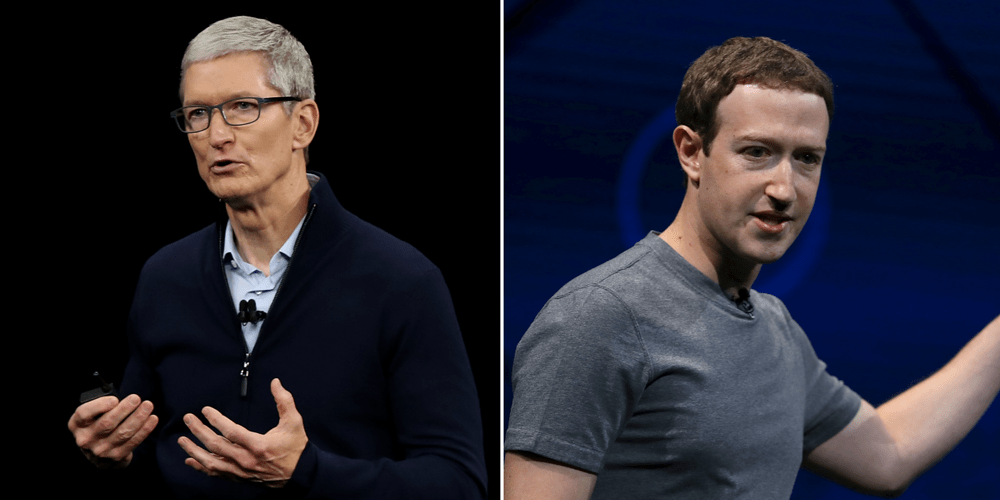
The New Yorker today published broad profile on Facebook CEO Mark Zuckerberg. The profile dives into Zuckerberg’s love of board games and winning, his role making crucial decisions at the helm of Facebook, and more. For Apple specifically, the profile notes how Apple’s decisions can influence Facebook’s.
Back in July, Facebook took action against Alex Jones and Infowars after mounting pressure due to Jones’ spreading of Sandy Hook conspiracy theories. But it was a relatively basic punishment, with Facebook only removing four of Jones’ videos and handing him a one month ban, despite continued calls for his permanent ban.
A week after Facebook’s initial decision, Apple announced it had removed five Infowars podcasts due to hate speech. Shortly thereafter, Facebook announced its ban on Jones – and Zuckerberg now admits the decision was influenced by Apple.
Zuckerberg explained that Facebook doesn’t ban people unless they are “directly inciting violence.” When Apple’s decision to take action against Jones was made, Facebook was plotting what to do about growing user concern over older posts from Jones:
“The initial questions were around misinformation.” He added, “We don’t take it down and ban people unless it’s directly inciting violence.” He told me that, after Jones was reduced, more complaints about him flooded in, alerting Facebook to older posts, and that the company was debating what to do when Apple announced its ban.
Zuckerberg said, “When they moved, it was, like, O.K., we shouldn’t just be sitting on this content and these enforcement decisions. We should move on what we know violates the policy. We need to make a decision now.”
The full piece from The New Yorker is definitely worth a read and does a great job of highlighting the many quirks to Facebook’s increasingly powerful CEO.
Source: 9to5mac









