NEWS

Final Version Of Meridian Jailbreak Released with Full Support for All 64-Bit Devices Running iOS 10

08/08/2018

4495

Final Version Of Meridian Jailbreak Released with Full Support for All 64-Bit Devices Running iOS 10


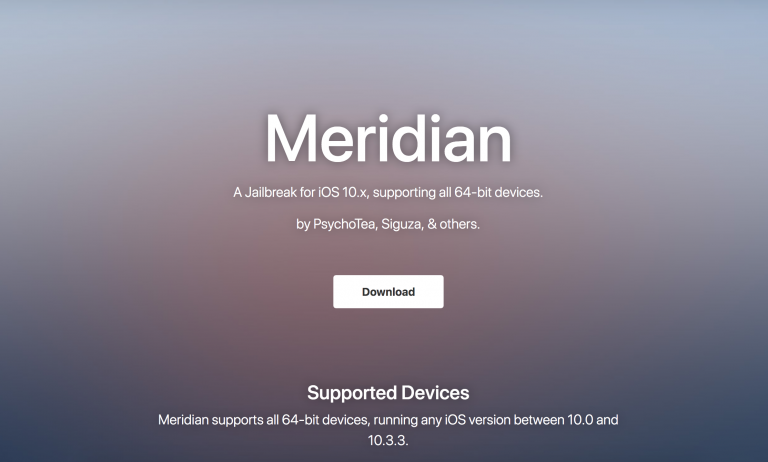
After a lot of hype, the Meridian iOS 10.0-10.3.3 jailbreak tool with support for all 64-bit iOS devices has been released to the public.


Made possible by PsychoTea, Siguza, and various other contributors, the Meridian jailbreak is particularly significant. It works with all versions of iOS 10, whereas Luca Todesco’s Yalu jailbreak tool only supported iOS 10.0-10.2. Furthermore, Meridian even supports the iPhone 7, which Yalu did not.


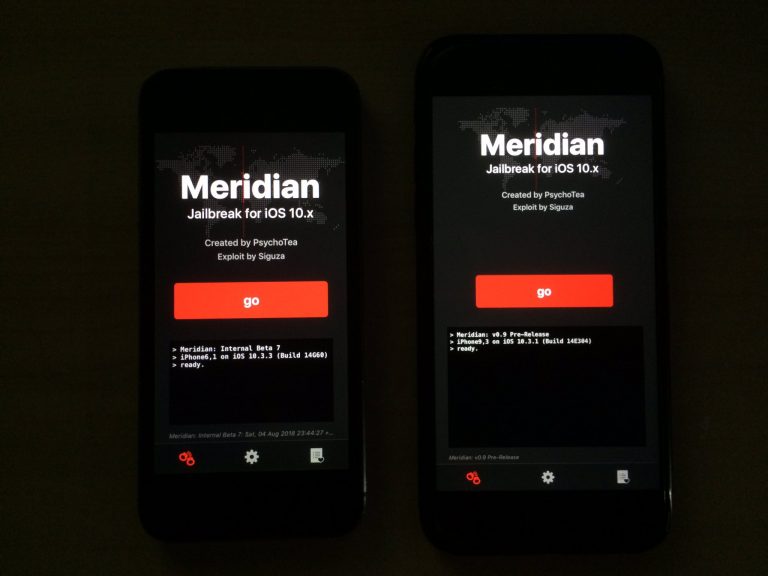
The Meridian jailbreak, like many other tools in recent memory, is an .IPA file that gets side-loaded onto the user’s device with Cydia Impactor. Once done, the user can trust the app in Settings and then launch it to run the jailbreak tool contained within.

Final Version Of Meridian Jailbreak Released with Full Support for All 64-Bit Devices Running iOS 10


Notably, it’s a semi-untethered jailbreak experience just like Yalu and Electra, so you will need to re-run the jailbreak app from your Home screen every time you reboot your handset.


Those hopping onboard with Meridian might notice that it’s a bit more stable than its predecessor, Yalu. As it would seem, this is because Meridian is a KPP-less (Kernel Patch Protection-less) jailbreak and doesn’t rely on dubious bypass techniques to work correctly.


Although a large percentage of the jailbreak community has moved forward with Electra for iOS 11, Meridian offers a viable option for those that hesitantly stayed on iOS 10.


Here is the tutorial: Download Meridian Jailbreak IPA for iOS 10 – 10.3.3 (64-bit)


Source: idb

Windows
Mac OS
iOS
Linux
3uTools
Win 64-bit For this device
V9.0 2025-11-11
Download
Win 32-bit For this device
V9.0 2025-11-11
Download
3uTools
Intel Chip How to Identify Chip Type
V9.0 2025-12-02
Download
Apple Silicon
V9.0 2025-12-02
Download
How to Identify Chip Type
1.  Click the Apple icon in the top-left corner of the screen and select About This Mac.
2.  Check the Processor or Chip field to determine if it is "Intel" or "Apple".
Please use the 3uTools PC client to install the iOS client:
1、 Install either the Windows or Mac version of 3uTools on your computer
2、 Open the PC client and connect your device to the computer via USB cable
3、 After the connection is successful, wait for the computer to automatically install the mobile app for the device, or locate “Install Mobile App” on the computer and manually click to install.
3uTools
deb file
V3.01 2025-11-20
Download
rpm file
V3.01 2025-11-20
Download
Windows
Windows
iOS
iOS
Android
Android
TV
TV
3uAirPlayer
Win 64-bit For this device
V6.0.2 2025-11-19
Download
Win 32-bit For this device
V6.0.2 2025-11-19
Download
iOS Device Mirroring (No App Required)
1、 Install 3uAirPlayer on the Windows PC
2、 Open Control Center and select Screen Mirroring
3、 From the list, choose your PC to start mirroring
4、 Or connect your iOS device to the PC via USB to begin mirroring
Scan to get "3uAirPlayer" App
3uAirPlayer TV V1.0.18
2025-11-28
TV System Requirements: Android 7.0 or later
Download the TV installation package, copy it to a USB drive, insert it into your TV or set-top box, then select the file from the home screen to install.