 NEWS
NEWS
This Year’s iPhones May Require an Official USB-C Charger for Fast Charging
 07/24/2018
 2162
2162
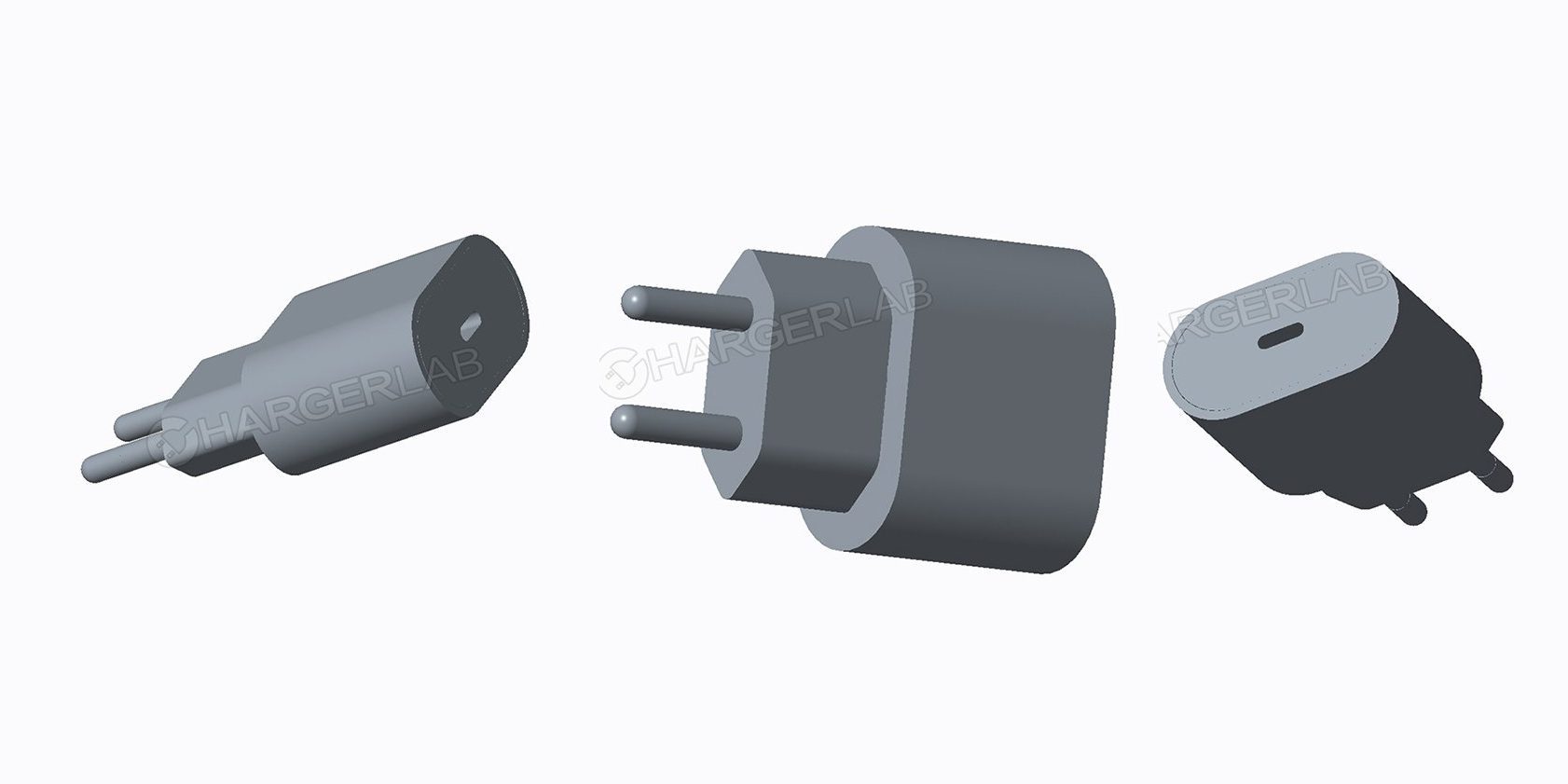
If you were hoping to benefit from fast charging of this year’s iPhones, that may not be possible with many third-party chargers.
We’ve been hearing increasing reports that this year’s iPhones will, for the first time, be supplied with USB-C cables – along with an 18W charger capable of fast-charging.
That’s good news, but if you like to have chargers in more than one place – for example, at home and at work – you may find your options limited.
A report last week said that supply constraints mean that the official Apple 18W charger won’t be available for purchase separately for some time after the launch of the new iPhones, and a new report today suggests that buying third-party chargers may not be as simple as it seems. Macotakara cites multiple supply-chain sources stating that fast-charging will only be available from certified chargers.
The report says that even if a charger offers 18W, the iPhone may limit its power draw to just 2.5W unless both charger and cable conform to a USB Type-C Authentication standard.
It should be stressed that this doesn’t mean you’ll only be able to use Apple chargers and cables: the standard is supported by more than 50 companies. But it does mean you won’t just be able to pick up a random charger from Amazon and expect it to deliver fast-charging, no matter what power output it may claim. You’ll need to check that it meets the USB Type-C Authentication standard for power delivery.
Source: 9to5mac











