 NEWS
NEWS
Apple Stops Selling 2015 MacBook Pro
 07/13/2018
 4077
4077
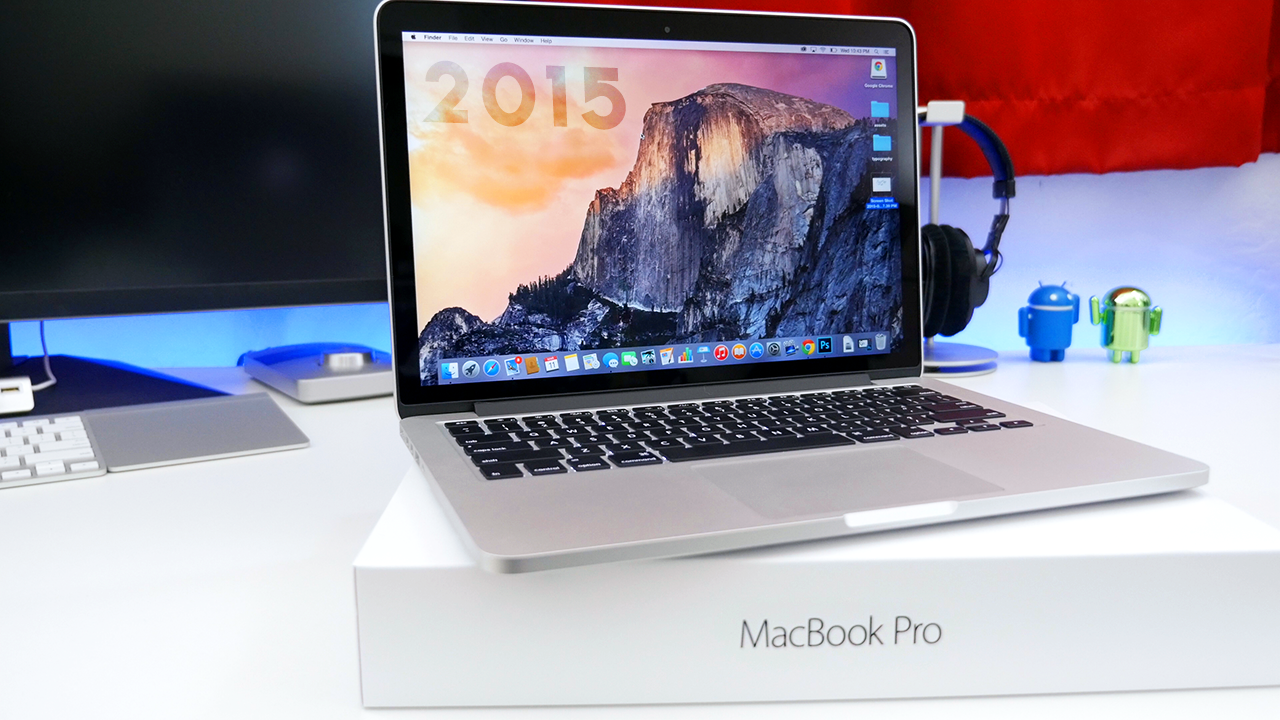
In the wake of the new 13-inch and 15-inch Touch Bar models, Apple has stopped selling the much-beloved 2015 MacBook Pro. For people who despised butterfly keys, or mourned the lack of legacy ports on the 2016 and later MacBook Pro, until today Apple Store stocked a 15-inch 2015 model as an alternative. It may not have been as fast or as svelte as the latest models, but for people who had become disenchanted with Apple’s latest direction, it was their favorite computer. Whilst supplies last, Apple is selling some 2015 models in its clearance section.
For people looking to snag a 2015 MacBook Pro whilst they still can, your best bet is probably eBay sellers. It is possible Apple throws some 2015 configs up on the refurb store at some point, although right now none are available. Some third-party resellers may also have limited availability of them, but most had already moved on to stocking 2016 and 2017 SKUs only.
The discontinuation of the 2015 MacBook Pro puts even more pressure on the new models to satiate Apple’s customer base who were unhappy.
The 32 GB RAM and 8th-gen Intel CPU upgrades offer some significant performance improvements as incentives, but most of the complaints people had with the new generation laptops still hold true today, like the dropping of legacy IO ports in favour of going all in on Thunderbolt 3 USB-C. The big question mark with the 2018 MacBook Pros is whether the keyboard issues have been addressed.
Apple says the new keyboard is quieter to type on, but you have to hope that the 2018 laptops also won’t end up on a keyboard repair program in a year’s time.
Source: 9to5mac










