
NEWS

Apple Maps Went Down for Everyone for a Few Hours

06/19/2018

2235

Update June 15th 1:35PM ET: Apple has updated its status page noting that the issue has since been resolved.


Apple has confirmed on its support site that Apple Maps is having significant issues, causing problems for people across platforms who are trying to search for locations or obtain directions to a destination, as first reported by 9to5Mac.
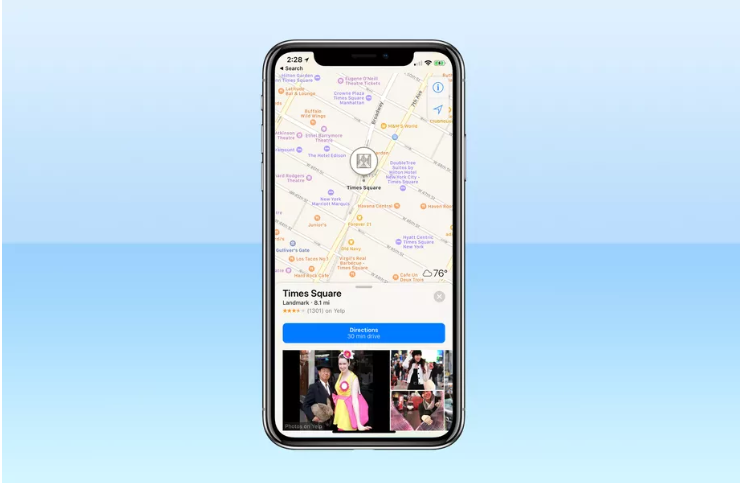

Apple Maps Went Down for Everyone for a Few Hours


If you try to use Apple Maps, it will attempt to load results for about 30 seconds before timing out, showing “No Results Found.” People first started noticing problems earlier this morning, reporting issues on social media, but Apple’s system status page didn’t reflect that services were down until a bit later. It now shows that Maps routing, navigation, and search are not working properly. These issues affect all users, including those using platforms where alternative maps aren’t an option, like Apple Watch or CarPlay.


Things should (hopefully) return to normal soon, but make sure you have an alternate map service in the meantime if you need directions.


Source: theverge

Windows
Mac OS
iOS
Linux
3uTools
Win 64-bit For this device
V9.0 2025-11-11
Download
Win 32-bit For this device
V9.0 2025-11-11
Download
3uTools
Intel Chip How to Identify Chip Type
V9.0 2025-12-02
Download
Apple Chip
V9.0 2025-12-02
Download
How to Identify Chip Type
1.  Click the Apple icon in the top-left corner of the screen and select About This Mac.
2.  Check the Processor or Chip field to determine if it is "Intel" or "Apple".
Please use the 3uTools PC client to install the iOS client:
1、 Install either the Windows or Mac version of 3uTools on your computer
2、 Open the PC client and connect your device to the computer via USB cable
3、 After the connection is successful, wait for the computer to automatically install the mobile app for the device, or locate “Install Mobile App” on the computer and manually click to install.
3uTools
deb file
V3.01 2025-11-20
Download
rpm file
V3.01 2025-11-20
Download
Windows
Windows
iOS
iOS
Android
Android
TV
TV
3uAirPlayer
Win 64-bit For this device
V6.0.2 2025-11-19
Download
Win 32-bit For this device
V6.0.2 2025-11-19
Download
iOS Device Mirroring (No App Required)
1、 Install 3uAirPlayer on the Windows PC
2、 Open Control Center and select Screen Mirroring
3、 From the list, choose your PC to start mirroring
4、 Or connect your iOS device to the PC via USB to begin mirroring
Scan to get "3uAirPlayer" App
3uAirPlayer TV V1.0.18
2025-11-28
TV System Requirements: Android 7.0 or later
Download the TV installation package, copy it to a USB drive, insert it into your TV or set-top box, then select the file from the home screen to install.




