 NEWS
NEWS
Apple Stores in London and Beijing to Close This Month for Renovations
 06/11/2018
 2541
2541
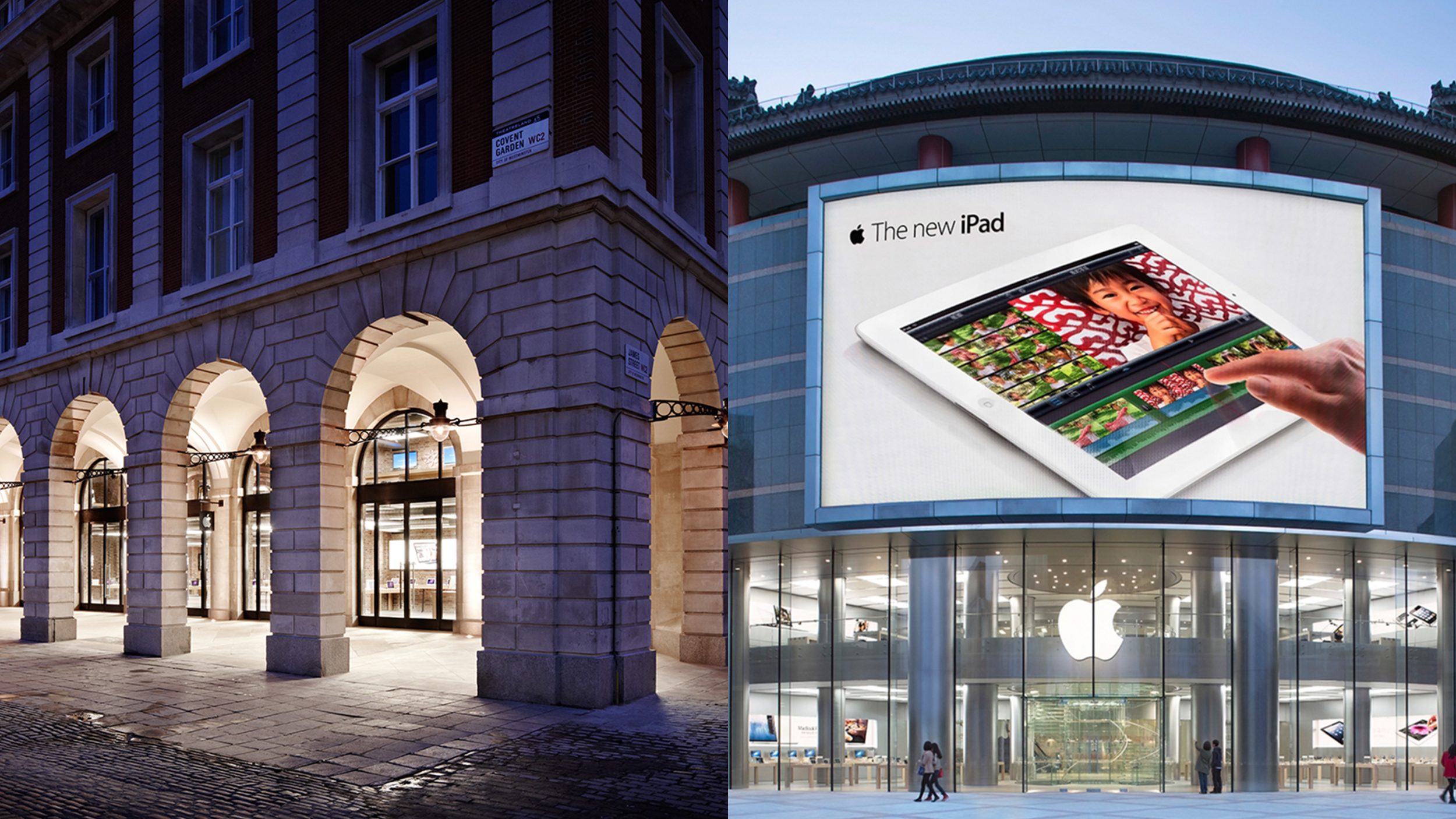
Messages posted this weekend to Apple’s website confirm that the company’s Covent Garden and Wangfujing retail stores will close later this month to be refreshed with new store designs.
Closing on June 24th, Apple Wangfujing first opened on October 20, 2012, making it just one week older than Apple Palo Alto, which began renovations last month. Apple Covent Garden will follow suit just three days later on June 27th. The London location first opened in July 2010 as Apple’s 300th store and was called the “world’s largest” at the time. The building features raw brick walls, exposed ductwork, and wood floors, details rarely seen in Apple stores but reminiscent of Brooklyn’s Williamsburg location.
Recent store closures reflect Apple’s desire to remodel all of their existing retail locations that haven’t been brought into the Today at Apple era, not just small and aging stores. Instead of receiving complete remodels, these larger and more modern locations will likely receive only key fixture upgrades like video walls and new display cases. Public documents detailing Apple’s Palo Alto renovations mention a video wall and back of house improvements as the only notable changes.
South of Beijing, Apple’s Nanjing IST store closed on June 3rd for similar changes. Storeteller notes that Apple Causeway Bay and Apple Jiefangbei are also being renovated, but remain open with limited access. In the United States, stores in Lehigh Valley and Orland Park are expected to relocate later this year, but no closures have yet been announced. Today in LA’s Beverly Center, a brand new store replaced a cramped space from 2005.
Source: 9to5mac









