 NEWS
NEWS
Apple Promotes Pride Edition Watch Band with Custom Store Displays
 06/11/2018
 2801
2801
After announcing the availability of a new Pride Edition Woven Nylon Band and watch face at this past week’s WWDC keynote, Apple is promoting the new products and Pride Month in select retail stores.
The new Apple Watch band and face first became officially available on Monday, when orders opened online and the custom face was unlocked for all Apple Watch owners immediately following the WWDC keynote. Widespread retail availability began on Thursday.
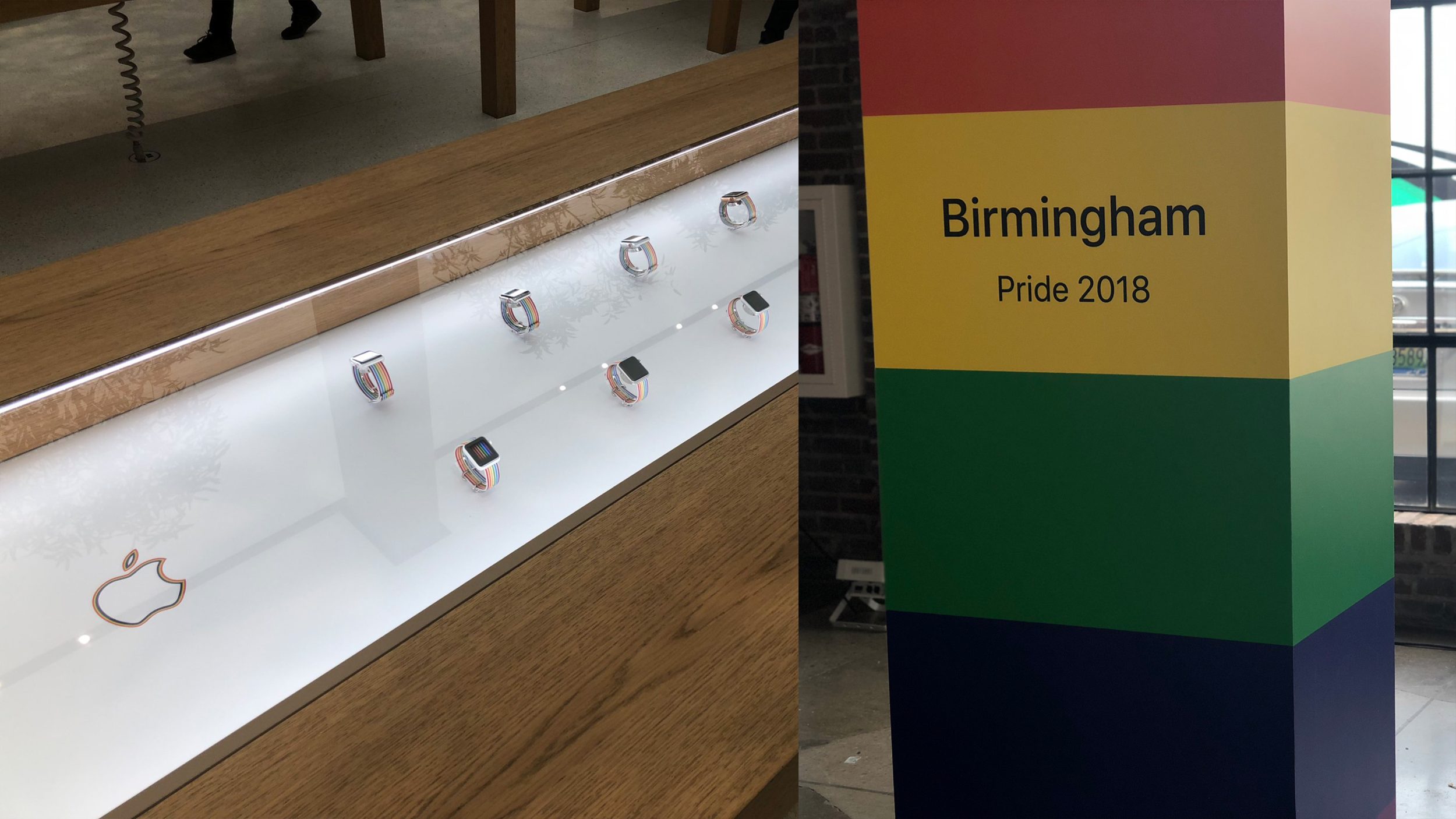
Now, Apple has chosen 13 select retail stores around the world to feature custom Apple Watch display tables dedicated to showcasing the Pride band. Under each table’s glass are a dozen assorted Apple Watch models, each outfitted with the new band. Striped Apple logos printed on the table flank each side of the display.
Apple first introduced a Pride Watch band for employees who participated in 2016’s Pride Parade in San Francisco. Last year, the same band was released to the general public and was available through September. This year’s $49-band is themed around the accompanying watch face, with six colored stripes perfectly aligning to the position of identical stripes on the watch’s display.
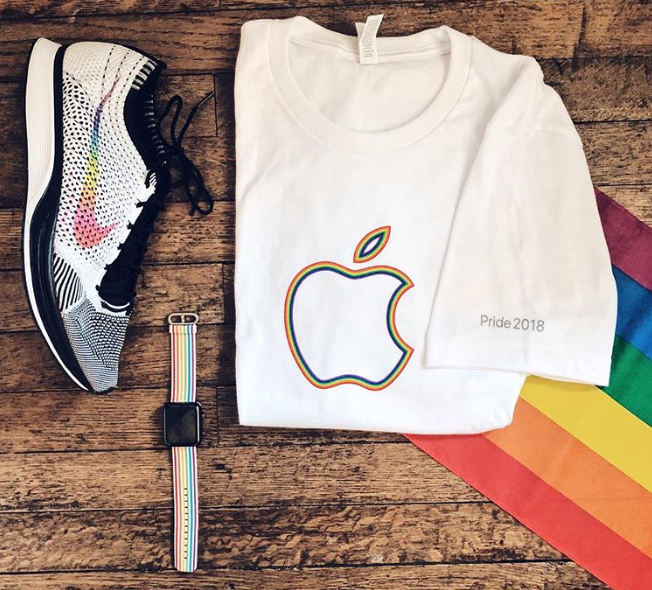
Tim Cook and Apple have participated in Pride events and initiatives for several years now, including parades in several cities around the world in 2017.
Source: 9to5mac









