 NEWS
NEWS
Apple Patent Describes More Durable Glass Design for Future iPhones & iPads
 06/01/2018
 2612
2612
A new report from Patently Apple shows us a new patent application from Apple published today. This patent application describes a glass with “enhanced stiffness” for portable electronic devices like iPhone and iPad…
The patent application explains an invention that would act as a cover glass for electronic devices. The cover glass could be applied over a display or over the body of the device for an added layer of protection. This, in theory, would make the device more durable and any existing glass more resistive to cracking, such as glass back designs and displays.
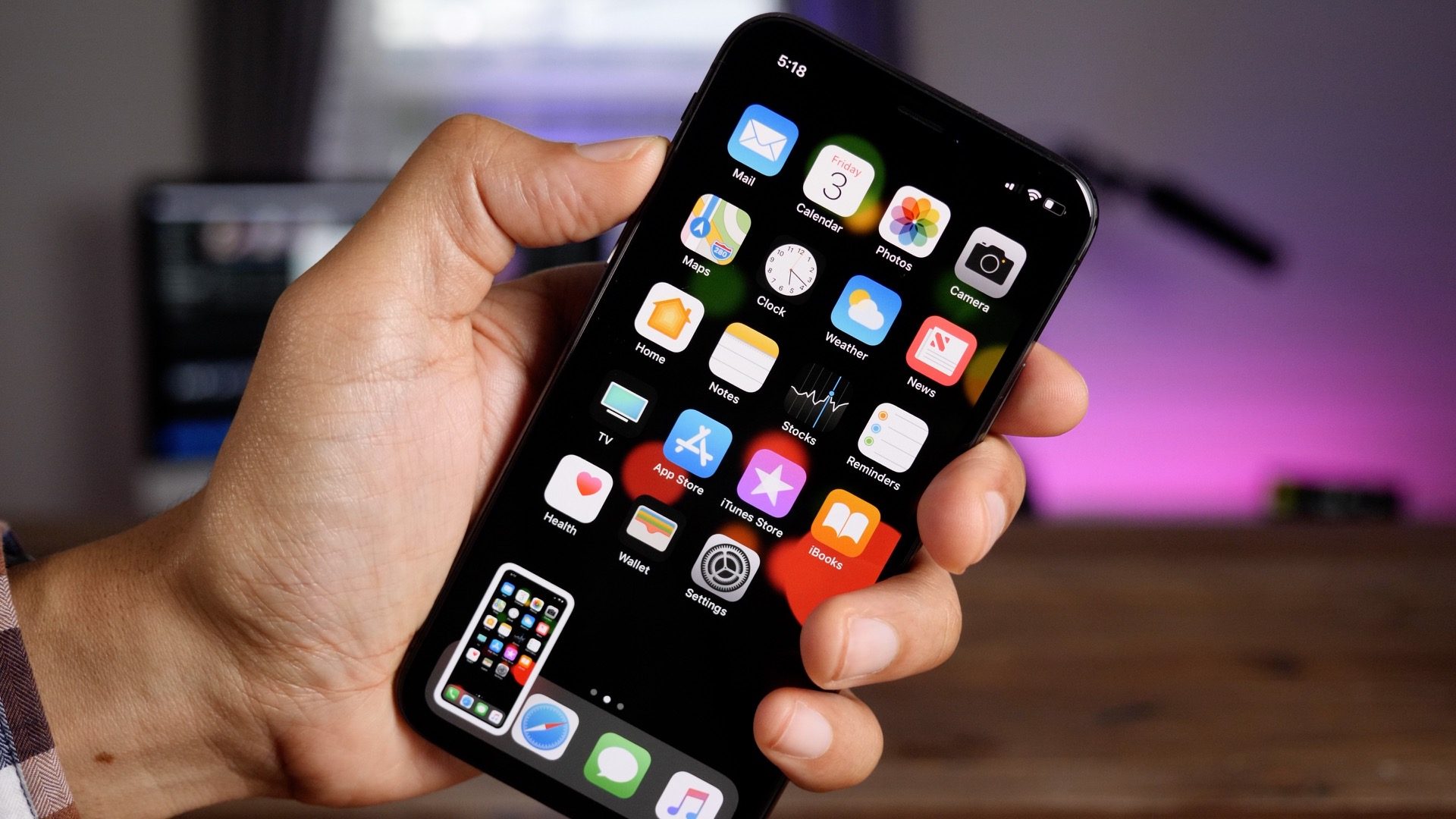
Patently Apple describes:
The transparent article can form a part of a housing of the portable electronic device and can provide an outer surface for a portion of the housing. The transparent article can be provided over a display of portable electronic device to provide a protective outer cover over the display.
One possibility Apple explains is a “ribbed” design. This means the protective layer can be designed with a crosshatch of fiberglasses, thus strenghting the glass and helping prevent cracking.
Perhaps the most interestingly aspect of this patent application is Apple’s description of how a sapphire coating could be used to improve strength. Apple has started using sapphire on iPhone camera lenses and Apple Watch, but this patent describes how a sapphire coating could be used on other devices as a cover glass and provide “sufficient stiffness.”
In still another embodiment, a sapphire coating can be deposited on the transparent article to improve it strength. Advantageously, the transparent article is able to be not only thin and lightweight but also provide sufficient stiffness for use as a cover glass.
Apple’s engineering and design teams have worked extensively in the past on various glass designs and this patent application is just the latest in those efforts. Whether or not this cover glass design ever makes its way to an Apple device remains to be seen, but it’s certainly clear Apple is exploring options to make its devices more durable.
Source: 9to5mac










