 NEWS
NEWS
Apple Begins Selling Refurbished Apple Watch Series 3 Models With LTE
 05/28/2018
 2775
2775
Apple this week added refurbished Apple Watch Series 3 models with LTE to its online store for the first time in the United States. 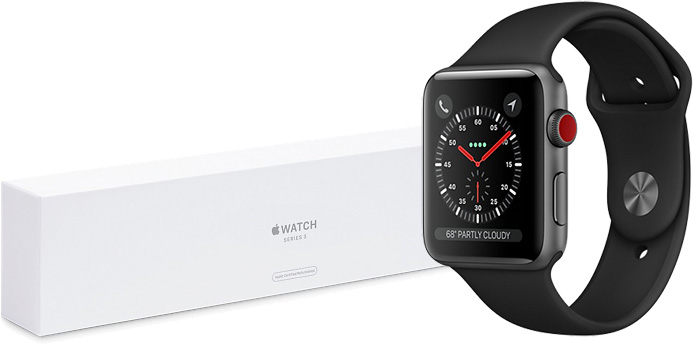
A selection of 10 cellular-enabled Apple Watch Series 3 models have been made available for sale over the past two days, but as of writing, only one model remains in stock. More inventory should be added over time, so we recommend using the website Refurb Trackerif you are interested in a particular model.
The refurbished models are priced between $359 and $549, reflecting savings of 15 to 16 percent off the price of brand new models.
A cellular-enabled 42mm Apple Watch Series 3 with a silver aluminum case and fog-colored sport band is listed for $359, for example, which is $70 off the $429 price of an equivalent brand new model.
Apple Watch Series 3 models were first released in September 2017, but only non-cellular GPS models were available refurbished until now. Series 3 models feature a faster dual-core S3 processor, and an Apple-designed W2 chip that makes Wi-Fi up to 85 percent faster and up to 50 percent more power efficient.
Apple says all refurbished Apple Watch models are thoroughly inspected, tested, cleaned, and repackaged with a new box and all manuals and accessories, including a magnetic charging puck and a power adapter. In our view, Apple's refurbished products are generally indistinguishable from brand new ones.
Any refurbished Apple Watch comes with Apple's standard one-year warranty effective on the date the device is delivered. The warranty can be extended to up to two years from the original purchase date with AppleCare+ for Apple Watch, which covers accidental damage for a fee, at a cost of $49 in the United States.
Source: macrumors









