 NEWS
NEWS
Apple Confirms Use of Drones to Improve Apple Maps
 05/10/2018
 2225
2225
Earlier today, a report explained that Apple was among a handful of companies who had applied for government permission to test drone usage beyond current FAA limits. Now, Apple has officially commented on these plans…
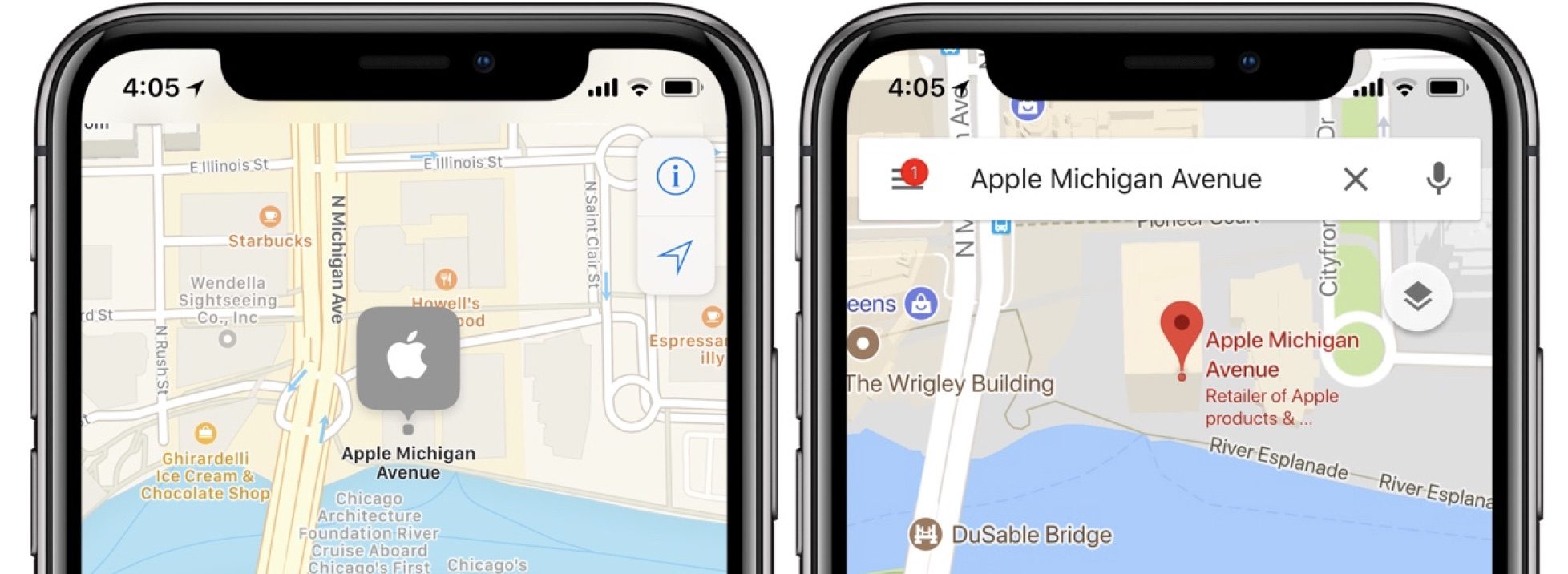
A report in 2016 indicated that Apple was planning to use drops to collect data for Apple Maps, and now the company has confirmed that initiative. The company says, however, that its stance on privacy will remain the same throughout its use of drones.
In a statement to Reuters, Apple explains that it is committed to protecting people’s privacy and will blur any and all faces and license plates before publishing drone imagery.
“Apple is committed to protecting people’s privacy, including processing this data to blur faces and license plates prior to publication,” the company said.
Furthermore, the state of North Carolina confirmed that Apple was included in its successful bid to launch a drone pilot testing program. Apple itself adds on to this, saying that it will use drone tests in North Carolina to improve Apple Maps with aerial images.
A spokesman for the North Carolina Department of Transportation, another winner, said Apple Inc is among its partners, and Apple said it plans to use the testing program to improve Apple Maps by capturing aerial images.
By capturing aerial footage with drones, Apple could theoretically have an easier time spotting inconsistencies and other factors that affect the data in Apple Maps.
Ultimately what comes of Apple’s drone testing remains to be seen, but the company would seemingly expand to all parts of the United States (and world, eventually) to use drones to improve Apple Maps, should this initial test be successful.
Source: 9to5mac









