NEWS

Gmail for iOS now Sends Money and Snoozes Emails

05/09/2018

3382

Gmail for iOS now Sends Money and Snoozes Emails


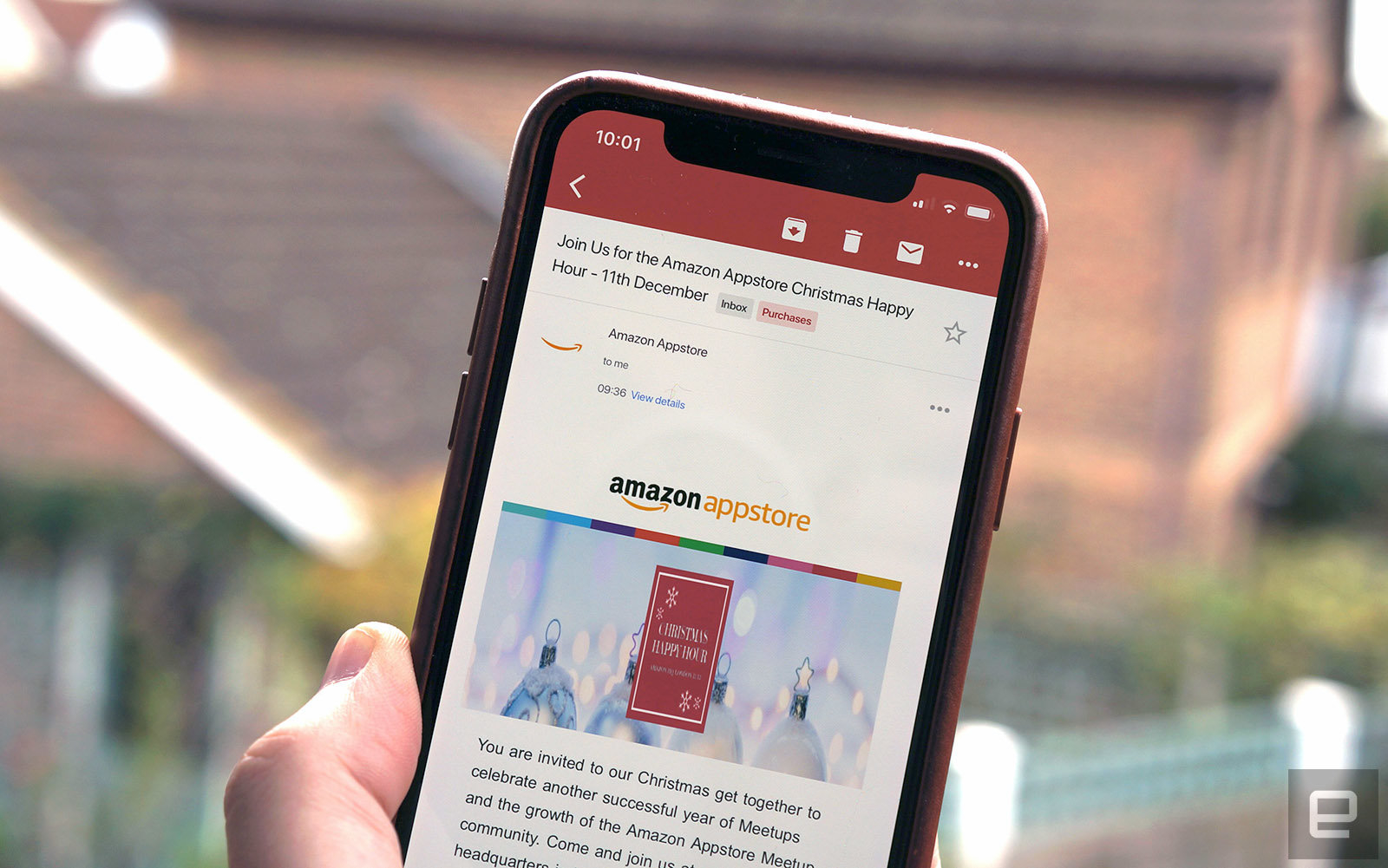
Gmail on your iPhone can now help you settle a tab with a friend. A quiet update to the iOS app has introduced the ability to send and receive money using Google Pay. As on Android devices, Gmail sends the payment as an attachment -- the recipient only needs an email address to receive their money. The feature might not be as simple on iOS given that you need to download an app to use it, but it's easier than some third-party apps and more widely available than Apple Pay Cash.


The upgraded client adds another handy existing feature: the ability to snooze emails. If there's a message you'd rather deal with in the future, you just have to hit a snooze button to take a break. It remains dangerous (it's all too tempting to punt important messages until it's too late), but it could be crucial if you're nowhere near inbox zero and have more pressing emails vying for your attention.


Source: engadget


Windows
Mac OS
iOS
Linux
3uTools
Win 64-bit For this device
V9.0 2025-11-11
Download
Win 32-bit For this device
V9.0 2025-11-11
Download
3uTools
Intel Chip How to Identify Chip Type
V9.0 2025-12-02
Download
Apple Silicon
V9.0 2025-12-02
Download
How to Identify Chip Type
1.  Click the Apple icon in the top-left corner of the screen and select About This Mac.
2.  Check the Processor or Chip field to determine if it is "Intel" or "Apple".
Please use the 3uTools PC client to install the iOS client:
1、 Install either the Windows or Mac version of 3uTools on your computer
2、 Open the PC client and connect your device to the computer via USB cable
3、 After the connection is successful, wait for the computer to automatically install the mobile app for the device, or locate “Install Mobile App” on the computer and manually click to install.
3uTools
deb file
V3.01 2025-11-20
Download
rpm file
V3.01 2025-11-20
Download
Windows
Windows
iOS
iOS
Android
Android
TV
TV
3uAirPlayer
Win 64-bit For this device
V6.0.2 2025-11-19
Download
Win 32-bit For this device
V6.0.2 2025-11-19
Download
iOS Device Mirroring (No App Required)
1、 Install 3uAirPlayer on the Windows PC
2、 Open Control Center and select Screen Mirroring
3、 From the list, choose your PC to start mirroring
4、 Or connect your iOS device to the PC via USB to begin mirroring
Scan to get "3uAirPlayer" App
3uAirPlayer TV V1.0.18
2025-11-28
TV System Requirements: Android 7.0 or later
Download the TV installation package, copy it to a USB drive, insert it into your TV or set-top box, then select the file from the home screen to install.