NEWS

iOS 11’s New App Store Boosts Downloads by 800% for Featured Apps

04/23/2018

2496

iOS 11’s New App Store Boosts Downloads by 800% for Featured Apps


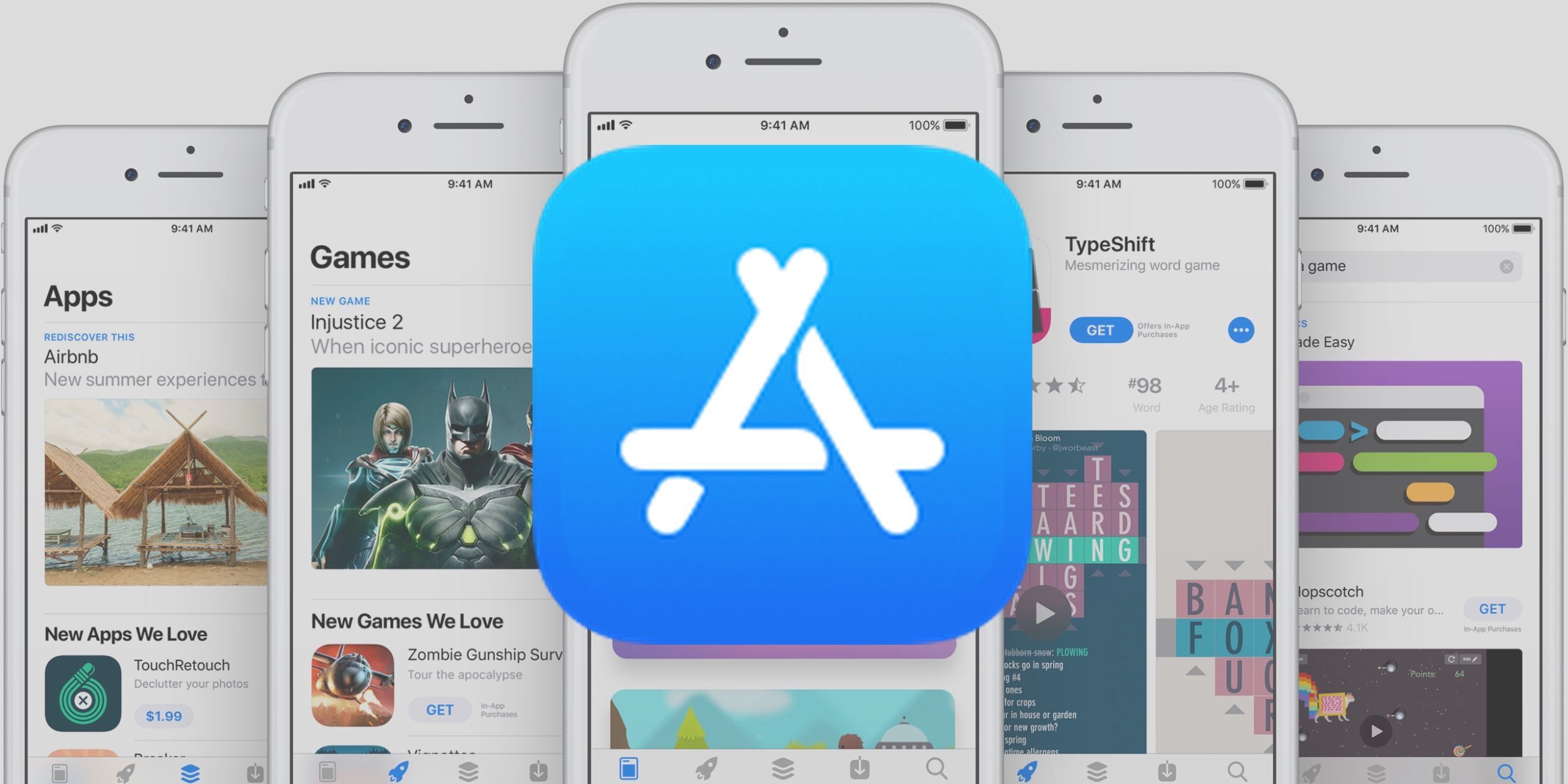
The latest iOS 11 update to the App Store seems to be getting a ton of praise, and today it looks like developers are joining in on the fanfare.


A new report from Sensor Tower indicates that developers that get featured on the App Store are seeing up to an 800% increase on downloads, specifically with the “App of the Day” or “Game of the Day” spots.


"During this time, median U.S. iPhone downloads for apps that snagged the “Game of the Day” spot increased by 802 percent for the week following the feature, compared to the week prior to being featured."


While not as large, being featured in App Store Stories or in an App List saw an average increase of between 222 and 240 percent in terms of downloads.


iOS 11’s New App Store Boosts Downloads by 800% for Featured Apps


However, it is interesting which publishers Apple is choosing to promote. Sensor Tower shows that it is mainly big developers and publishers that are being promoted, rather than indie developers. Hopefully this changes in the future.


"It found that 13 of the top 15 featured publishers (by number of features) had at least one million U.S. iPhone downloads since the launch of the new App Store last September. It’s not surprising that Apple wants to highlight these publishers. Many of them, and particularly the game publishers, have multiple popular apps. So when their apps get an update or they have a new release, consumers pay attention."


Source: 9to5mac

Windows
Mac OS
iOS
Linux
3uTools
Win 64-bit For this device
V9.0 2025-11-11
Download
Win 32-bit For this device
V9.0 2025-11-11
Download
3uTools
Intel Chip How to Identify Chip Type
V9.0 2025-12-02
Download
Apple Silicon
V9.0 2025-12-02
Download
How to Identify Chip Type
1.  Click the Apple icon in the top-left corner of the screen and select About This Mac.
2.  Check the Processor or Chip field to determine if it is "Intel" or "Apple".
Please use the 3uTools PC client to install the iOS client:
1、 Install either the Windows or Mac version of 3uTools on your computer
2、 Open the PC client and connect your device to the computer via USB cable
3、 After the connection is successful, wait for the computer to automatically install the mobile app for the device, or locate “Install Mobile App” on the computer and manually click to install.
3uTools
deb file
V3.01 2025-11-20
Download
rpm file
V3.01 2025-11-20
Download
Windows
Windows
iOS
iOS
Android
Android
TV
TV
3uAirPlayer
Win 64-bit For this device
V6.0.2 2025-11-19
Download
Win 32-bit For this device
V6.0.2 2025-11-19
Download
iOS Device Mirroring (No App Required)
1、 Install 3uAirPlayer on the Windows PC
2、 Open Control Center and select Screen Mirroring
3、 From the list, choose your PC to start mirroring
4、 Or connect your iOS device to the PC via USB to begin mirroring
Scan to get "3uAirPlayer" App
3uAirPlayer TV V1.0.18
2025-11-28
TV System Requirements: Android 7.0 or later
Download the TV installation package, copy it to a USB drive, insert it into your TV or set-top box, then select the file from the home screen to install.