 NEWS
NEWS
iPhone SE 2 Could Arrive Next month, but Without a Headphone Jack
 04/23/2018
 2745
2745
Japanese blog Macotakara has published new details about the rumored iPhone SE 2 based on details shared by a case maker source. The new details come after Eurasian regulatory filings this month suggest we’re just weeks away from new iPhones being unveiled.
While we don’t expect Apple’s flagship lineup to debut until later in the year, these particular regulatory filings likely correspond to a new model of iPhone SE coming soon.
Based on the timing of their submission, it’s likely we’ll see the new iPhone SE sometime in May or June — with Apple’s next known media event scheduled for June 4 as the start of WWDC — but Macotakara’s source believes we won’t have to wait that long.
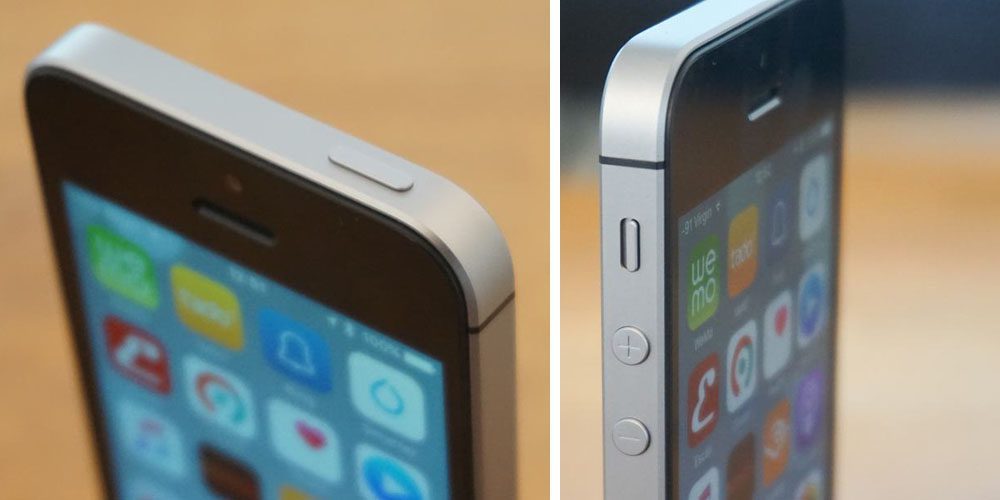
The report claims the second-generation iPhone SE will launch in May with the same 4″ display and design based on the original iPhone 5, feature a chip upgrade from A9 as used in iPhone 6s to A10 as used in iPhone 7, and continue to support Apple Pay using NFC.
More notably, however, is the case maker’s claim that the iPhone SE 2 won’t include a headphone jack despite having the same dimensions. Apple dropped the headphone jack on iPhones starting with the iPhone 7, but (for now) still sells the original iPhone SE and similarly spec’d iPhone 6s which both have headphone jacks. Perhaps Apple will tout improved water resistance as part of this change if accurate.
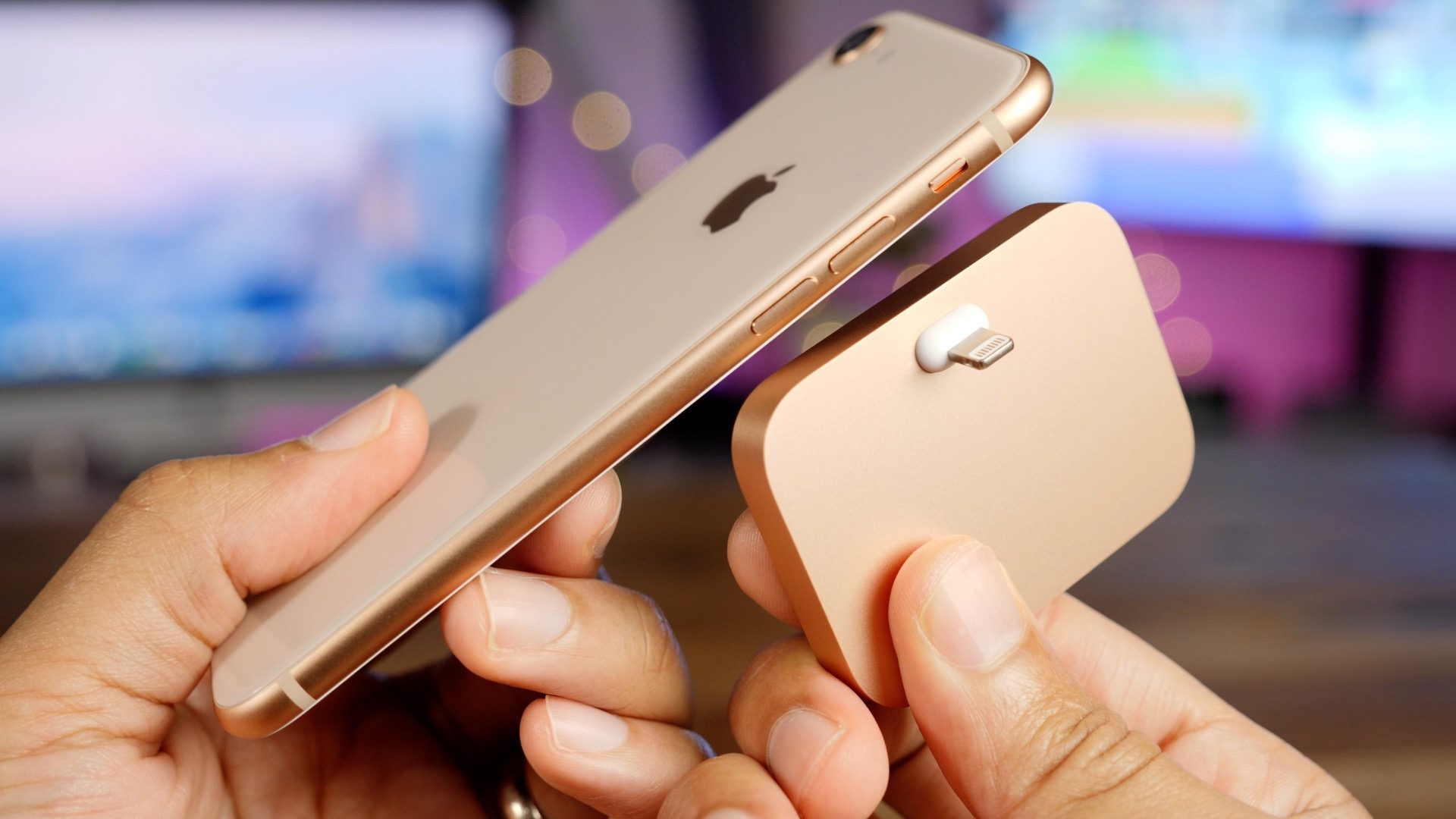
If the next iPhone SE is indeed coming next month, we’d expect it to also consolidate gold and rose gold into a single color like the iPhone 8, Apple Watch, and iPad.
The case maker source in the report also believes it’s possible that the new iPhone SE will work with wireless charging, although that claim seems unsure at best (in part based on the need to have an all-glass back to support wireless charging).
Reliable analyst Ming-Chi Kuo of KGI Securities has warned that he does not predict wireless charging to happen on an iPhone SE 2 — if it exists at all — although he does believe a faster iPhone SE may be needed for iOS 12.
Evidence so far, however, suggests iOS 12 may be supported as far back as the iPhone 5s (which is a chip behind the iPhone 6 and two chips behind the iPhone 6s and current iPhone SE).
At any rate, the original Eurasian regulatory filing source has so far proved accurate in being a flag for new products coming soon, so we should find out in just a few weeks at most.
Source: 9to5mac









