 NEWS
NEWS
Cydia for iOS 11 Release Date Announced and Screenshots Tested on iPhone X
 02/13/2018
 4090
4090
It’s almost time folks. CoolStar has not only teased Cydia for Electra iOS 11 jailbreak release date, but has also posted a screenshot of it successfully running on an iOS 11.1.2 iPhone X jailbroken using Electra.
For those of you who don’t know, Electra jailbreak works on all iOS 11.0-11.1.2 64-bit devices – including iPhone X – and is based on Ian Beer’s exploit, with patches and modifications not only from CoolStar himself, but also many others from the community.
Earlier today, CoolStar sent his Cydia bootstrap to @nullriver for testing. After testing it, @nullriver reported back with screenshots confirming that Cydia works fine on jailbroken iPhone X running iOS 11.1.2. Once this confirmation was posted, CoolStar posted a tweet with text containing only “2/15/2018”, persumely to indicate the ETA for the arrival of much anticipated Cydia support for iOS 11 Electra jailbreak.
Cydia support for iOS 11 jailbreak has been anticipated for months now, with Saurik first confirming about two months ago that he was working on it, as well as Cydia Substrate, with his friends from past jailbreaks. It has now been a month now and Saurik hasn’t provided any further update on his progress. Whether he has hit a roadblock during development (something which is hard to believe given Cydia is his creation) or just hasn’t got enough time to work on it is anybody’s guess at this point, but the good news is that we will very soon have Cydia running on our jailbroken iOS 11 devices courtesy of CoolStar.
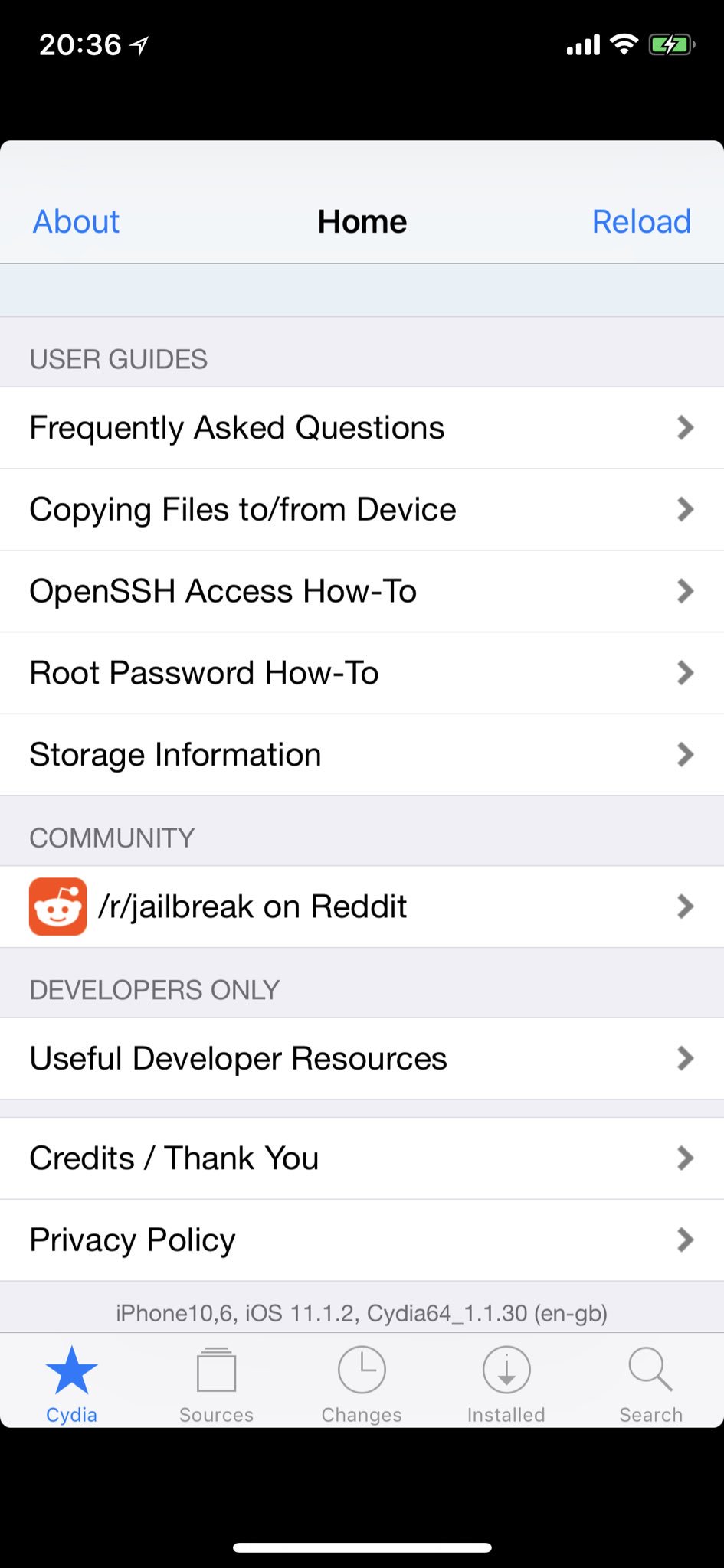
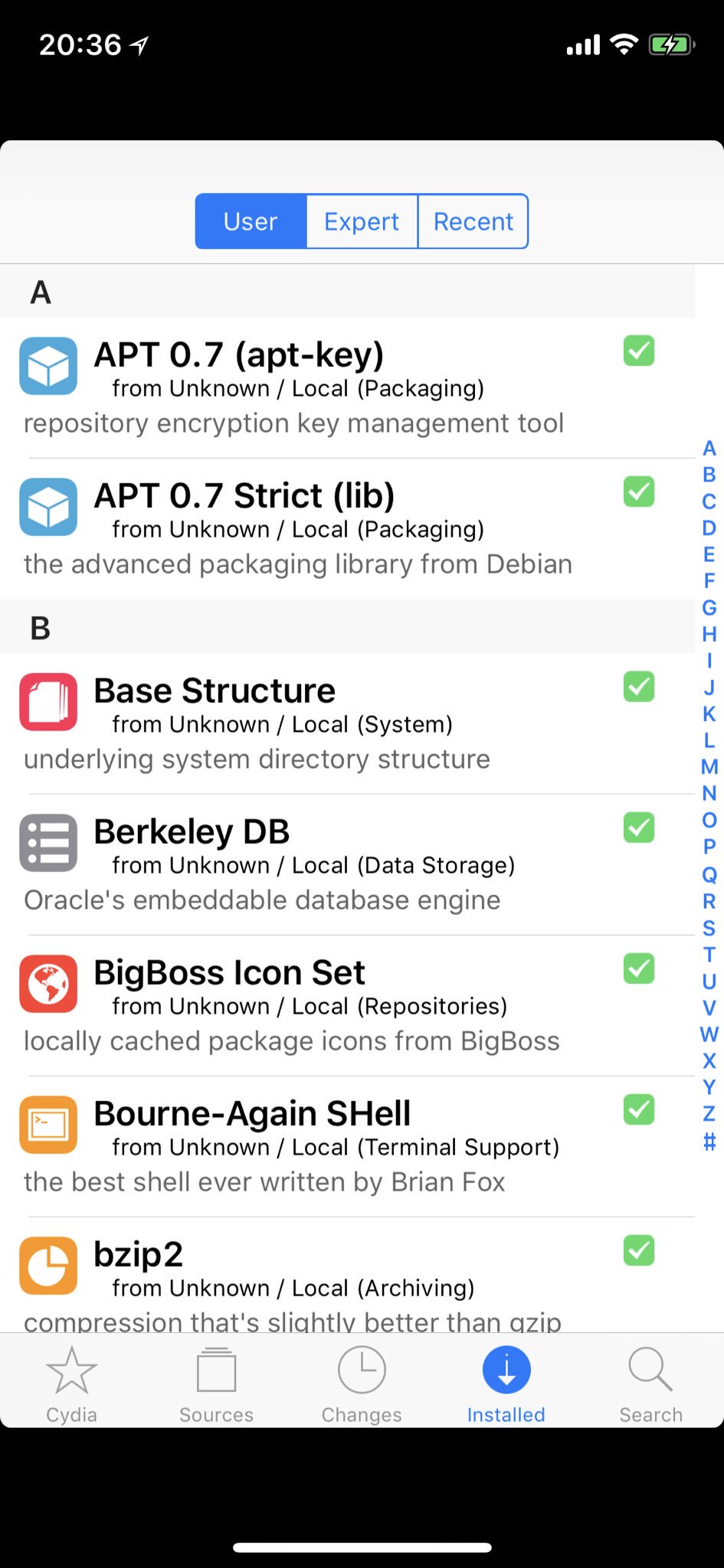
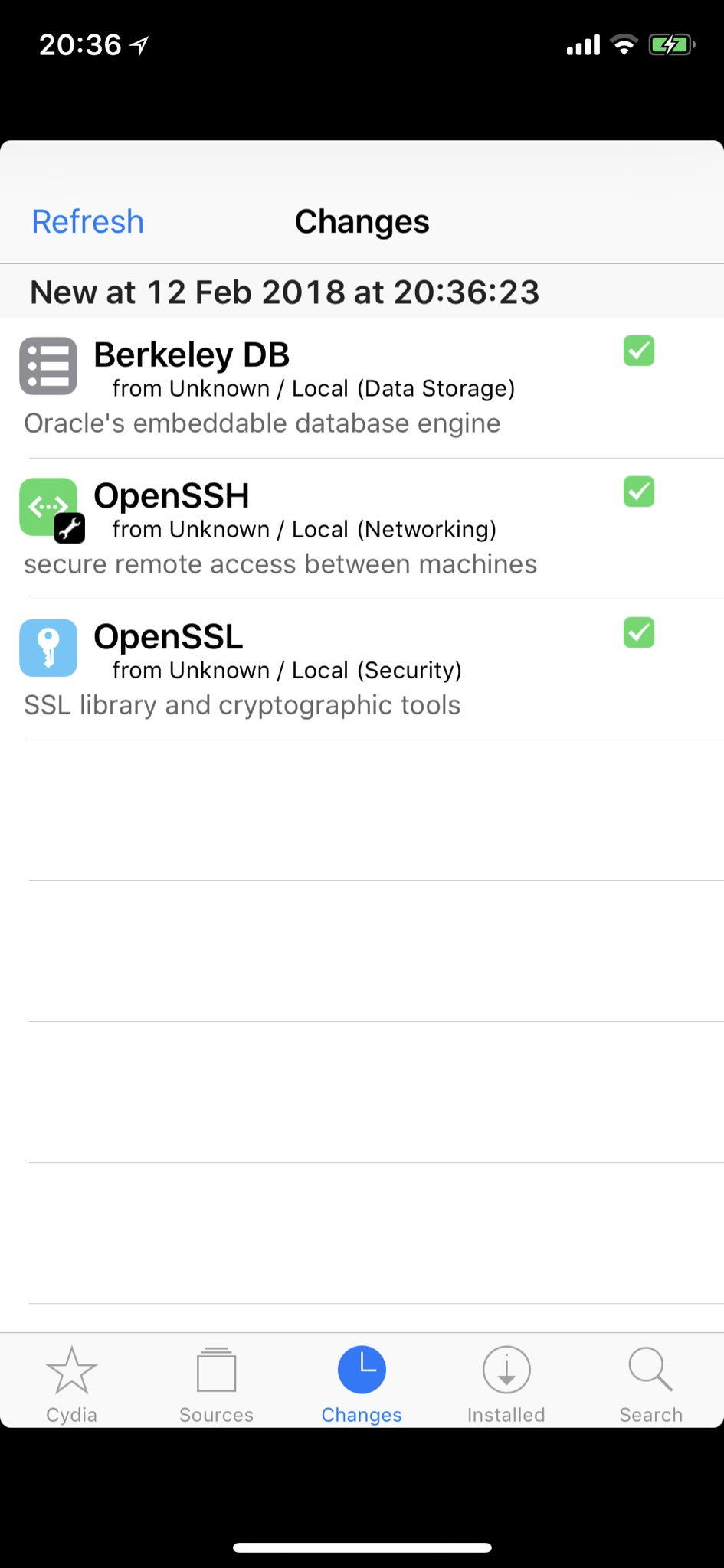
As for those black bars you see on Cydia running on iPhone X, this is what CoolStar has to say about it:
For those wondering, the version of Cydia included in Electra will have the letterboxing black bars on iPhone X; we won’t mess with it much until maybe after release as the Cydia build has been tested and works
This jailbreak will of course require you to have a device running iOS 11.1.2. If you don’t have a device on it, you are out of luck for now as Apple is no longer signing iOS 11.1.2.
If you are already on iOS 11.1.2, you can go ahead and jailbreak your device right now using Electra if you havent already. Once Cydia support is out, hopefully on 15th of February, you can update your jailbreak and get Cydia on it.
We will of course keep you updated of all the happenings from the jailbreak world. We will also let you know as soon as the Electra jailbreak update is out with Cydia support built right in. Stay tuned!
Source: redmond pie









