
NEWS

Apple Offering Employees 50% Discount on HomePod

02/03/2018

2464

Bloomberg reporter Mark Gurman says Apple employees will be getting a 50% discount on Apple's upcoming HomePod.


The company has only given out such a discount to employees once previously, and that was for the original Apple Watch. While some may jump to the conclusion that this means Apple is struggling to sell the smart speaker, these sort of discounts are often rather in an effort to familiarize Apple employees with new product categories.
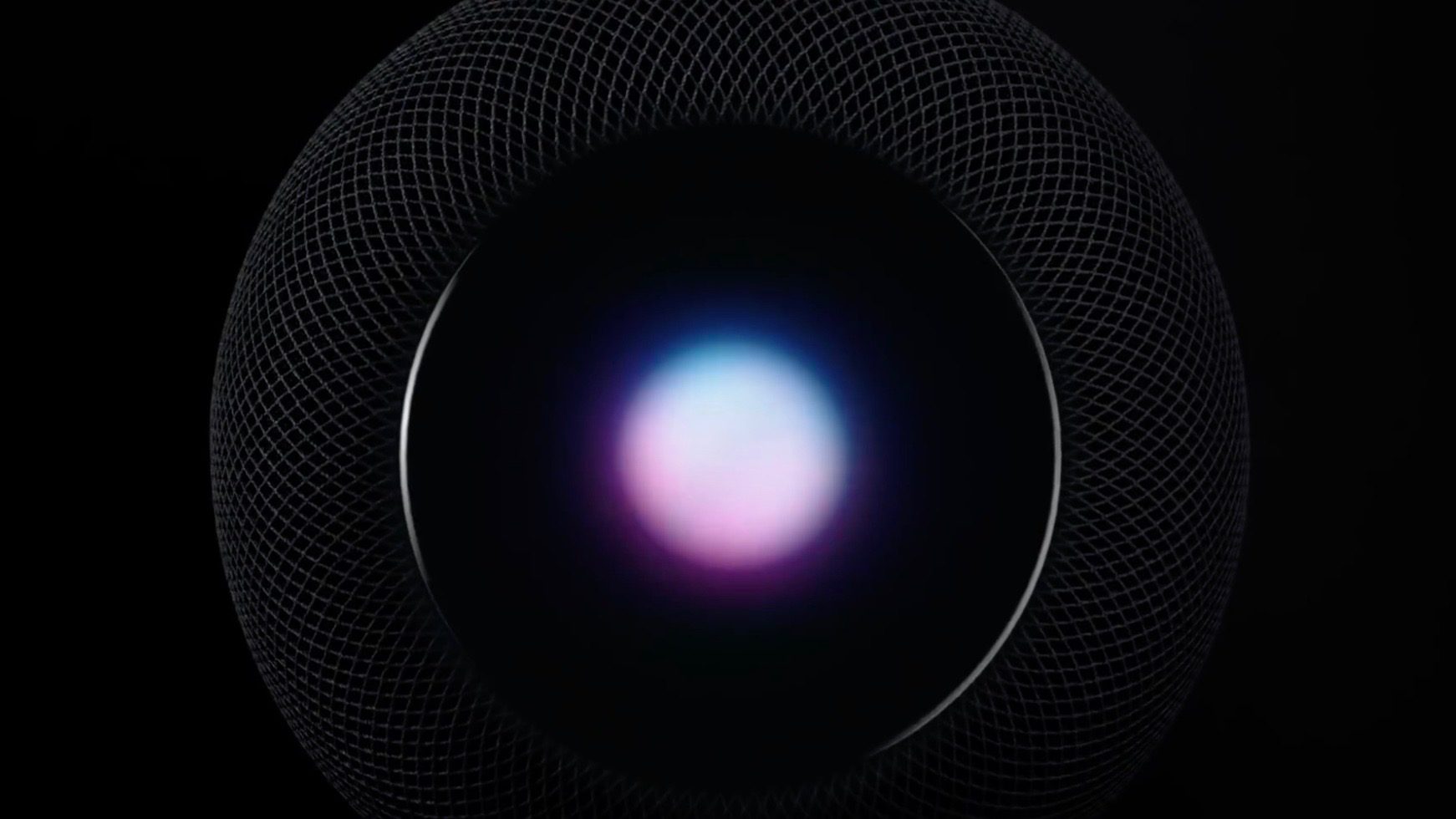

Apple Offering Employees 50% Discount on HomePod


The discount available to Apple employees for HomePod will run for the next two months.


HomePod went on sale last Friday morning and has been available to pre-order ever since, with no back log whatsoever. The speaker will be available in white or space gray and will retail for $349 in the U.S., £319 in the U.K. and A$499 in Australia.


Are you picking up a HomePod? If so, how many?


Source: 9to5mac

Windows
Mac OS
iOS
Linux
3uTools
Win 64-bit For this device
V9.0 2025-11-11
Download
Win 32-bit For this device
V9.0 2025-11-11
Download
3uTools
Intel Chip How to Identify Chip Type
V9.0 2025-12-02
Download
Apple Chip
V9.0 2025-12-02
Download
How to Identify Chip Type
1.  Click the Apple icon in the top-left corner of the screen and select About This Mac.
2.  Check the Processor or Chip field to determine if it is "Intel" or "Apple".
Please use the 3uTools PC client to install the iOS client:
1、 Install either the Windows or Mac version of 3uTools on your computer
2、 Open the PC client and connect your device to the computer via USB cable
3、 After the connection is successful, wait for the computer to automatically install the mobile app for the device, or locate “Install Mobile App” on the computer and manually click to install.
3uTools
deb file
V3.01 2025-11-20
Download
rpm file
V3.01 2025-11-20
Download
Windows
Windows
iOS
iOS
Android
Android
TV
TV
3uAirPlayer
Win 64-bit For this device
V6.0.2 2025-11-19
Download
Win 32-bit For this device
V6.0.2 2025-11-19
Download
iOS Device Mirroring (No App Required)
1、 Install 3uAirPlayer on the Windows PC
2、 Open Control Center and select Screen Mirroring
3、 From the list, choose your PC to start mirroring
4、 Or connect your iOS device to the PC via USB to begin mirroring
Scan to get "3uAirPlayer" App
3uAirPlayer TV V1.0.18
2025-11-28
TV System Requirements: Android 7.0 or later
Download the TV installation package, copy it to a USB drive, insert it into your TV or set-top box, then select the file from the home screen to install.




