 NEWS
NEWS
Telegram Removed from Apple’s App Store Due to ‘Inappropriate Content’
 02/02/2018
 3004
3004
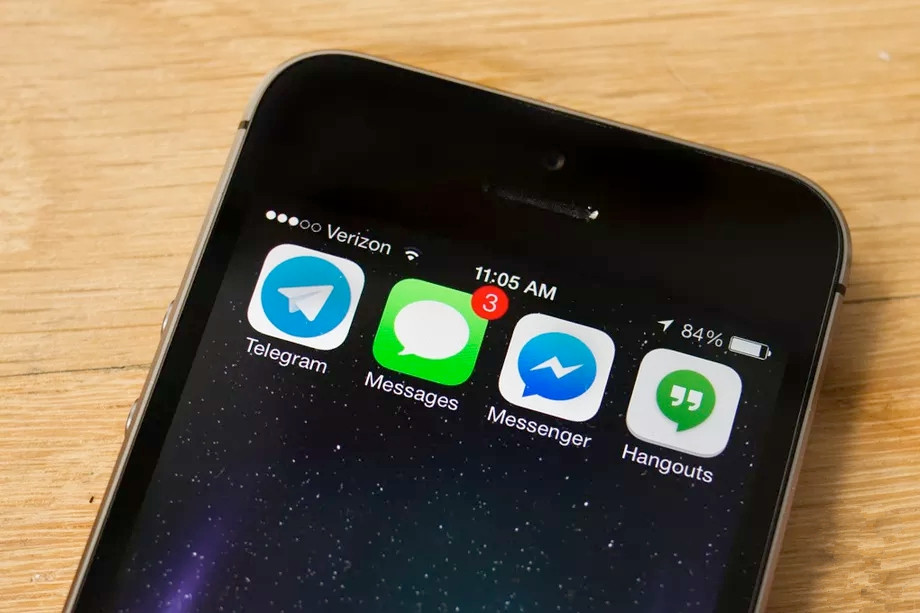
Apple has removed Telegram’s official app from its iOS App Store. The app disappeared yesterday, shortly after Telegram launched a rewritten Telegram X app for Android. Telegram X is currently in testing on iOS, and it was also removed from the App Store. “We were alerted by Apple that inappropriate content was made available to our users and both apps were taken off the App Store,” says Telegram CEO Pavel Durov. “Once we have protections in place we expect the apps to be back on the App Store.”
It’s not clear when Telegram will return to the App Store, or what inappropriate content was found on the messaging service. TechCrunch reports that Apple’s iOS guidelines make it clear there must be filters for objectionable material, mechanisms to report it, and the ability to block users from the service. It’s possible that some content was making it through any filters in place.
We were alerted by Apple that inappropriate content was made available to our users and both apps were taken off the App Store. Once we have protections in place we expect the apps to be back on the App Store.
— Pavel Durov (@durov) February 1, 2018
Telegram has risen in popularity thanks to its focus on advanced security features and the ability to hold secret conversations with end-to-end encryption. Most rival messaging services now support end-to-end encryption, but that wasn’t the case when Telegram debuted back in 2013. Durov also founded VKontakte Russia’s largest social network, and originally launched Telegram “to build a means of communication that can’t be accessed by the Russian security agencies.”
Due to the secretive nature of messages on Telegram, it has been widely criticized by governments around the world for becoming the messaging “app of choice” for terrorists. Telegram was forced to create a team of moderators in Indonesia to remove “terrorist-related content” after the Indonesian government threatened to ban the messaging app.
Updated
Telegram is back in App store.
Source: the verge









