 NEWS
NEWS
Report Reaffirms Apple Still Plans to 'Allow iPad Apps to Run on Macs this Year'
 02/01/2018
 3083
3083
Word first surfaced on Tuesday that overhauls initially planned for the next major release of iOS, including a redesign of the app home screen, were pushed to 2019 to allow the company to focus on performance and reliability.
Later in the day, a second report chimed in to reaffirm those details, but also alleged that Apple's so-called project "Marzipan," rumored to simplify developer tools with a unified code base, remains on track to launch this year. It has been alleged that the changes will make it easier for developers to bring iOS applications to the Mac, and even run a unified code base for apps on all major platforms, including tvOS and watchOS.
On Wednesday, Axios —which broke the original story on "iOS 12" features getting the ax —weighed in again, and corroborated that "Marzipan" remains on track for this year. Interestingly, wording chosen by reporter Ina Fried alleged that iPad apps themselves could run natively on macOS, suggesting little or no changes would be necessary.
"The signature new feature for the Mac —the ability to run iPad apps —is a significant undertaking that adds a high degree of complexity to this year's OS release," Fried wrote.
Fried also revealed that changes to macOS planned for this year, presumably with a 10.14 update, include a new "project around security," and performance improvements for waking and unlocking.
If Apple sticks to its regular annual release pattern, as is expected to do, then both "iOS 12" and "macOS 10.14" should be unveiled at the company's Worldwide Developers Conference in June, before launching to the public in September.
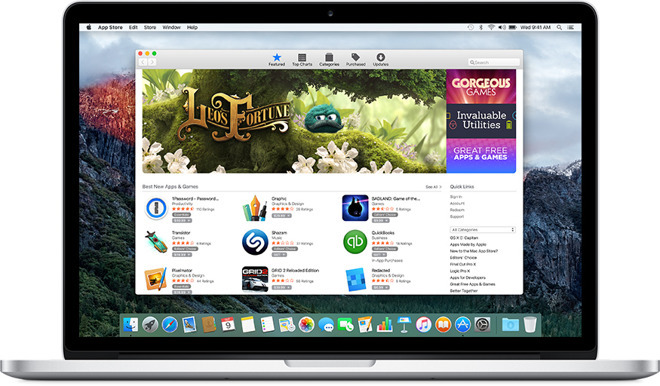
A lack of quality options on the Mac App Store has been one of the main criticisms of the online storefront since it debuted with Snow Leopard in early 2011. The iOS App Store, meanwhile, is regarded as one of the largest and highest quality app repositories on the planet, and bringing down barriers between the two could offer Mac users more downloadable options.
Source: appleinsider









