 NEWS
NEWS
BMW is Why Apple Should Build CarPlay Into iOS 12
 01/23/2018
 2782
2782
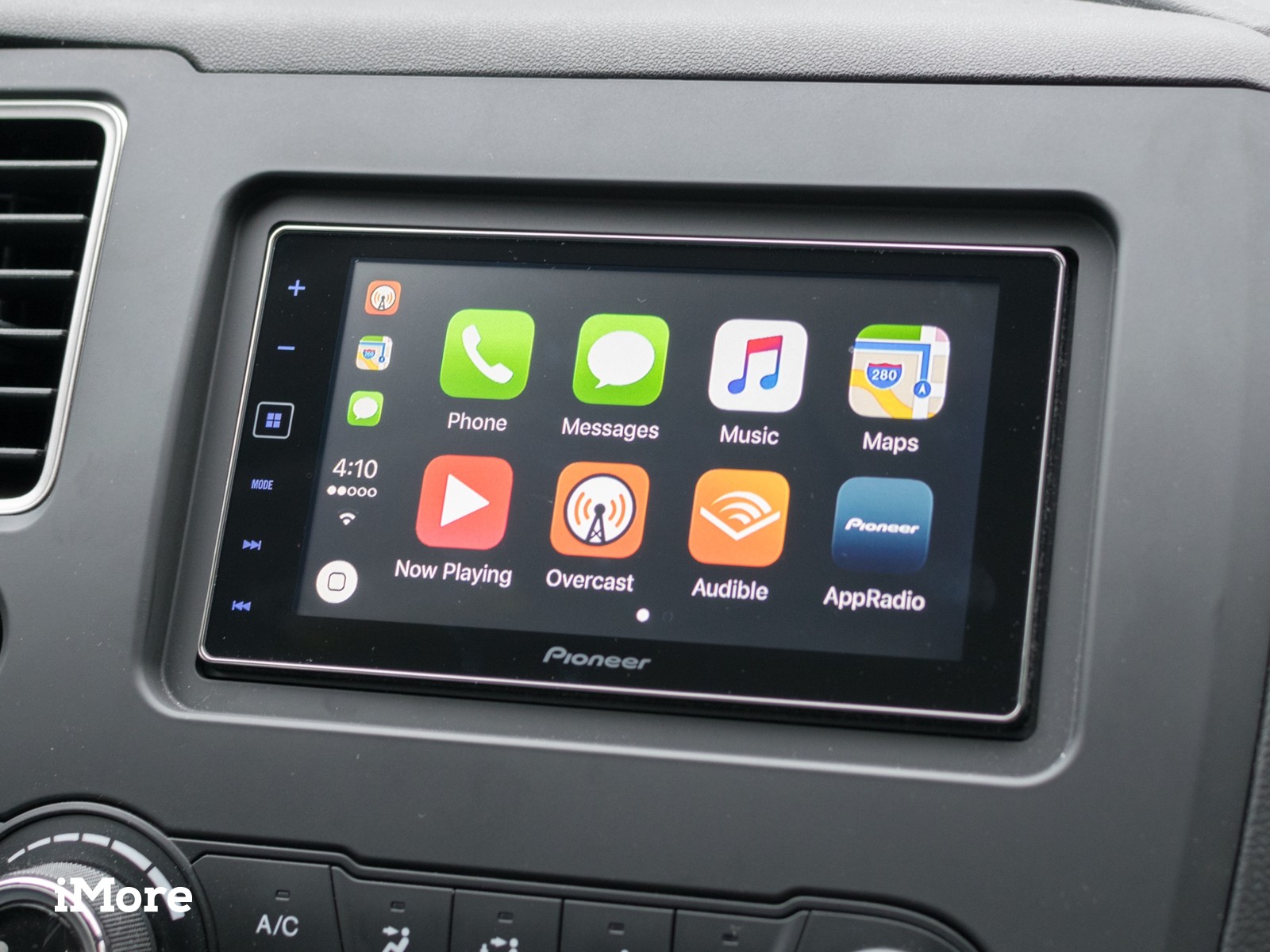
CarPlay is Apple's driver-friendly interface for Maps, Messages, Music, and more. Through partnership deals with major manufacturers, CarPlay get embedded in automobile infortainment centers and then syncs over Lightning or Wi-Fi with our iPhones. There's a small licensing fee involved for the technology, but CarPlay is essentially free.
So, of course, BMW wants to charge customers $80 a year for it.
Tim Stevens, writing for CNET, calls it next-level gouging:
"Instead of a one-time, $300 fee, starting on 2019 models BMW will charge $80 annually for the privilege of accessing Apple's otherwise totally free CarPlay service. You do get the first year free, much like your friendly neighborhood dealer of another sort, but after that it's pay up or have your Lightning cable metaphorically snipped.
On the surface this is pretty offensive, and it seemed like something must be driving this. The official word from BMW is that this is a change that will save many (perhaps most) BMW owners money. Indeed, the vehicle segments where BMW plays are notorious for short-term leases, and those owning the car for only a few years will save money over that one-time $300. But still, the notion of paying annually for something that's free rubbed me the wrong way. And, based on the feedback we saw from the article, it rubbed a lot of you the wrong way, too."
John Gruber, responding on Daring Fireball:
"It's patently offensive. If BMW goes through with this, you can never truly own one of their cars. $80/year isn't much compared to the price of the car, but on general principle this is way out there in Fuck You territory."
There have been calls for Apple to yank BMW's license or otherwise intervene to stop the jackassary being perpetrated under one of its brands.
You should be able to take an iPhone — or iPad, if you want something bigger — and mount it on your dashboard, and have it go into CarPlay-style interface mode.
It wouldn't have access to in-car Siri mics or the deeper aspects of the Infotainment system. If you want that, you'd still have to get a car with built-in CarPlay. But for people with cars that by virtue of their vendor or year don't have CarPlay as an option – or for people who don't want to pay BMW's insulting tax — it would offer at least a subset of important functionality on-device.
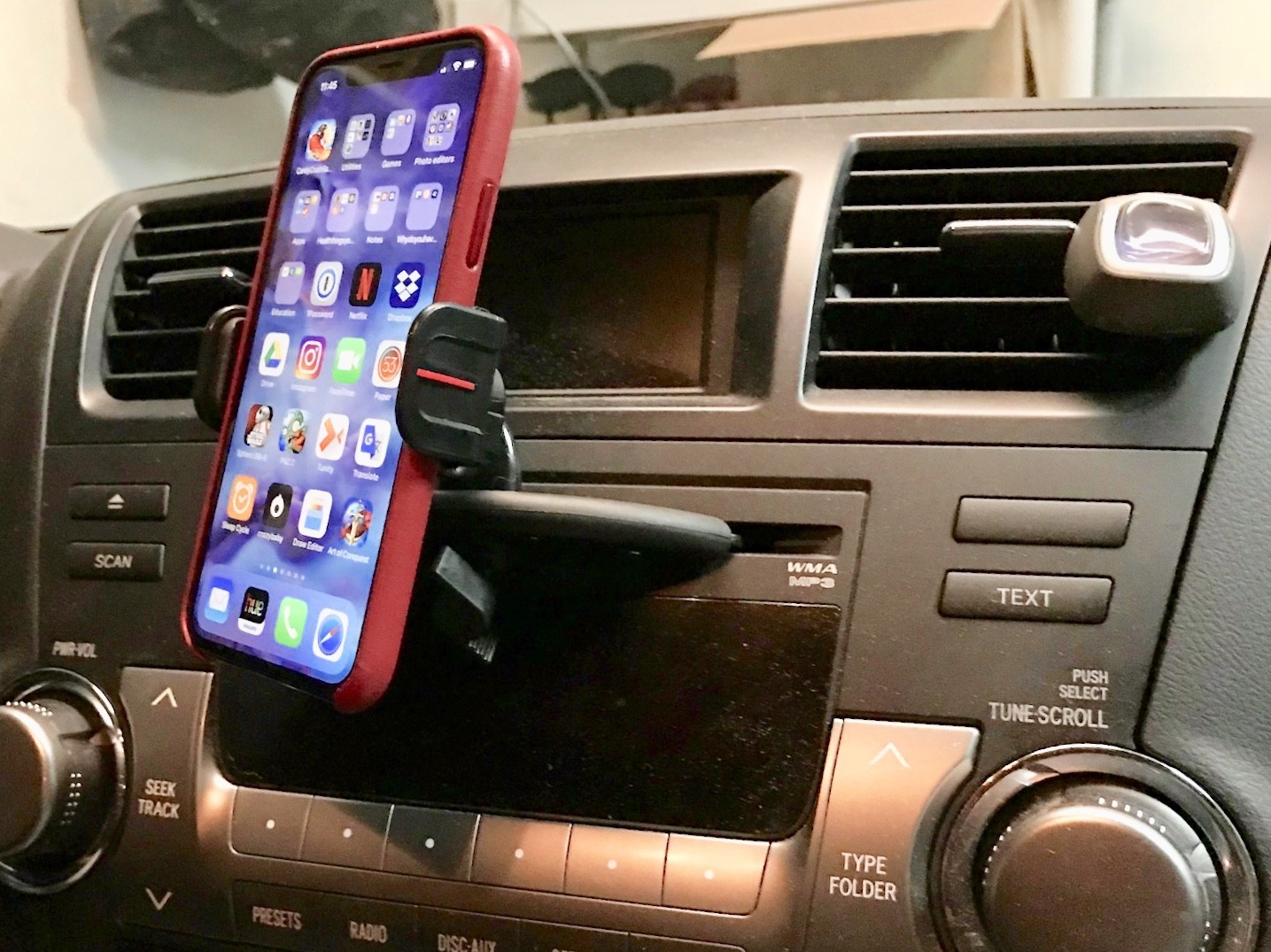
Still, Siri's verbosity would be amped up. Screens for Maps and Now Playing would be made bigger and much more glanceable.
Doing that would take pressure off of consumers and put it squarely on vendors who, if they want to offer CarPlay as a value-add, would really have to make it a value-add to beat the on-device experience.
Good screens. Good capacitive touch. Good, beam-forming mics. Good integration with the speaker system.
That way, the very next time a BMW tried to charge a customer $100 a year for CarPlay, the customer could get in, mount their iPhone, bring up the on-device CarPlay, blare Cee-Lo Green. And peel away.
Google has already done this with Android Auto. We'd love to see Apple do this with CarPlay in iOS 12.
Source: iMore









