NEWS
NEWS
Apple Seeds Seventh Beta of iOS 11.2.5 to Developers and Public Beta Testers
 01/22/2018
 2713
2713
Apple seeded the seventh beta of an upcoming iOS 11.2.5 update to developers, just a few days after seeding the sixth beta and more than a week after releasing iOS 11.2.2, an update designed to mitigate a serious hardware-based vulnerability called "Spectre."
Registered developers can download the iOS 11.2.5 beta from Apple's Developer Center or over-the-air once the proper configuration profile has been installed from the Developer Center. 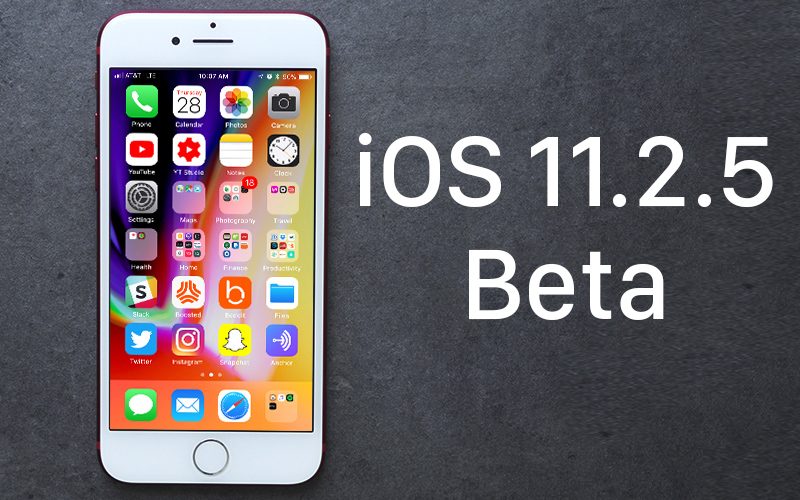
Early iOS 11.2.5 betas introduced a new feature letting Siri play daily news podcasts from MPR, Fox News, CNN, or The Washington Post when queried about the current news, but the feature was officially released in iOS 11.2.2 ahead of the iOS 11.2.5 update.
iOS 11.2.5 appears to address a bug that allowed a malicious link to freeze the Messages app on iOS devices. As of the sixth beta, the link in question no longer affects the Messages app.
It's not clear what other new features, if any, will be introduced in the iOS 11.2.5. We didn't discover other noticeable outward-facing changes in the first six iOS 11.2.5 betas, so it's possible this update focuses mainly on bug fixes and security improvements aside from the Siri news update.
If that's the case, we may not know the extent of what's in the update until it sees a public release. Apple is supposed to be releasing an iCloud Messages feature that was pulled from the iOS 11 release, but there has been no indication of when we can expect iCloud Messages to be reintroduced.
This beta appears to be the final golden master version of iOS 11.2.5 that will be released to the public next week.
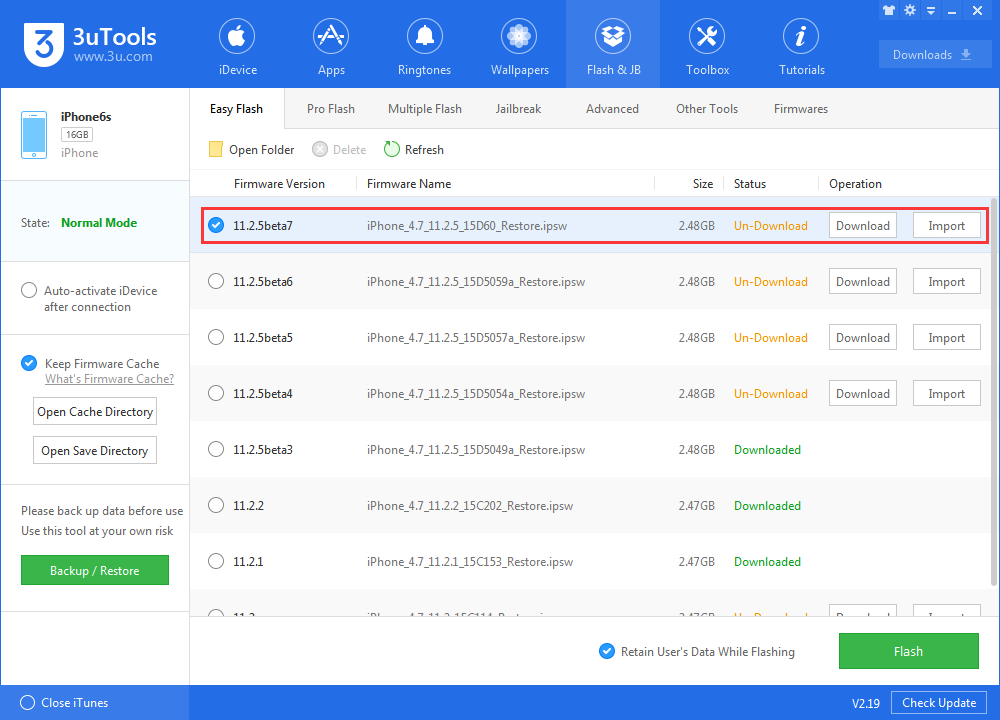
Now you can install iOS 11.2.5 beta 7 on 3uTools.