 NEWS
NEWS
Apple will replace your iPhone battery even if it passes a test
 01/03/2018
 2787
2787
When Apple revealed that it was secretly slowing down old iPhones as their batteries aged, some were understandably annoyed.
When Apple announced it would replace those batteries for just $29 each, some were still worried that their phones might not qualify for the fix. (The replacement cost has been lowered to £25 in the UK and AU$39 in Australia.)
After all, Apple said the battery replacements would be available "for anyone with an iPhone 6 or later whose battery needs to be replaced," but the company didn't define what "needs to be replaced" actually means -- and Apple's previous policy was to test batteries first to see how much energy they can store, and replace them if they had less than 80 percent capacity.
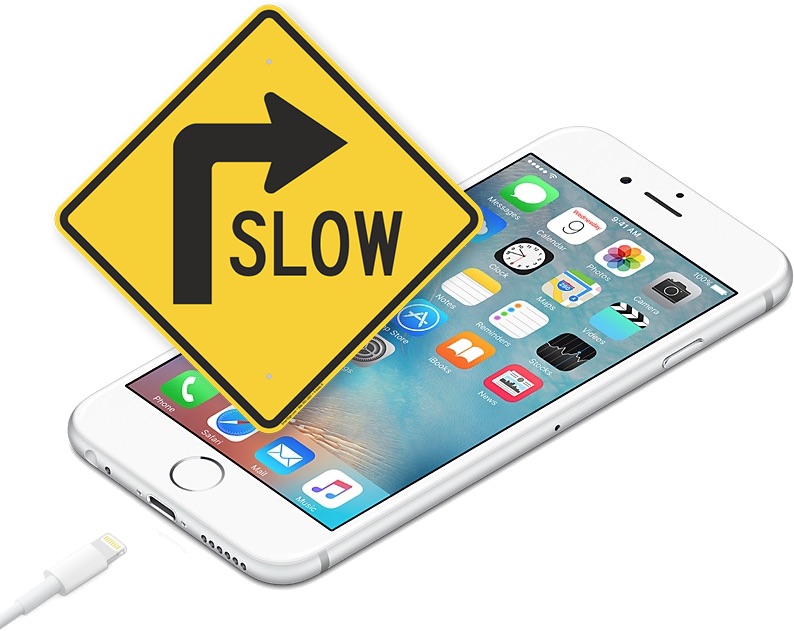
But for Apple's $29 battery replacement mea culpa, Apple has reportedly decided to waive those test results.
According to a leaked memo obtained by iGeneration -- and independently confirmed by MacRumors with Apple itself -- the company is telling Apple Stores to offer the $29 replacement batteries even if a customer's phone passes the battery capacity test with flying colors.
We've asked Apple if there are any other conditions we should know about. (Apple didn't immediately reply to a request for comment.)
Anecdotally, we can confirm that at least one Apple Store was willing to waive the test results. When CNET's Oliver Padilla went to ask for a battery replacement yesterday, they promised him one -- even though his phone passed the battery capacity test with a "green" result.
Source: cnet











