 NEWS
NEWS
iOS 11.1.2 Jailbreak to.panga Released
 12/25/2017
 5851
5851
Ian Beer's async_wake exploit has proven it is a huge leap in the jailbreak community recently following the sluggish developments in the last few months. As of the latest, iOS 11.1.2 jailbreak to.panga has been pulled off, thanks to the newly-released exploit.
Abraham Masri, the developer behind the success of Saigon jailbreak and Houdini semi-jaibreak, has rolled out to.panga to the public. However, it is available for developers at the moment.
The new iOS 11.1.2 jailbreak is based on async_wake and is codesigned by xerub. Its binaries and libraries come from Jonathan Levin and CoolStart, among others. While it is currently released for developers only, the public can expect a full public release in the weeks or months to come once ready.
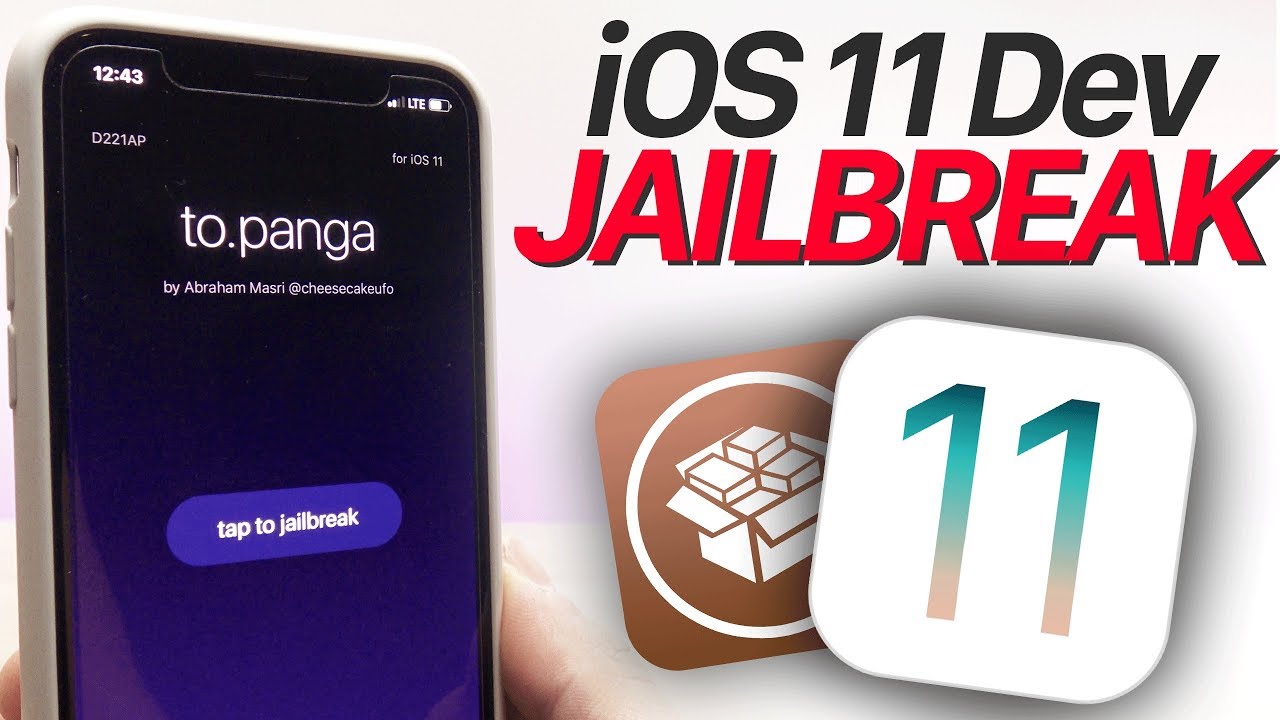
Masri intended the first release for developers so they would understand what is going on behind the scenes as far as jailbreak is concerned. In addition, he said he opened it to developers so they could build something more stable and functional based on what is available.
The developer had "implemented a 'jailbreakd' type of daemon that injects processes that Cydia uses". Even so, Masri admitted there is a lot of work to be done as the jailbreak is "not perfect but partially works."
As mentioned, to.panga is not yet full and final, so it is still open for additional modifications. Masri has warned that developers who will work on this should remove any system packages using Cydia to avoid getting into trouble. Cydia is not yet fully functional on 64-bit iOS devices so the community has to wait for Cydia creator Jay "Saurik" Freeman to provide updates for the tool down the road.
If you want to learn more about iOS 11.1.2 jailbreak to.panga, you can visit its official GitHub page.
Source: ibitimes










