 NEWS
NEWS
Apple Reportedly Developing EKG Reader for Future Apple Watch Models
 12/22/2017
 2806
2806
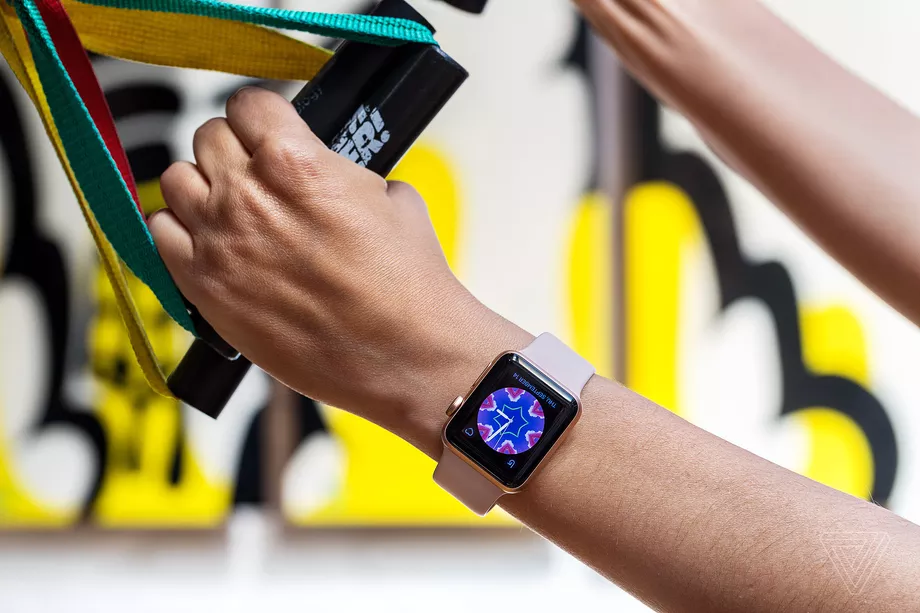
Future versions of the Apple Watch may contain an advanced form of heart-monitoring technology that would use electric signals to detect heart abnormalities, defects, and other potential indicators of cardiovascular illness, according to a report from Bloomberg. Known as electrocardiograms, or EKGs, the tests are typically performed using multiple electrodes placed directly on the skin, which monitor otherwise imperceptible electrical patterns in between heartbeats.
Apple is reportedly working on a way to let the Apple Watch perform an EKG by having a user squeeze the device. Sensors and data gathered from minor electric currents sent up the arm and across the chest to the user’s heart would measure data typically gathered by electrodes on the skin. This would let Apple Watch owners at risk for stroke or heart failure receive a constant stream of EKG data that could then better inform doctors with diagnosis and treatment at an early stage.
Apple hasn’t been secretive about its work in beefing up the Apple Watch’s role as a medical tool and not simply a fitness device. (The company has long since stopped positioning the device’s as a luxury piece of jewelry.) That’s in part because of the rigorous testing and regulatory approval necessary to put advanced health-monitoring features into a consumer product.
Late last month, Apple launched a new study in partnership with Stanford University, one of many studies the company has embarked on since the device’s 2015 launch, that will track Apple Watch users’ heart rhythms for irregularity. This type of data collection can be done with the current model’s heart rate monitor, but more advanced forms of tracking and testing, like EKGs, would require all new hardware and software. On the same day, the Federal Drug Administration cleared the Apple Watch’s first medical device accessory, an EKG reader built into a watch strap from medical device company AliveCor. Down the line, it seems like Apple wants as much of this technology built into the watch as possible, contingent only on what is actually feasible given current hardware and software constraints.
Source: the verge









