 NEWS
NEWS
Apple Is Intentionally Slowing Down Older iPhones With Degraded Batteries
 12/12/2017
 4951
4951
Have you ever subscribed to the conspiracy theory that Apple, or indeed other smartphone manufacturers, have something in place on your device to slow it down or make it perform worse when a new device is about to launch?
In its purest form, that myth is exactly that, just a myth, and tests have proved that there’s no truth to it in Apple’s case, but new information suggests that Apple may be limiting the performance of its iOS devices by underclocking the CPU when it detects that a battery is degraded or cannot perform to its full capabilities.
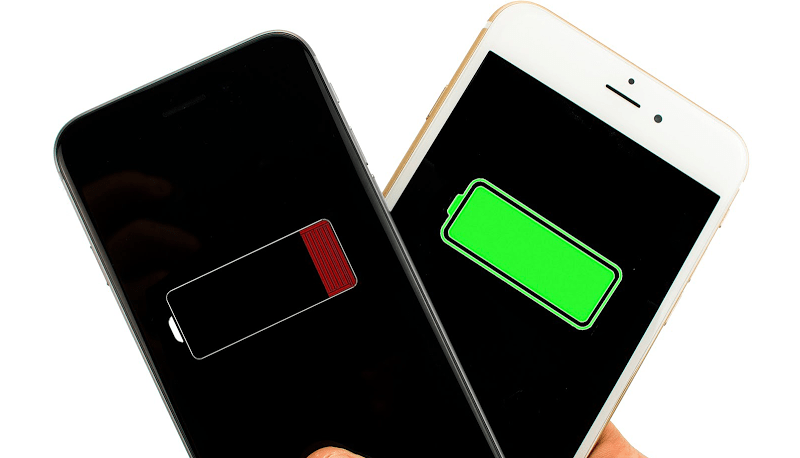
Numerous reports on Reddit, which include some detailed investigation, are suggesting that Apple has detection in place to determine if a battery is underperforming on a device and to underclock and limit the performance of the device based on that detection. The discussion started after Reddit user TeckFire took the opportunity to put some Geekbench results for an older iPhone 6s to the network. For clarity, he posted results for the device with its original battery, which had a wear level of approximately 20-percent. He then had the battery in the device replaced, ran the tests again, and posted the results as a comparison.
The device with the original battery performed way below the average results that we’d expect for this device, clocking up a single-core score of 1466 and a multi-core score of 2515. With the battery replaced, those Geekbench scores immediately jumped to 2525 single-core and 4456 multi-core.

The conspiracy theorists here will immediately jump down Apple’s throat and claim that the company is artificially limiting the performance of devices in order to make the new hardware look more appealing. However, that simply doesn’t appear to be the case.
It seems to be that the increased power consumption required by Apple’s A8 and A9 chips means that the device will shut down unexpectedly if there isn’t enough voltage being provided, meaning this appears to be a way for Apple to mitigate this terrible user-experience by underclocking the CPU to ensure that it doesn’t require that increased power.
Let’s hope Apple actually takes this opportunity to come out and provide some transparency on the situation and fill in the blanks in an official capacity. You can also check battery details on 3uTools.
Source: reddit











