 NEWS
NEWS
Apple is Reportedly Working on A Laser-based 3D Sensor for 2019 iPhone
 11/15/2017
 3247
3247
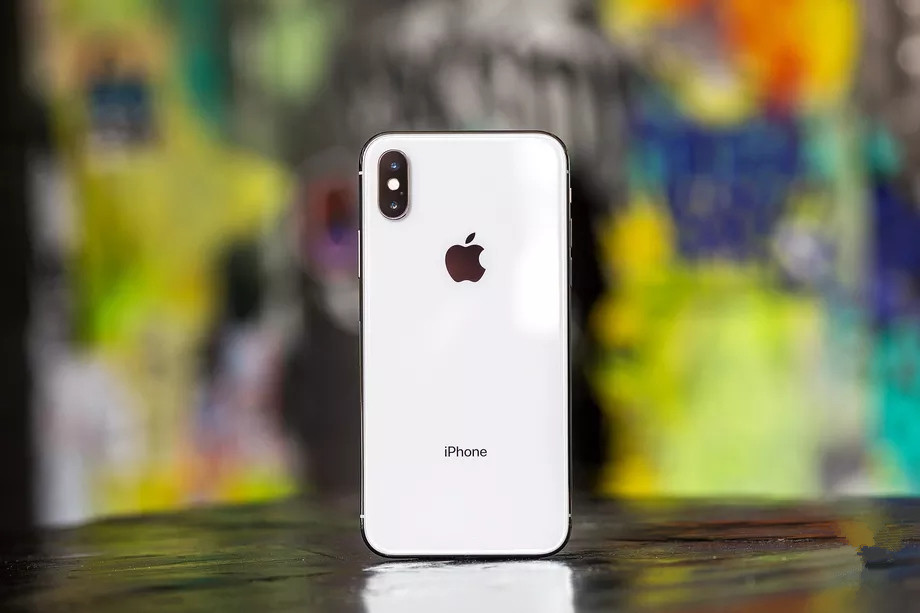
The 2017 iPhone X has only just come out, and everyone is still soaking in the animoji novelty, but rumours about Apple’s 2019 iPhone are already emerging. Bloomberg has come out with a report today that suggests Apple is developing a new “3D sensor” for the rear of the 2019 phone that will be used to improve the company’s developing augmented reality apps and services.
The proposed system would work by firing lasers out of the device and measuring the time it takes for the reflection to get back to it to establish a depth map. Similar depth information can be obtained by using dual cameras, as Apple already does, and through the infrared-based FaceID system that graces the notch on the front of the iPhone X. Google even does it by using dual pixels in its latest Pixel 2 camera, which produce just enough of a parallax effect to get the job done. But Apple’s new system is presumably being developed to produce results that are a lot more precise and robust.
Bloomberg says that Apple is presently courting suppliers for the 3D-sensing system the company has in mind, however it isn’t yet entirely certain that the technology will make it into the 2019 iPhone. What’s assured, according to the report, is that the TrueDepth sensors that make FaceID work on the front of the iPhone X are there to stay, and Apple is working toward creating the 3D sensor for the rear to give the device 3D awareness on both sides.
Apple’s ARKit has already demonstrated some extremely impressive examples of augmented reality on iOS devices, and it’s only logical that Apple would look to press that advantage by adding to its hardware arsenal. Timing may not yet be certain, however this 3D sensor fits neatly in line with Apple’s recent track record — which includes the Taptic Engine, A11 Bionic processor, and the entire FaceID system — of looking to augment its long-established software lead with bespoke iPhone hardware.
Source: the verge










