 NEWS
NEWS
Apple, Google, and the Constant Chase for Tech that Can’t be Reverse-engineered
 11/14/2017
 3008
3008
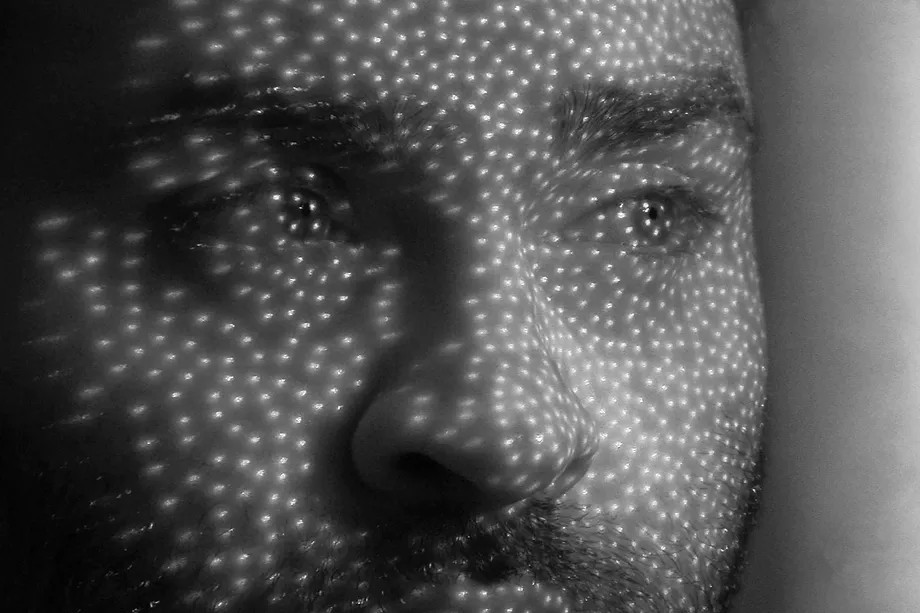
One of my favorite things about the tech industry is how quickly innovations from the big companies and premium products trickle down into more affordable devices. The rampant stealing of ideas isn't so awesome when it happens between small companies — or, as in the case of Facebook treating Snapchat like its incubation lab, when a big company copies a smaller one. But I don’t have a problem with the general flow of good ideas from giants like Apple and Google to more budget-friendly suppliers of hardware and software. Apple and Google, though, have an obvious problem with that, and they’ve worked hard to develop new techniques and approaches that can’t be readily imitated.
The big new thing in smartphones lately is one of those buzz phrases you’ll have heard tossed around: machine learning. Like augmented and virtual reality, machine learning is often thought of as a distant promise. However, in 2017, it has materialized in major ways. Machine learning is at the heart of what makes this year’s iPhone X from Apple and Pixel 2 / XL from Google unique. It is the driver of differentiation both today and tomorrow, and the companies that fall behind in it will find themselves desperately out of contention.
A machine learning advantage can’t be easily replicated, cloned, or reverse-engineered: to compete with the likes of Apple and Google at this game, you need to have as much computing power and user data as they do (which you probably lack) and as much time as they’ve invested (which you probably don’t have). In simple terms, machine learning promises to be the holy grail for giant tech companies that want to scale peaks that smaller rivals can’t reach. It capitalizes on vast resources and user bases, and it keeps getting better with time, so competitors have to keep moving just to stay within reach.
I’m not arguing that machine learning is a panacea any more than I would argue that allOLED displays are awesome (some are terrible): it’s just the basis on which some of the key differentiating features are now being built.
GOOGLE’S HDR+ CAMERA
Let’s start with the most impressive expression of machine learning consumer tech to date: the camera on Google’s Pixel and Pixel 2 phones. Its DSLR-like performance never ceases to amaze me, especially in low-light conditions. Google’s imaging software has transcended the traditional physical limitations of mobile cameras (namely: shortage of physical space for large sensors and lenses), and it’s done so through a combination of clever algorithms and machine learning. As Google likes to put it, the company has turned a light problem into a data problem, and few companies are as adept at processing data as Google.
I spoke with Marc Levoy, the Stanford academic that leads Google’s computational photography team, recently, and he stressed something important about Google’s machine learning-assisted camera: it keeps getting better over time. Even if Google had done nothing whatsoever to improve the Pixel camera in the time between the Pixel and Pixel 2’s launch, the simple accumulation of machine learning time will have made the camera better. Time is the added dimension that makes machine learning even more exciting. The more resources you can throw at your machine learning setup, says Levoy, the better its output becomes, and time and processing power (both on the device itself and in Google’s vast server farms) are crucial.
Source: the verge










