 NEWS
NEWS
Apple Patents a Unique Way to Coat iPhones in 18-karat Gold
 10/30/2017
 3340
3340
Apple has an idea for making "enclosures for electronic devices" out of hardened gold, according to a patent application published on Oct. 26.
Since 18-karat gold has low hardness, Apple has an idea for hardening the precious metal into a crystalline form by mixing it with other metals and putting it through a special process of mixing, rolling, heating, cooling and aging the metal.
It could also be used to process 24-karat gold, the patent said, and in combinations that have more or less of the total weight in gold.
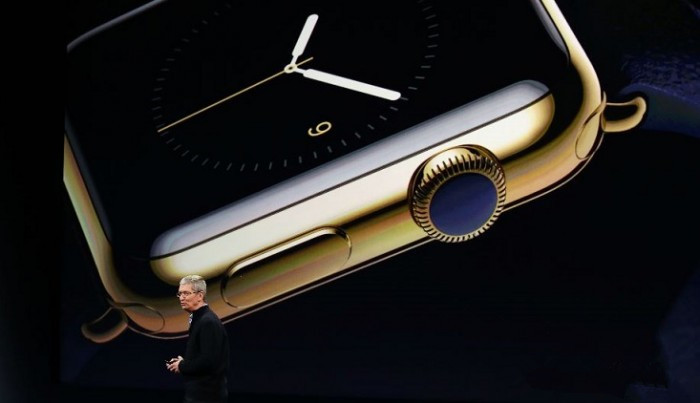
According to the patent, the process could be used for "mobile phones, tablet computers, notebook computers, instrument windows, appliance screens, and the like," and could be used to make cosmetically appealing color such as "yellow gold, red gold, rose gold, pink gold, white gold, gray gold, green gold, blue gold or purple gold."
Most Apple patents never go into commercial development or even see the light of the lab in Cupertino. But the patent comes as the company released the iPhone X, which is only available for preorder in silver and "space gray," not the gold or rose gold colors that were available in earlier models. Some third parties offer gold plating services, at quite high prices — spot gold sells for about $1,270 per ounce.
While Apple's designs and finishes are mostly kept under wraps, iPhones already contain a small amount of bullion in the internal components, according to information from the American Chemical Society and Apple's recycling statistics.
Apple did not immediately respond to a request for comment on the patent.
Source: cnbc










