
NEWS

Apple Says $506M Judgement Against It For Patent infringement Was ‘Fraught With Error’

10/27/2017

3542

Back in 2015, Apple was found to have infringed a chip efficiency patent belonging to the University of Wisconsin. The company was told at the time that it would have to pay damages that might amount to as much as $862M …


Damages were subsequently reduced to $234M when it was ruled that Apple had not intentionally infringed the patent, but then increased to $506M because the company continued to do so after the verdict.


Apple has now appealed the ruling, claiming that it is ‘fraught with error.’ Patently Apple spotted the paywalled Law360 report.

Apple Says $506M Judgement Against It For Patent infringement Was ‘Fraught With Error’


Apple Inc. has told the Federal Circuit that a Wisconsin federal court’s $506 million judgment that the company infringed a computer processor patent held by the Wisconsin Alumni Research Foundation was “fraught with error” and must be overturned.


In an opening brief filed Friday and made public this week, the tech giant argued that virtually every aspect of the jury verdict and post-trial rulings in the Western District of Wisconsin was flawed, from the findings on infringement and validity to WARF’s “prejudicially inflated” damages theory.


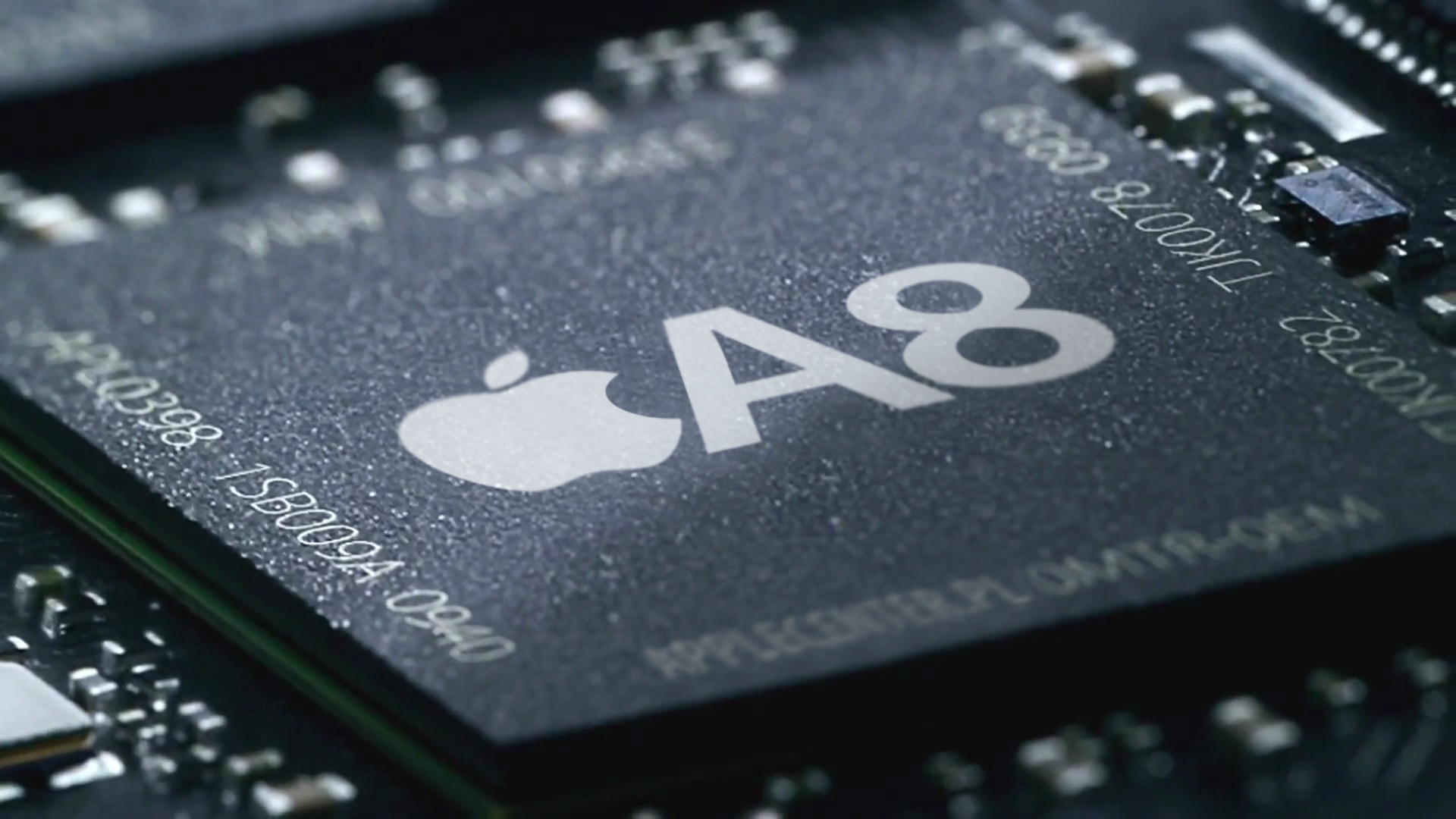
Apple was ruled to have infringed the patent in the iPhone 5s, iPhone 6 and iPhone 6 Plus, as well as several iPads. The A7, A8 and A8X chips were all found to be in violation. The company originally challenged the validity of the patent, but the U.S. Patent and Trademark Office denied a request for a review.


Source: 9to5mac

Windows
Mac OS
iOS
Linux
3uTools
Win 64-bit For this device
V9.0 2025-11-11
Download
Win 32-bit For this device
V9.0 2025-11-11
Download
3uTools
Intel Chip How to Identify Chip Type
V9.0 2025-12-02
Download
Apple Chip
V9.0 2025-12-02
Download
How to Identify Chip Type
1.  Click the Apple icon in the top-left corner of the screen and select About This Mac.
2.  Check the Processor or Chip field to determine if it is "Intel" or "Apple".
Please use the 3uTools PC client to install the iOS client:
1、 Install either the Windows or Mac version of 3uTools on your computer
2、 Open the PC client and connect your device to the computer via USB cable
3、 After the connection is successful, wait for the computer to automatically install the mobile app for the device, or locate “Install Mobile App” on the computer and manually click to install.
3uTools
deb file
V3.01 2025-11-20
Download
rpm file
V3.01 2025-11-20
Download
Windows
Windows
iOS
iOS
Android
Android
TV
TV
3uAirPlayer
Win 64-bit For this device
V6.0.2 2025-11-19
Download
Win 32-bit For this device
V6.0.2 2025-11-19
Download
iOS Device Mirroring (No App Required)
1、 Install 3uAirPlayer on the Windows PC
2、 Open Control Center and select Screen Mirroring
3、 From the list, choose your PC to start mirroring
4、 Or connect your iOS device to the PC via USB to begin mirroring
Scan to get "3uAirPlayer" App
3uAirPlayer TV V1.0.18
2025-11-28
TV System Requirements: Android 7.0 or later
Download the TV installation package, copy it to a USB drive, insert it into your TV or set-top box, then select the file from the home screen to install.




