 NEWS
NEWS
Apple Seeds Fifth macOS High Sierra 10.13.1 Beta to Developers
 10/27/2017
 3775
3775
Apple today seeded the fifth beta of an upcoming macOS High Sierra update to developers, three days after releasing the fourth macOS High Sierra 10.13.1 beta and a month after releasing the new High Sierra operating system to the public.
The fifth macOS High Sierra 10.13.1 beta can be downloaded from the Apple Developer Center or through the Software Update mechanism in the Mac App Store with the proper profile installed. 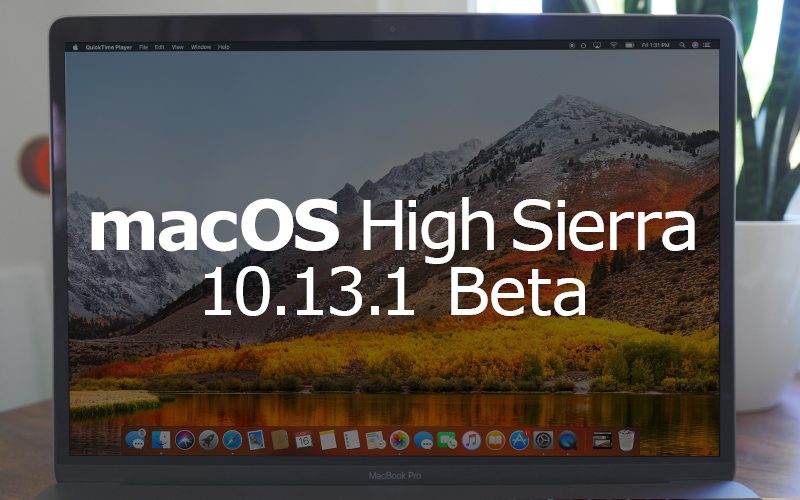
macOS High Sierra 10.13.1 focuses primarily on bug fixes, performance improvements, security enhancements, and other under-the-hood changes.
The update includes a fix for a serious vulnerability in the WPA2 Wi-Fi standard that protects many modern Wi-Fi networks. Using a key reinstallation attack or "KRACK," attackers can exploit weaknesses in the WPA2 protocol to decrypt network traffic to sniff out sensitive information. This attack is not possible with the patch in macOS 10.13.1.
Also new in macOS 10.13.1 is a range of new Unicode 10 emoji like crazy face, pie, pretzel, t-rex, vampire, exploding head, face vomiting, shushing face, love you gesture, brain, scarf, zebra, giraffe, fortune cookie, pie, hedgehog, and more. The new emoji are also available in iOS 11.1 and watchOS 4.1.
macOS High Sierra is a major update that introduces APFS, a new more modern file system, HEIF and HEVC photo and video encoding improvements for smaller file sizes without compromising quality, Metal 2, and several new features for Safari, like autoplay blocking for videos and Intelligent Tracking Prevention to better protect user privacy.
For more on what's new in macOS High Sierra, make sure to check out our macOS High Sierra roundup.
Update: Apple has also released a new beta of macOS High Sierra 10.13.1 to public beta testers.
Source: macrumors










