NEWS

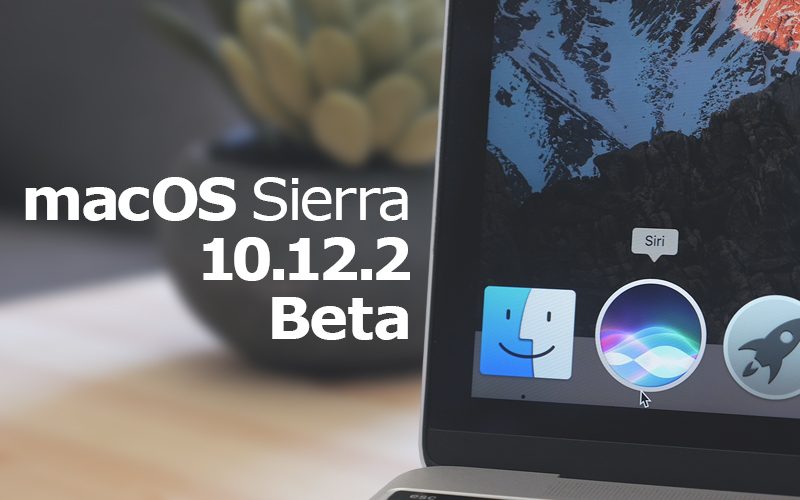
Apple Releases Minor Update to First MacOS Sierra 10.12.2 Beta

11/03/2016

5184

Apple today seeded a second version of the initial macOS Sierra 10.12.2 beta, which comes two days after the macOS Sierra 10.12.2 beta was originally seeded to developers.  

The build number of today's update is 16C32f, while the original 10.12.2 beta build number was 16C32e, indicating a small incremental update that does not count as a full second beta release. 


Because the new beta is not showing up as an over-the-air download in the Mac App storefor  developers who have already installed macOS Sierra 10.12.2, it likely only includes minor tweaks and will be provided only to developers who are downloading the beta for the first time. 


Apple Releases Minor Update to First MacOS Sierra 10.12.2 Beta


macOS Sierra 10.12.2 includes the same new emoji and emoji updates that are present in the iOS10.2 beta, introducing support for Unicode 9 emoji and new profession emoji. Some of the new emoji characters include selfie, face palm, crossed fingers, shark, owl, butterfly, bacon, avocado, and croissant. 

Apple has also updated many existing emoji with new artwork, adding detail and making them look brighter and more realistic. 

The 10.12.2 update also includes under-the-hood bug fixes and performance improvements to address issues discovered since the release of macOS Sierra 10.12.1. 

Update: The macOS Sierra 10.12.2 update is now available as an over-the-air download for developers, but it is still labeled as "Beta 1."


Source:MacruMors

Windows
Mac OS
iOS
Linux
3uTools
Win 64-bit For this device
V9.0 2025-11-11
Download
Win 32-bit For this device
V9.0 2025-11-11
Download
3uTools
Intel Chip How to Identify Chip Type
V9.0 2025-12-02
Download
Apple Silicon
V9.0 2025-12-02
Download
How to Identify Chip Type
1.  Click the Apple icon in the top-left corner of the screen and select About This Mac.
2.  Check the Processor or Chip field to determine if it is "Intel" or "Apple".
Please use the 3uTools PC client to install the iOS client:
1、 Install either the Windows or Mac version of 3uTools on your computer
2、 Open the PC client and connect your device to the computer via USB cable
3、 After the connection is successful, wait for the computer to automatically install the mobile app for the device, or locate “Install Mobile App” on the computer and manually click to install.
3uTools
deb file
V3.01 2025-11-20
Download
rpm file
V3.01 2025-11-20
Download
Windows
Windows
iOS
iOS
Android
Android
TV
TV
3uAirPlayer
Win 64-bit For this device
V6.0.2 2025-11-19
Download
Win 32-bit For this device
V6.0.2 2025-11-19
Download
iOS Device Mirroring (No App Required)
1、 Install 3uAirPlayer on the Windows PC
2、 Open Control Center and select Screen Mirroring
3、 From the list, choose your PC to start mirroring
4、 Or connect your iOS device to the PC via USB to begin mirroring
Scan to get "3uAirPlayer" App
3uAirPlayer TV V1.0.18
2025-11-28
TV System Requirements: Android 7.0 or later
Download the TV installation package, copy it to a USB drive, insert it into your TV or set-top box, then select the file from the home screen to install.