
NEWS

Is Apple Intentionally Going To Delay The High-End iPhone 8 Launch?

04/25/2017

3563

Apple would delay launching the high-end iPhone 8 because the company is working on game changer' technology. The firm's analysts stated that they think the company is working on facial recognition technology in its OLED model (the rumored $1,000/unit iPhone8), which could replace Touch ID.


"We believe combing combining 3-D sensing and the location, as well as payment information, could bring up more personalized services and this could be one step towards potential augmented reality (AR) applications".


Furthermore, the analysts assert that as a result of the complicated 3-D algorithms, the assembly of the OLED iPhone8 will not ramp up until October in a planned move by Apple.
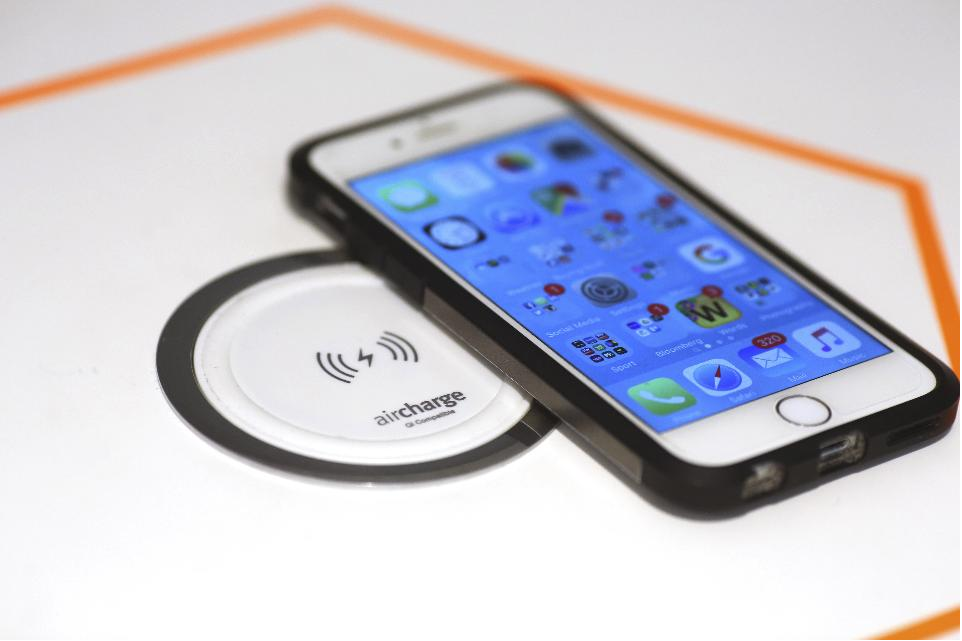

Is Apple Intentionally Going To Delay The High-End iPhone 8 Launch?


If that is indeed the case, I think the pent-up demand for the top of the line model could turn out to be a masterstroke for the company.


Introduce the lower-end iPhone 8's in the late September-early October time frame and then let the demand build up for the flag-ship model.


Also this morning, a note from KGI Securities analyst Ming-Chi Kuo speculated that the iPhone 8 may have limited supplies through the end of the year. Kuo also stated that Apple would ramp production in the October-November time-frame, due to the incorporation of new technologies like edge-to-edge OLED display in the iPhone 8. As a result, Apple could experience shortages in its new iPhone 8 shipments due to production difficulties.


Source: forbes

Windows
Mac OS
iOS
Linux
3uTools
Win 64-bit For this device
V9.0 2025-11-11
Download
Win 32-bit For this device
V9.0 2025-11-11
Download
3uTools
Intel Chip How to Identify Chip Type
V9.0 2025-12-02
Download
Apple Silicon
V9.0 2025-12-02
Download
How to Identify Chip Type
1.  Click the Apple icon in the top-left corner of the screen and select About This Mac.
2.  Check the Processor or Chip field to determine if it is "Intel" or "Apple".
Please use the 3uTools PC client to install the iOS client:
1、 Install either the Windows or Mac version of 3uTools on your computer
2、 Open the PC client and connect your device to the computer via USB cable
3、 After the connection is successful, wait for the computer to automatically install the mobile app for the device, or locate “Install Mobile App” on the computer and manually click to install.
3uTools
deb file
V3.01 2025-11-20
Download
rpm file
V3.01 2025-11-20
Download
Windows
Windows
iOS
iOS
Android
Android
TV
TV
3uAirPlayer
Win 64-bit For this device
V6.0.2 2025-11-19
Download
Win 32-bit For this device
V6.0.2 2025-11-19
Download
iOS Device Mirroring (No App Required)
1、 Install 3uAirPlayer on the Windows PC
2、 Open Control Center and select Screen Mirroring
3、 From the list, choose your PC to start mirroring
4、 Or connect your iOS device to the PC via USB to begin mirroring
Scan to get "3uAirPlayer" App
3uAirPlayer TV V1.0.18
2025-11-28
TV System Requirements: Android 7.0 or later
Download the TV installation package, copy it to a USB drive, insert it into your TV or set-top box, then select the file from the home screen to install.




