 NEWS
NEWS
Apple Will Drop 32-bit App Support Entirely With iOS 11 This Fall
 04/10/2017
 4187
4187
Apple has slowly been cracking down on 32-bit iOS apps, but it appears that it will make a drastic change come this fall. According to prominent developer Steven Troughton-Smith, Apple will drop support for 32-bit apps altogether with iOS 11. This means that many legacy apps will no longer function at all.
While the specific source of this tidbit of information is unclear at this point, Smith says that he’s hearing “very clearly” that it is a move Apple will make. In the grand scheme of things, however, it shouldn’t come as too big of a surprise for developers or users.
Starting with iOS 10.3, Apple has started alerting users when they open a 32-bit app on iOS. The pop up notification reads that the app must be updated by the developer or else it may not work with future versions of iOS.
Apple first started supporting 64-bit applications with the launch of the iPhone 5s in September of 2013. Apple has also required developers to submit new apps with 64-bit support since February 2015 and app updates since June 2015.
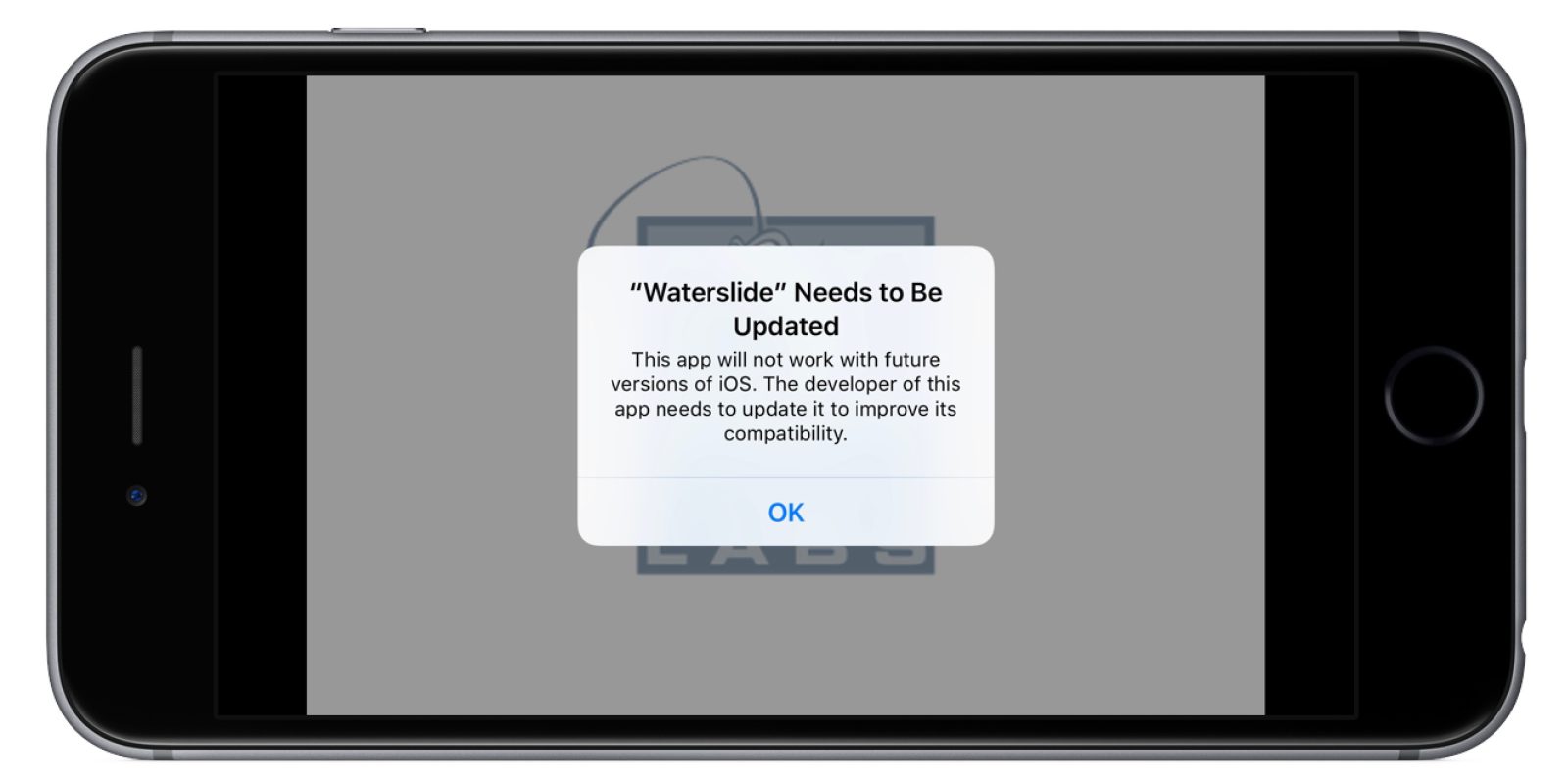
Apple’s conquest against 32-bit apps really began with iOS 9, however. Here, Apple alerted users that because the app was 32-bit, it may slow down device performance. It only increased the severity of the warning with iOS 10.3.
Furthermore, Smith notes that it “sounds like” future processors from Apple won’t even include 32-bit support, a move that could free up performance/die space for users and developers.
Apple’s goal with this gradual phase out of 32-bit apps is likely that the end-user isn’t affected by it, but rather developers work to ensure that their apps are updated before support has been completely dropped.
The move comes as Apple has detailed plans to remove “problematic and abandoned apps” from the App Store in one of its first moves to focus on app quality over catalog quantity. Apple detailed these goals in September of last year and the following month, Apple was said to have removed nearly 50,000 apps from the App Store.
Source: 9to5mac









